Smart bulbs can be one of the easiest ways to make a home feel calmer, but the choices can look confusing at first. Some bulbs change color, some only dim, some need a hub, and some work directly through Wi-Fi. Before you buy, the practical question is not which bulb has the longest feature list. It is which bulb will solve one simple lighting problem in your actual room.
This guide keeps the decision simple. You will learn what to check before buying, which features matter for everyday routines, and where beginners often overbuy. If you are also starting with plug-in routines, it may help to compare lighting decisions with a simpler automation habit like a smart plug schedule for busy households. The same calm rule applies: start with one useful routine before adding more devices.
Why Smart Bulbs Matter for Simple Routines
A smart bulb is most useful when it removes a small daily annoyance. Maybe the living room is too bright at night. Maybe a hallway lamp is always forgotten. Maybe the bedroom needs a softer wake-up routine. These are good reasons to consider one or two bulbs.
The buying mistake is treating smart bulbs like a whole-home project on day one. Most beginners are better served by choosing a room, choosing a fixture, and deciding on one routine. ENERGY STAR explains that smart lighting can include basic remote control, dimming, color changes, scenes, schedules, and location-based controls, but the right feature set depends on the room and the way you use it. You can review their overview of smart lighting features and buying tips before making energy-related claims or comparing products.
Start With the Fixture, Not the App
Before comparing apps, voice assistants, or color effects, look at the lamp or fixture where the bulb will go. The bulb has to physically fit, match the socket type, stay within the fixture's wattage guidance, and work in the environment where you plan to use it.
For many beginners, the safest first locations are table lamps, floor lamps, and open indoor fixtures. Enclosed fixtures, outdoor fixtures, ceiling fans, and specialty bulbs need more careful checking. If the bulb packaging or manufacturer page says not to use it in an enclosed fixture, do not guess. Heat management matters for LED performance, and fixture compatibility is not something to improvise.
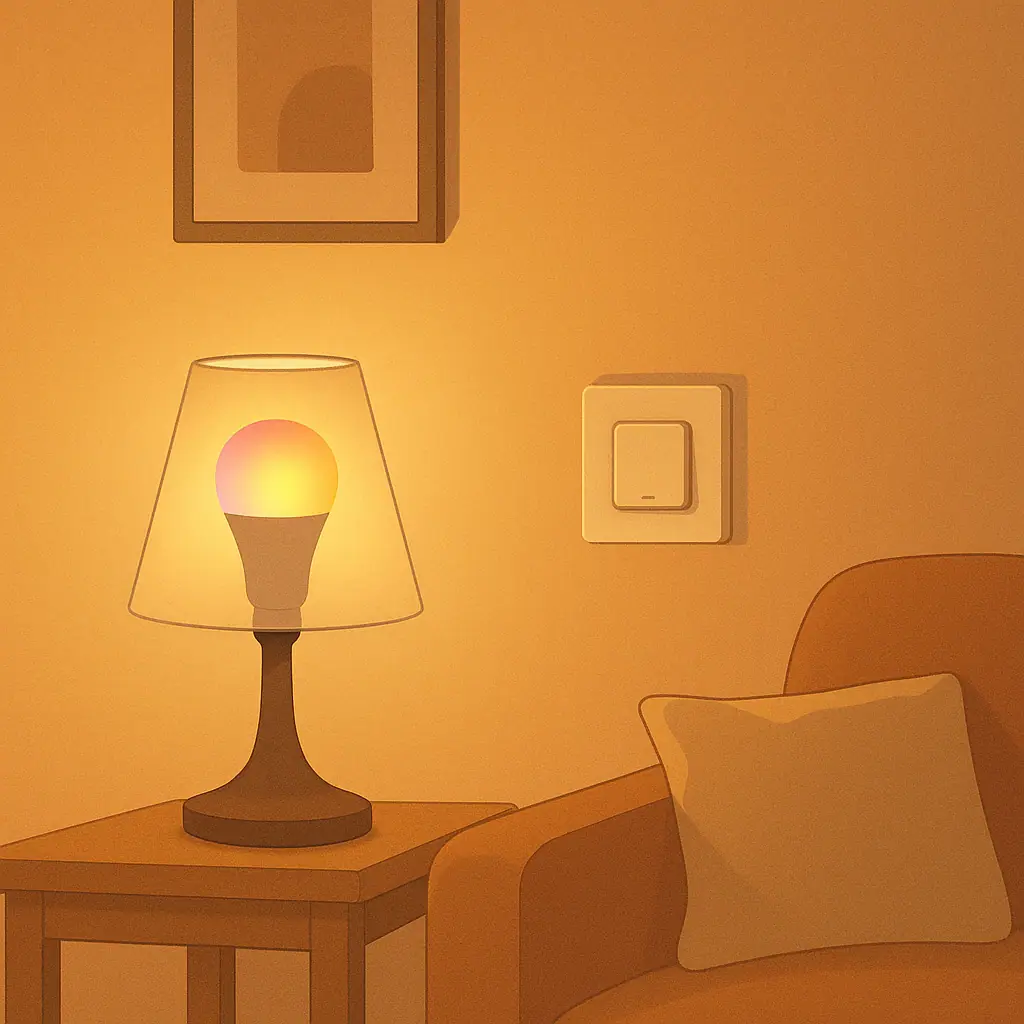
Also decide whether the wall switch will stay on. A smart bulb needs power to respond to the app or automation. If someone regularly turns the wall switch off, the bulb may look offline until the switch is turned back on. In a shared household, this matters more than the app brand.
What to Check Before You Buy
Use this short checklist before buying your first bulb. It prevents most beginner frustration without turning the decision into a technical project.
- Socket and shape: Match the base type, bulb shape, and physical size to the fixture.
- Brightness: Compare lumens, not just watts. Lumens tell you how much light the bulb produces.
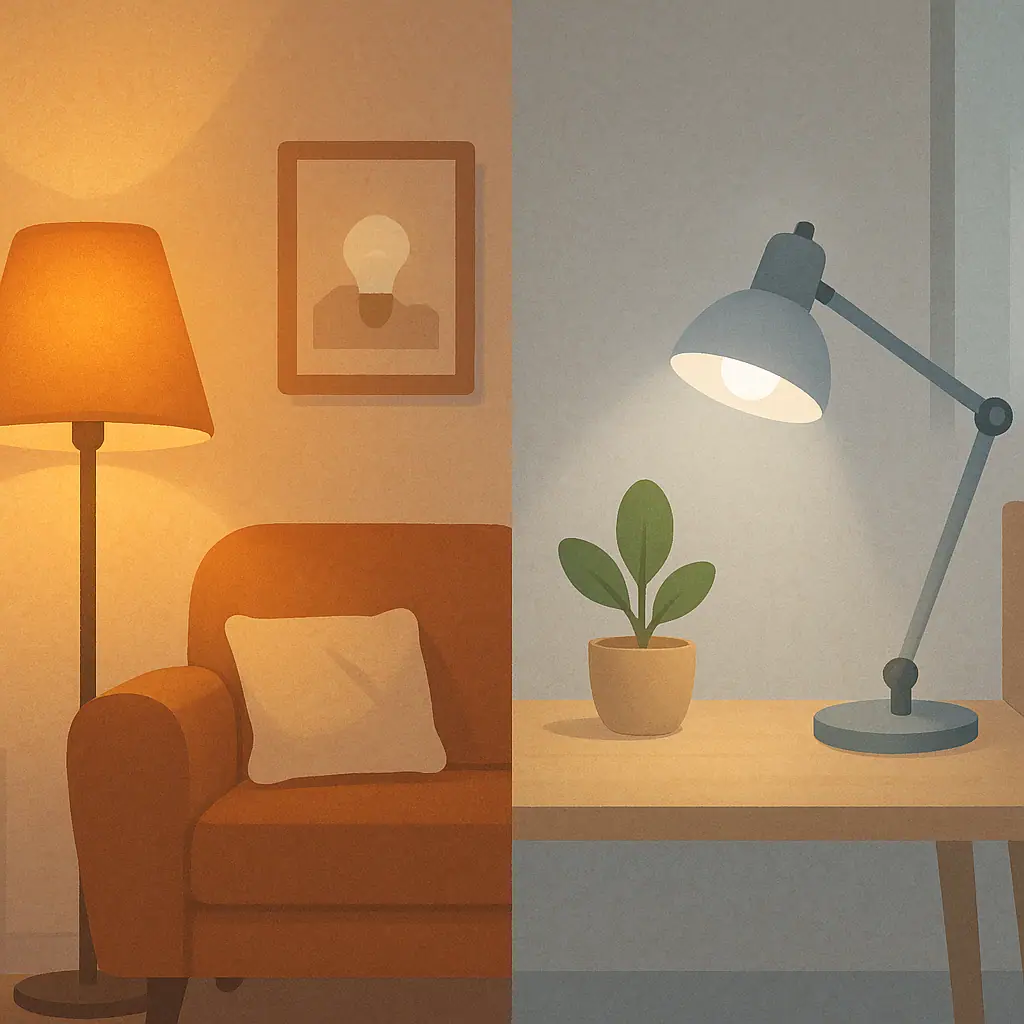
- Color temperature: Warm white feels softer for evenings. Daylight can feel clearer for tasks but harsh in relaxed rooms.
- Dimming: Decide whether app dimming is enough. Do not assume an existing wall dimmer will work with every smart bulb.
- Network type: Wi-Fi bulbs are simple for a few lights. Hub-based systems can be steadier for larger setups but add another device.
- App and assistant support: Check whether it works with the phone, smart speaker, or smart-home platform you already use.
- Return policy: Your first bulb is partly a fit test. A normal return window reduces pressure.
If you are trying to reduce energy waste as well as add convenience, pair lighting changes with one small tracking habit. For example, a separate guide on smart plug energy monitoring for beginners explains how to read simple usage reports without getting lost in numbers.
Choose Features You Will Actually Use
Most beginners only need three smart bulb features at first: on/off control, dimming, and scheduling. Color can be useful, but it is often less important than people expect. A warm evening scene, a soft morning ramp, or an automatic shutoff time usually delivers more everyday value than dozens of color options.
If you want a very simple first purchase, choose a white or tunable white bulb for one lamp. Tunable white means you can shift between warmer and cooler white light. That is useful in spaces that do more than one job, such as a bedroom desk or a living room reading corner.
If you know you want color, place it where color makes sense. Accent lamps, kids' rooms, media rooms, and seasonal lighting are better candidates than the only light in a kitchen or bathroom. A main task light should still be comfortable and practical first.
A Step-by-Step First Setup
- Pick one room: Choose a place where lighting already bothers you, such as a bedside lamp or living room corner.
- Choose one routine: Examples include dim at 9 p.m., turn off at bedtime, or brighten gradually in the morning.
- Check the fixture: Confirm socket type, shape, fixture limits, and whether the bulb is suitable for that location.
- Install the app: Read the setup steps before opening the package if you are buying in-store.
- Name the bulb clearly: Use a plain name like Bedside Lamp or Reading Lamp so routines make sense later.
- Test for a week: Use the bulb normally before buying more. Notice whether the routine helps or annoys the household.
Common Beginner Mistakes to Avoid
The first mistake is buying too many bulbs before learning the app. Even a good app can feel annoying if every room needs setup on the same night. Start small and expand after the first routine feels natural.
The second mistake is ignoring wall dimmers. Some smart bulbs do not behave well on traditional dimmer switches unless the manufacturer says the combination is supported. If you have a dimmer, read the bulb's compatibility notes before installing it.
The third mistake is choosing the cheapest option without checking support. A low price is not helpful if the app is unreliable, the bulb disconnects often, or the product does not work with your preferred platform. You do not need premium gear for every lamp, but you do need a bulb that behaves predictably.
Pros and Cons of Starting With Smart Bulbs
Easy first automation
Many bulbs can be installed without wiring, tools, or a large smart-home plan.
Useful comfort controls
Dimming, schedules, and warm evening light can make daily routines feel smoother.
Portable for renters
A bulb can usually move with you, unlike a hardwired switch or fixture.
Switch habits matter
If people turn off the wall switch, the bulb may stop responding until power is restored.
Not every fixture is a fit
Enclosed, outdoor, specialty, and dimmer-controlled fixtures need extra checking.
Apps can multiply
Buying random brands can lead to too many apps and a setup that feels less calm.
Frequently Asked Questions
Do smart bulbs need a hub?
Some do and some do not. Wi-Fi bulbs often connect without a separate hub, while Zigbee or other hub-based bulbs usually need a compatible bridge or smart-home hub.
Can I use a smart bulb with a normal wall switch?
Yes, but the switch usually needs to remain on for the bulb to respond to app controls and routines. Turning the switch off cuts power to the bulb.
Should I buy color bulbs or white bulbs first?
For most beginners, a white or tunable white bulb is the calmer first choice. Choose color when you have a clear use for mood lighting or accent lighting.
What should I do if I am not sure a bulb fits my fixture?
Check the manufacturer's fixture guidance before buying. If the fixture is enclosed, outdoors, on a dimmer, or unusual in any way, do not guess.
Final Thoughts
The best first smart bulb is not the most complicated one. It is the bulb that fits the fixture, works with your phone or platform, and supports one routine you will actually use. Start with one lamp, test it for a week, and only expand when the setup feels calmer than the old habit.
That small approach keeps smart lighting useful instead of fussy. Once one room works well, you can decide whether the next improvement should be another bulb, a motion sensor, or a different kind of routine.