Indoor motion sensor lights can make a home feel easier to move through, especially at night or when your hands are full. The useful version is simple: a light turns on when someone enters and turns off after the room is empty. The annoying version is just as common: lights blink on at the wrong time, stay on too long, or leave people waving their arms in a hallway.
The difference is usually not the technology itself. It is where the sensor is placed, how long the light stays on, how bright it is, and whether the room really benefits from automatic lighting. A calm smart-home setup starts with one problem area, not a whole-house motion plan.
Why This Matters
Lighting is one of the first places people notice smart-home convenience because the feedback is immediate. You walk into a laundry room and the light appears. You step into a hallway at night and do not need to hunt for a switch. You leave a closet and the light shuts off by itself.
Motion lighting can also reduce small daily friction for kids, guests, older relatives, and anyone carrying groceries, laundry, tools, or a sleeping child. But sensors are not magic. They need a clear view of movement, sensible timing, and a room where automatic behavior is welcome.
Start With Smart Bulbs, Lighting, and Motion
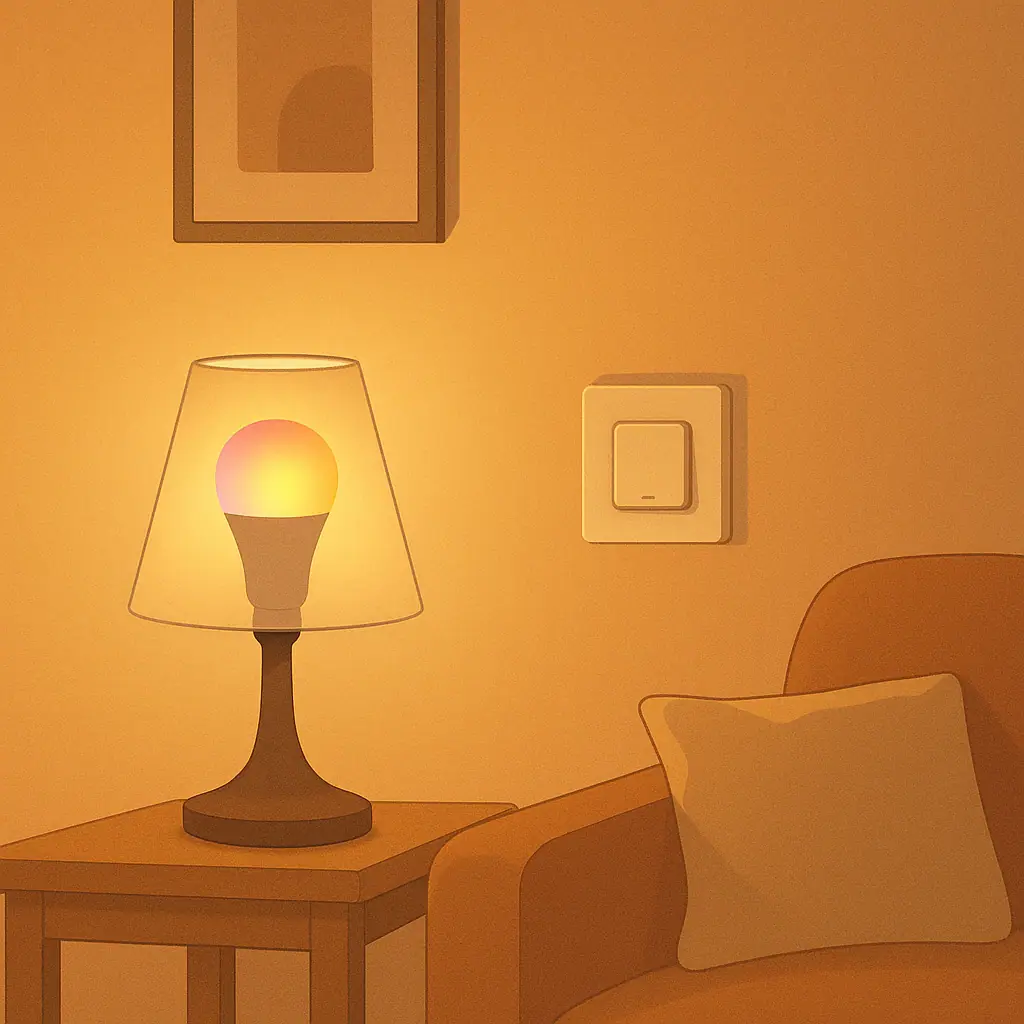
Motion sensor lighting can be built several ways. Some products are battery-powered stick-on lights. Some are plug-in night lights. Some are smart bulbs or smart switches paired with a separate motion sensor. Others are fixtures with a sensor built in. For beginners, the best option is usually the one that changes the fewest things at once.
For lighting products, check the manual, the fixture type, the bulb rating, and whether the product is meant for the location where you want to use it. The Electrical Safety Foundation International warns homeowners to take switch and lighting warning signs seriously, including hot wall plates, discoloration, unexplained flickering, buzzing, frequent breaker trips, or odors. Their switch safety guidance is a useful reminder to get qualified help when a lighting control or switch does not seem normal.
That does not mean every motion light project is complicated. A battery light inside a closet is very different from replacing a wall switch. The key is matching the device type to the room and stopping before a project turns into electrical guesswork.
Where Indoor Motion Sensor Lights Help Most
The most helpful locations are usually short-use spaces where people enter, do one thing, and leave. These rooms benefit from automatic on and automatic off because nobody wants to manage the switch every time.
Closets, pantries, and storage corners
These areas are strong candidates because the task is brief and focused. You open a door, look for something, and leave. A small motion light can make shelves easier to see without creating a new app routine or voice command.
Hallways, stairs, and night paths
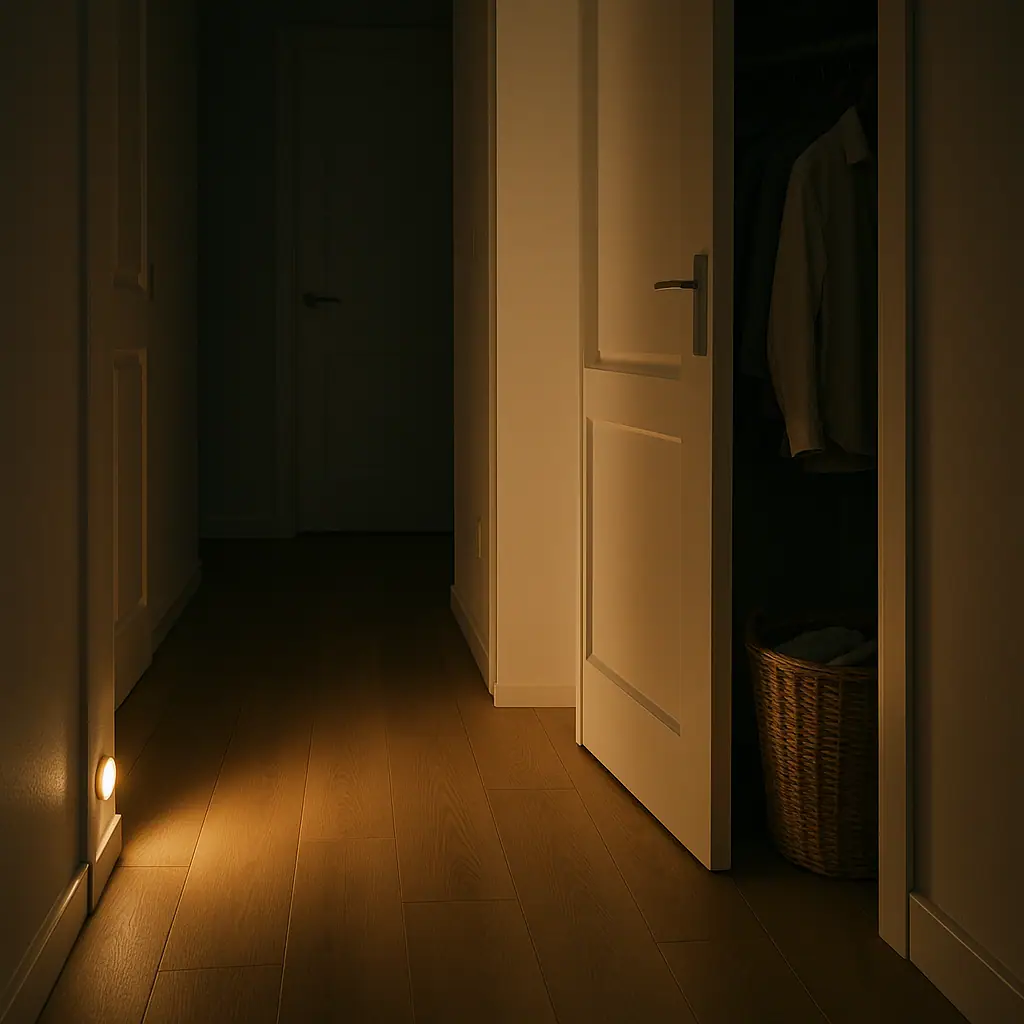
Soft motion lighting can help people move at night without turning on a bright overhead light. The calmer choice is usually low brightness, short timing, and a sensor angle that notices people walking through the path without reacting to every movement in an adjacent room.
Laundry rooms, utility spaces, and entry areas
Motion lights work well where hands are full. Laundry baskets, grocery bags, pet supplies, and coats all make a normal light switch less convenient. In these spots, the light does not need to be fancy. It just needs to turn on reliably and turn off after the task is done.
Where Motion Sensor Lights Get Annoying
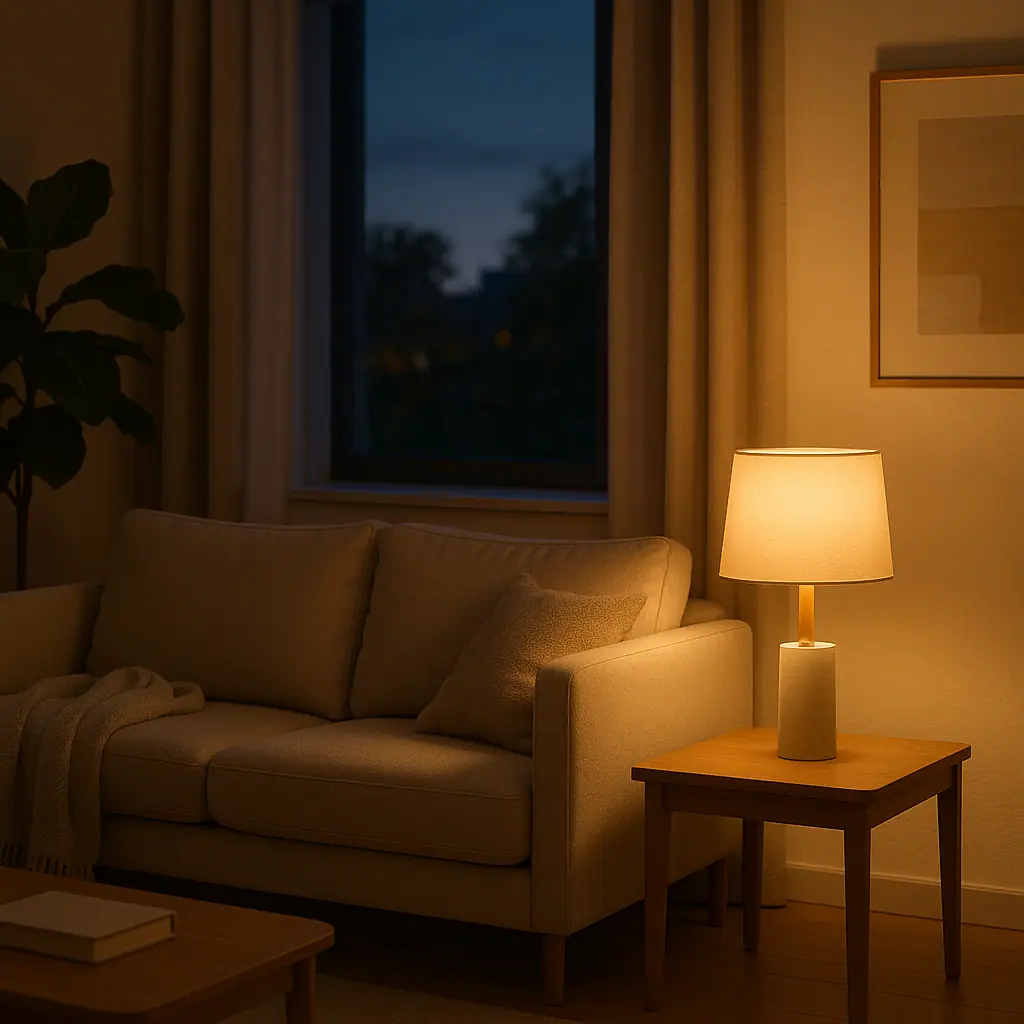
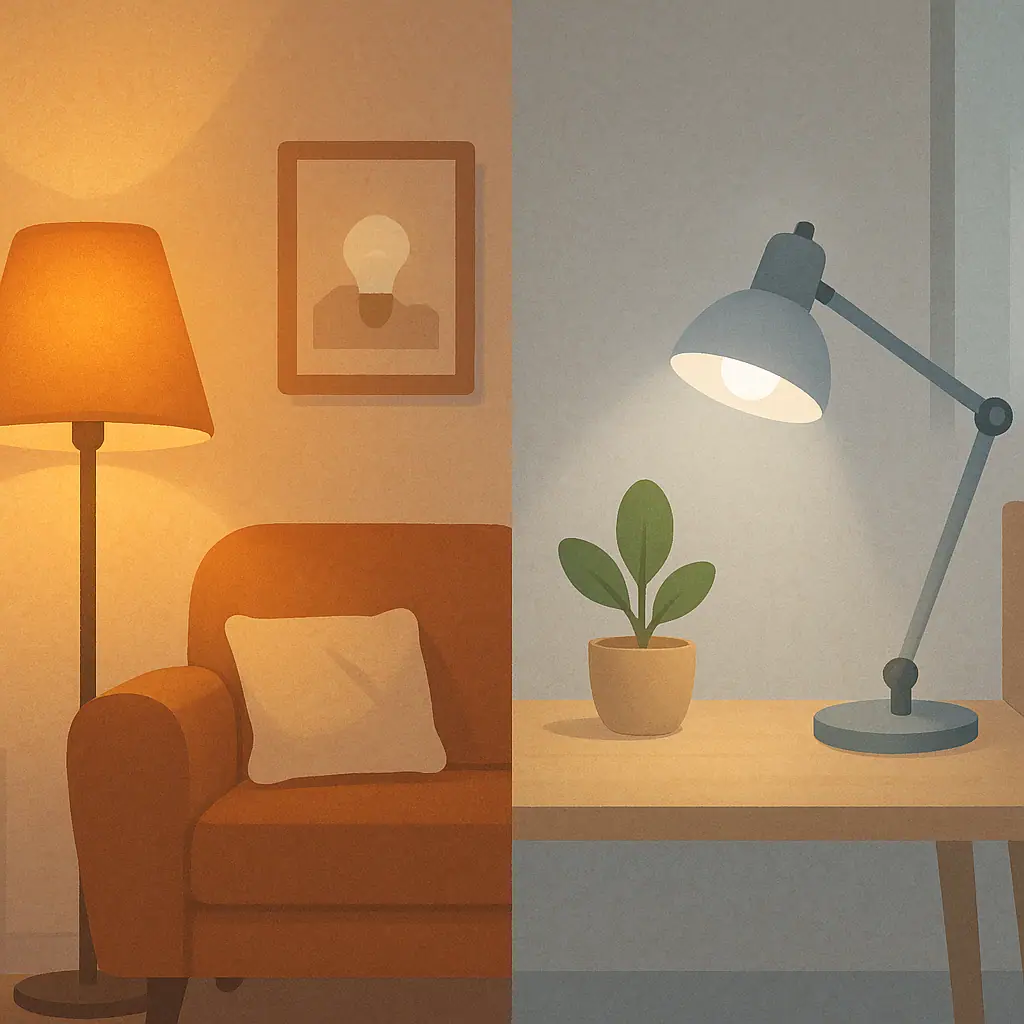
Motion lighting gets frustrating in rooms where people sit still, move slowly, or want control over mood. A living room, reading corner, dining area, home office, or nursery can become irritating if the light turns off while someone is still there.
The same problem happens when the sensor sees too much. A hallway sensor pointed toward a busy room may trigger constantly. A sensor near a pet path may turn lights on all evening. A sensor near curtains, vents, or reflective surfaces may behave unpredictably depending on the device type and room layout.
How to Set Up One Motion Light Step by Step
- Choose one annoyance: Pick a specific place where people often forget the light, avoid the switch, or need hands-free lighting.
- Choose the simplest device type: For a closet or pantry, a battery light may be enough. For a lamp, a smart plug or smart bulb with a sensor may fit. For a wall switch, review the product requirements and use qualified help when wiring is involved.
- Place the sensor for normal movement: Aim it where a person naturally enters the space, not where it sees the whole house.
- Start with a short timeout: Try one to three minutes for closets and pantries, and a little longer for laundry or utility areas.
- Use comfortable brightness: Night paths often need gentle light, not full brightness. Bright light can be more annoying than helpful after bedtime.
- Test at real times: Walk through during the morning, evening, and night. Notice whether the light helps or surprises people.
- Adjust before expanding: Change angle, timeout, or brightness before buying more devices.
Common Smart Lighting Mistakes to Avoid
The first mistake is putting motion sensors everywhere because the first one felt useful. A helpful closet light does not mean the living room, bedroom, and kitchen all need automatic motion behavior.
The second mistake is setting the timeout too short. If the light turns off while someone is still folding laundry or looking for a tool, the routine will feel broken. Start modestly, then adjust based on real use.
The third mistake is using motion lighting where occupancy matters more than movement. Some rooms need to know whether someone is present, not just whether they moved in the last minute. Beginners can avoid that complexity by keeping motion lights in pass-through or quick-task spaces.
The fourth mistake is ignoring manual control. People should still know how to turn the light off, pause an automation, or override the routine when guests are over, pets are active, or someone is sleeping nearby.
A Simple Checklist
- Good fit: Closets, pantries, hallways, laundry areas, utility spaces, garage entries, and stair paths.
- Usually annoying: Reading spots, desks, dining rooms, nurseries, bedrooms, and living rooms where people sit still.
- Check first: Device location rating, fixture limits, bulb type, battery access, Wi-Fi or hub needs, and manual override.
- Start small: One room, one sensor, one week of testing.
- Stop and verify: Any wiring change, hot switch plate, buzzing, discoloration, flickering, or frequent breaker trip deserves qualified help.
Pros and Cons of Indoor Motion Sensor Lights
Helpful in short-use spaces
Closets, pantries, and laundry areas often feel smoother when the light appears without a switch hunt.
Can reduce forgotten lights
A sensible timeout can turn lights off after quick tasks, especially in spaces people often leave in a hurry.
Useful for nighttime paths
Gentle motion lighting can help people move through a hallway or stair area without blasting the room with bright light.
Can trigger at the wrong time
Pets, nearby rooms, sensor angle, and room layout can make a light turn on when nobody wanted it.
Can turn off too soon
Rooms where people sit still are poor matches unless the setup has a better occupancy strategy.
Some setups need extra safety checks
Battery and plug-in lights are simple, but replacing switches or fixtures should be handled with product instructions and qualified help when needed.
When to Get Extra Help
Get extra help when the project involves a wall switch, hardwired fixture, old wiring, dimmer compatibility, multi-location switches, or anything that requires turning off power at the breaker. A smart-home routine should not depend on guessing what is behind a wall plate.
You should also pause if a light flickers, a switch buzzes, a wall plate feels warm, a breaker trips, or a product manual does not clearly match your setup. In those cases, the calm next step is verification, not another automation.
Frequently Asked Questions
What should I check first before adding indoor motion lights?
Start with the room behavior. If people pass through quickly, motion lighting may help. If people sit still, manual control or a schedule may be calmer.
How often should I review the settings?
Review the first setup after a week. If it still works naturally, leave it alone. If people complain, adjust the sensor angle, brightness, or timeout.
What should I do if I am not sure about wiring?
Do not guess. Use a battery or plug-in option for a simple test, and ask a qualified electrician before replacing switches or fixtures.
Can I undo these changes later?
Most battery lights, plug-in lights, and smart bulb routines are easy to remove or adjust. Hardwired changes should be documented and handled carefully.
Final Thoughts
Indoor motion sensor lights are best when they quietly solve a repeated moment: opening a pantry, crossing a dark hallway, carrying laundry, or finding a utility shelf. They become annoying when they try to control rooms where people rest, read, work, or want a softer mood.
Start with one practical spot, choose the simplest device that fits the room, and test the timing before expanding. A good motion light should feel almost invisible after a few days. If everyone keeps noticing it, the setup probably needs a smaller role.