Smart plug energy monitoring can sound more technical than it needs to be. For most beginners, it simply means using a compatible smart plug to see how much electricity one plug-in device appears to use over time.
The goal is not to turn your home into a spreadsheet. A calmer goal is to choose one ordinary device, watch its pattern for a few days, and decide whether a simple routine would help. That might mean turning off a forgotten fan, noticing a device that stays on all evening, or learning which small appliances are not worth worrying about.
Why This Matters
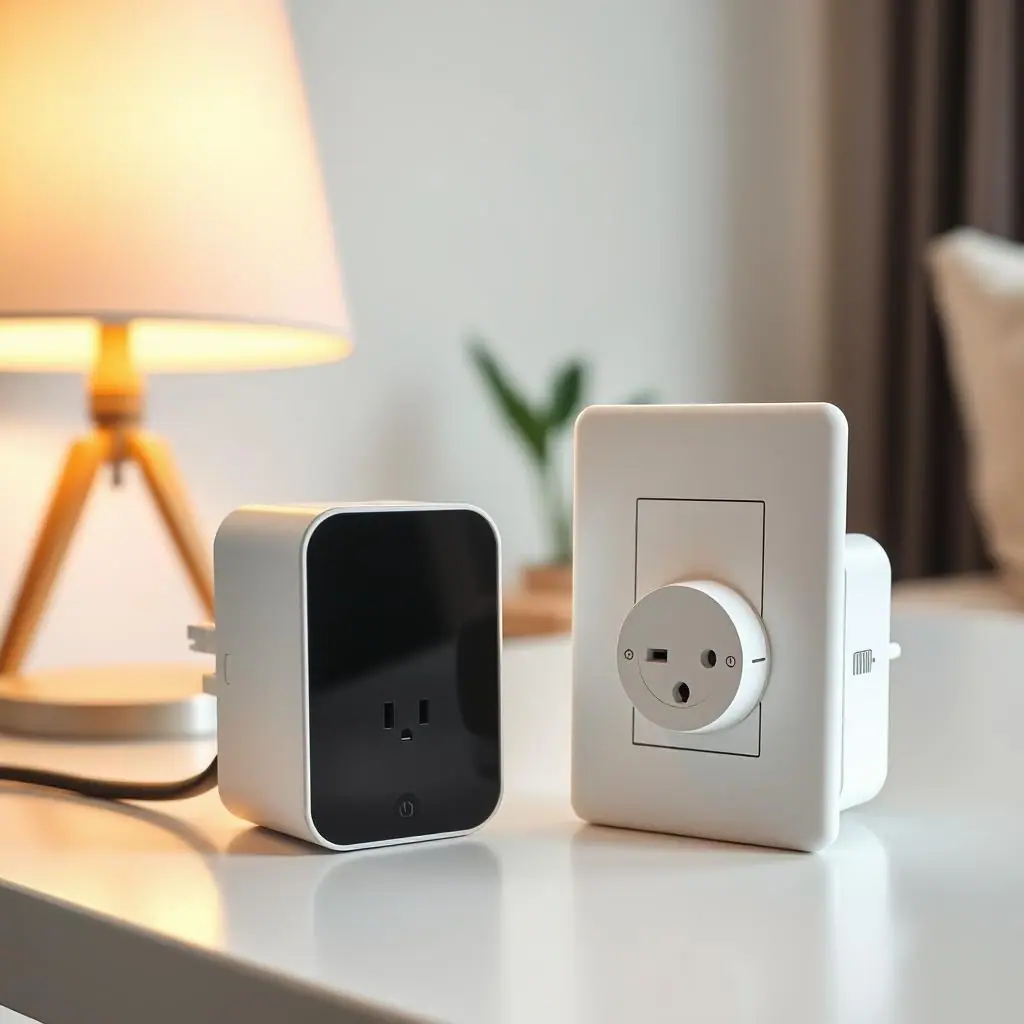
Many smart plugs can turn devices on and off. Some models also show energy information in the app, usually as watts, kilowatt-hours, daily use, or a simple chart. Those numbers can help you understand plug-in habits that are otherwise invisible.
ENERGY STAR explains that smart home energy management systems can include control or monitoring of plug loads as part of a broader home energy setup. Their overview of smart home energy management systems is a useful reference if you want the bigger picture without relying on guesses.
For a beginner, the most useful result is usually a small decision: keep the routine, adjust the schedule, or stop tracking because the device is not a meaningful energy concern.
Start With Smart Plugs and Outlet Routines
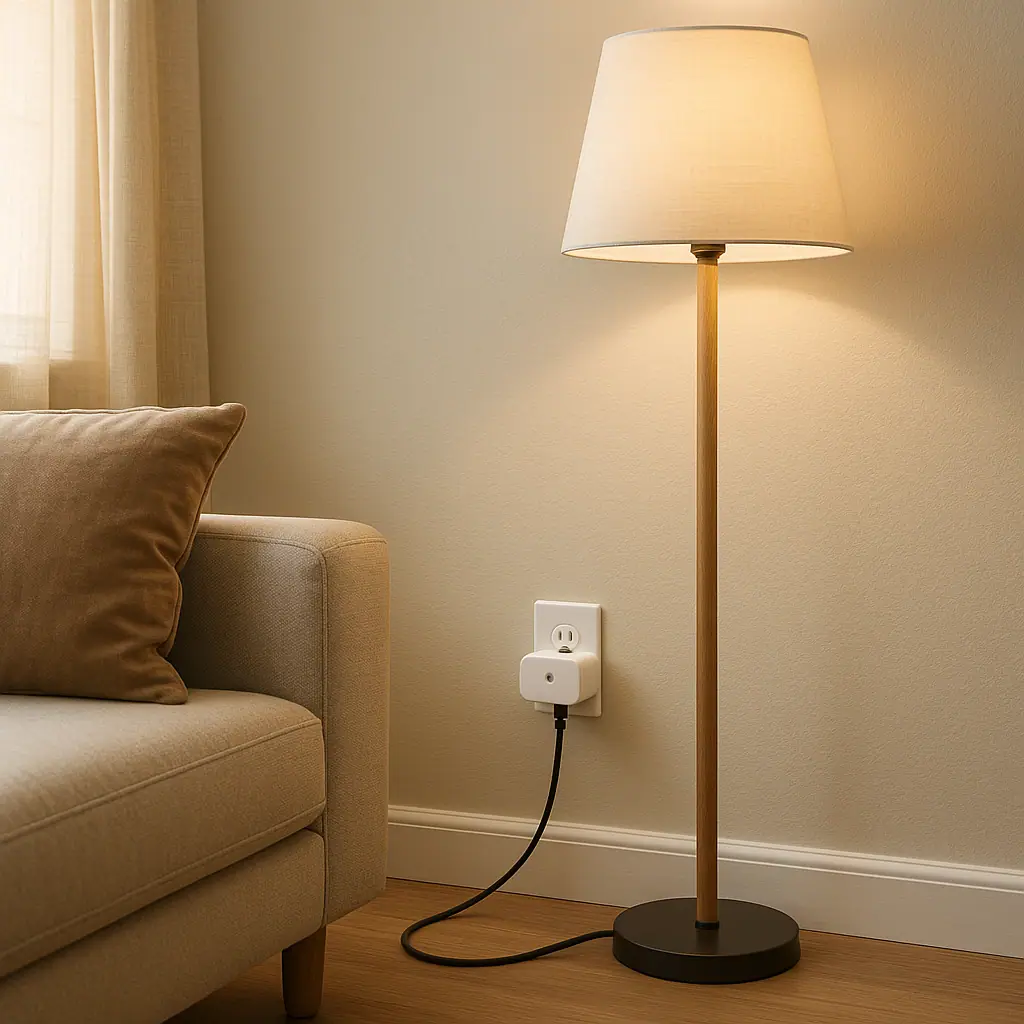
Begin with a device that is easy to unplug, safe to control, and not critical to daily life. A desk lamp, small fan, holiday light string, or media accessory is a better first experiment than a refrigerator, heater, medical device, router, sump pump, or anything that should not lose power unexpectedly.
The smart plug should be rated for the device and used exactly as the manufacturer describes. Energy monitoring does not make a plug safer or stronger; it only gives you more information about the load connected to it.
What energy monitoring actually shows
Most smart plug apps show current power in watts and longer-term use in kilowatt-hours. Watts are like a snapshot of what the device is drawing right now. Kilowatt-hours are the total amount used over time, which is the number that matters more for patterns.
What it does not prove
A consumer smart plug is not a professional electrical meter. Treat the readings as helpful household estimates, not official billing measurements or proof that a device is safe for every setup.
What to Check First for Smart Plug Energy Monitoring
Before tracking anything, check the smart plug manual and the label on the device you want to monitor. Look for the plug's maximum rating, indoor or outdoor use limits, and any manufacturer warnings about the device type.
Electrical safety still comes first. The Electrical Safety Foundation International advises safe outlet habits such as using products within their ratings and not forcing plugs into outlets. Their electrical safety dos are worth reviewing before treating any plug-in accessory as a permanent setup.
- Device type: choose a low-risk plug-in device that can be turned off without harm.
- Plug rating: confirm the smart plug supports the device load and intended location.
- App display: make sure the model actually reports energy use, not just on/off control.
- Household impact: avoid devices other people depend on without warning.
How to Handle Smart Plug Energy Monitoring Step by Step
- Pick one question: decide what you want to learn, such as whether a fan runs longer than expected.
- Choose one device: start with something ordinary, movable, and not safety-critical.
- Check the manual: confirm the smart plug rating and the device label before plugging it in.
- Name it plainly: use a label such as Office Fan Monitor or TV Stand Plug so reports are easy to understand.
- Watch for three to seven days: let normal use create a pattern before changing anything.
- Make one adjustment: if the pattern shows waste, add one schedule or reminder rather than several automations.
- Review the result: compare the next few days to the first few days and decide whether the change helped.
This slow approach keeps the setup useful. If the first device teaches you nothing important, move the smart plug to a better candidate instead of forcing the data to matter.
Common Smart Plugs and Outlet Routines Mistakes to Avoid
The first mistake is buying any smart plug and assuming it has energy monitoring. Many basic models only provide remote control and scheduling. Check the product description and app features before buying.
The second mistake is monitoring a device that should not be switched off. Energy data can be interesting, but a consumer smart plug should not interrupt critical equipment, essential medical devices, refrigeration, networking equipment you rely on for remote work, or high-draw appliances outside the plug's rating.
The third mistake is reacting to one unusual day. A rainy weekend, houseguest, or schedule change can make a chart look dramatic. Look for a repeated pattern before changing routines.
Makes hidden use visible
You can see when a device is drawing power instead of relying on memory or guesswork.
Good for small experiments
One plug can move between devices as you learn which habits matter.
Supports calmer routines
The data can guide a simple schedule instead of random app changes.
Not every plug tracks energy
Some smart plugs only turn devices on and off, so the feature must be verified before purchase.
Readings can be easy to overinterpret
Short-term charts may reflect unusual behavior rather than a real household pattern.
A Simple Checklist
- Yes or no: does this smart plug specifically advertise energy monitoring?
- Yes or no: is the connected device within the plug's rating and manual guidance?
- Yes or no: can the device safely lose power if a schedule is added later?
- Yes or no: have you watched several normal days before changing the routine?
- Yes or no: is the next action simple enough to undo?
When to Get Extra Help
Ask for qualified help if an outlet is loose, a plug feels warm, a cord is damaged, or the device has unclear power requirements. Do not use energy monitoring as a way to test whether a questionable setup is safe.
You should also pause if the project involves wiring, built-in fixtures, HVAC equipment, major appliances, or anything your lease or product manual warns against changing. WattCalm focuses on plug-in, reversible routines, not electrical work.
Frequently Asked Questions
What should I check first with smart plug energy monitoring?
Check that the plug actually supports energy monitoring, then confirm the connected device is within the plug's rating and safe to control.
How often should I review the energy report?
Review it after a few normal days, then weekly or seasonally if the device's use changes with weather, work hours, or household routines.
What should I do if I am not sure about a device?
Do not guess. Check the device manual, the smart plug manual, or ask a qualified professional before using a plug-in accessory with uncertain loads.
Can I undo energy monitoring changes later?
Yes. You can remove schedules, rename the plug, move it to another safe device, or stop tracking if the data is not useful.
Final Thoughts
Smart plug energy monitoring is most helpful when it stays practical. Pick one safe device, watch its normal pattern, and make one small change only if the data points to a real habit worth improving.
You do not need to monitor every outlet to build a calmer smart home. A single clear experiment can teach you how your devices behave and whether a simple routine is worth keeping.