Smart plugs are best when they make a small, low-risk routine easier. They are not a shortcut around product manuals, appliance ratings, damaged outlets, or wiring questions. Before you plug anything in, treat the smart plug as one more electrical device with limits of its own.
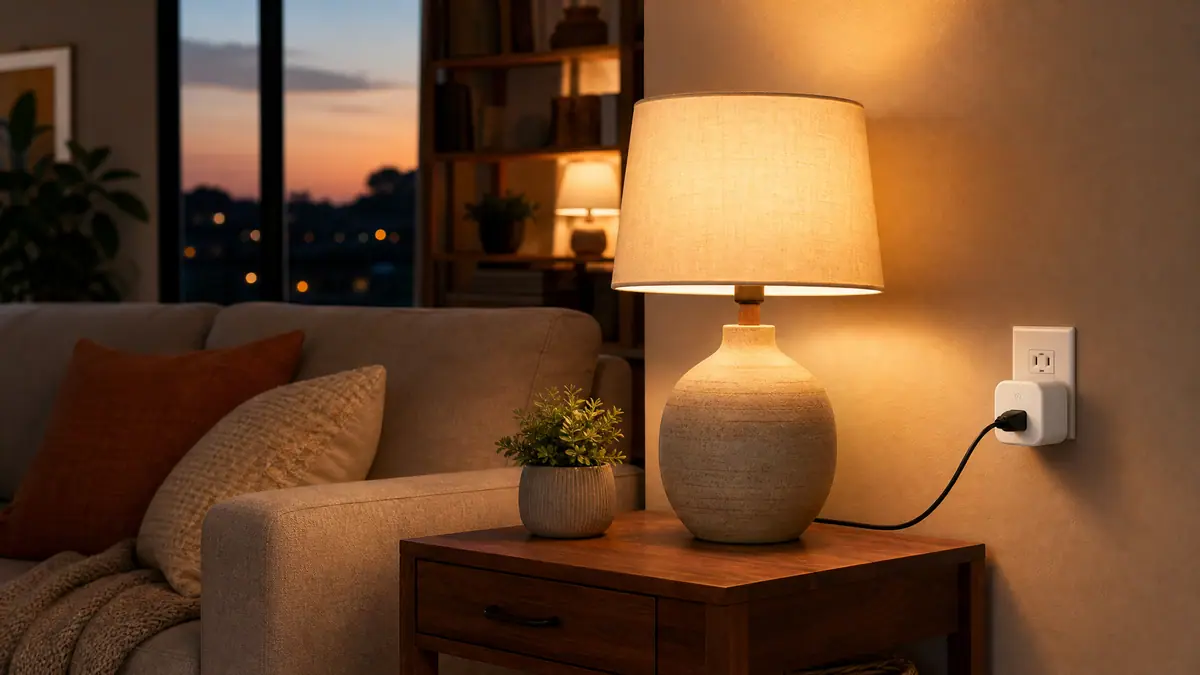
The safest beginner rule is simple: use smart plugs for modest loads that are easy to supervise and easy to unplug. Lamps, holiday lights, a small fan, or a charger station are usually more sensible starting points than appliances that create heat, move water, support health needs, or pull heavy power.
If you are still building confidence with plug routines, start with the calmer examples in WattCalm's beginner smart plug routine guide. This safety guide is the other half of that decision: it helps you notice which devices should stay out of the smart plug entirely.
Why This Matters
A smart plug can turn power on and off by schedule, app, voice command, or automation. That convenience is exactly why the wrong load can become risky. A device that should be watched closely can be turned on from another room. A product that expects a direct wall outlet can end up behind an extra connection. A routine that worked once can become unsafe if someone swaps in a different appliance later.
For space-heater safety, the Electrical Safety Foundation International advises plugging space heaters directly into a wall outlet and not using the same outlet for other electrical devices. Read the full safety guidance from ESFI's home safety resources before making assumptions about heaters, cords, or outlet loading.
Start With the Smart Plug Rating
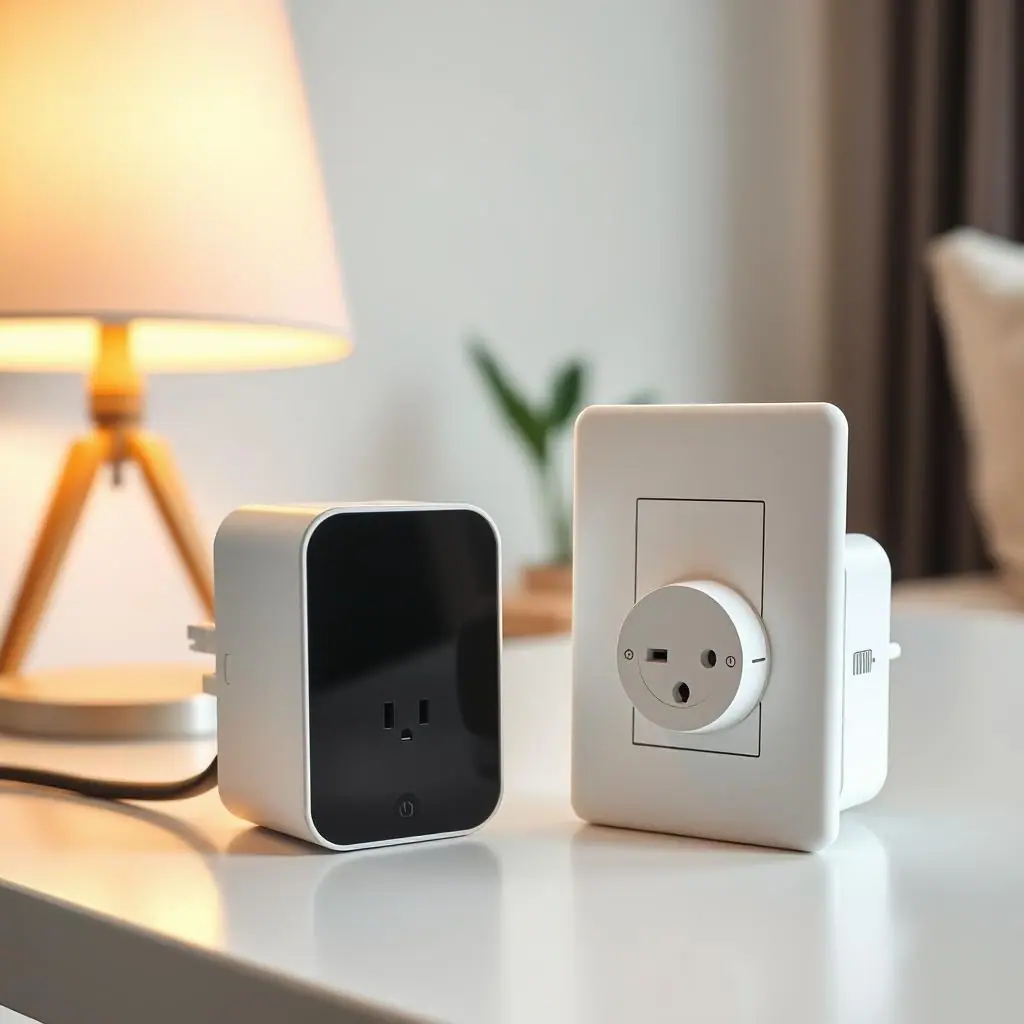
Every smart plug has a maximum electrical rating. That rating may be printed on the plug, listed in the manual, or shown in the app documentation. The number matters because the smart plug must handle the device plugged into it, and some household devices draw more power than a beginner expects.
Check amps, watts, and the manual
Look for words such as maximum load, resistive load, motor load, indoor use, grounded outlet, and appliance exclusions. Do not assume that a plug rated for one kind of load is appropriate for another. A simple lamp and a heater may both fit the outlet, but they are not the same electrical situation.
If the device's manual says to plug directly into a wall outlet, follow that instruction. A smart plug, outlet splitter, power strip, extension cord, or surge protector is still an extra device in the path.
What Not to Plug Into a Smart Plug
The safest list is not based on whether the prongs fit. It is based on what could happen if the device overheats, starts unexpectedly, shuts off unexpectedly, or draws more current than the smart plug should handle.
High-heat appliances
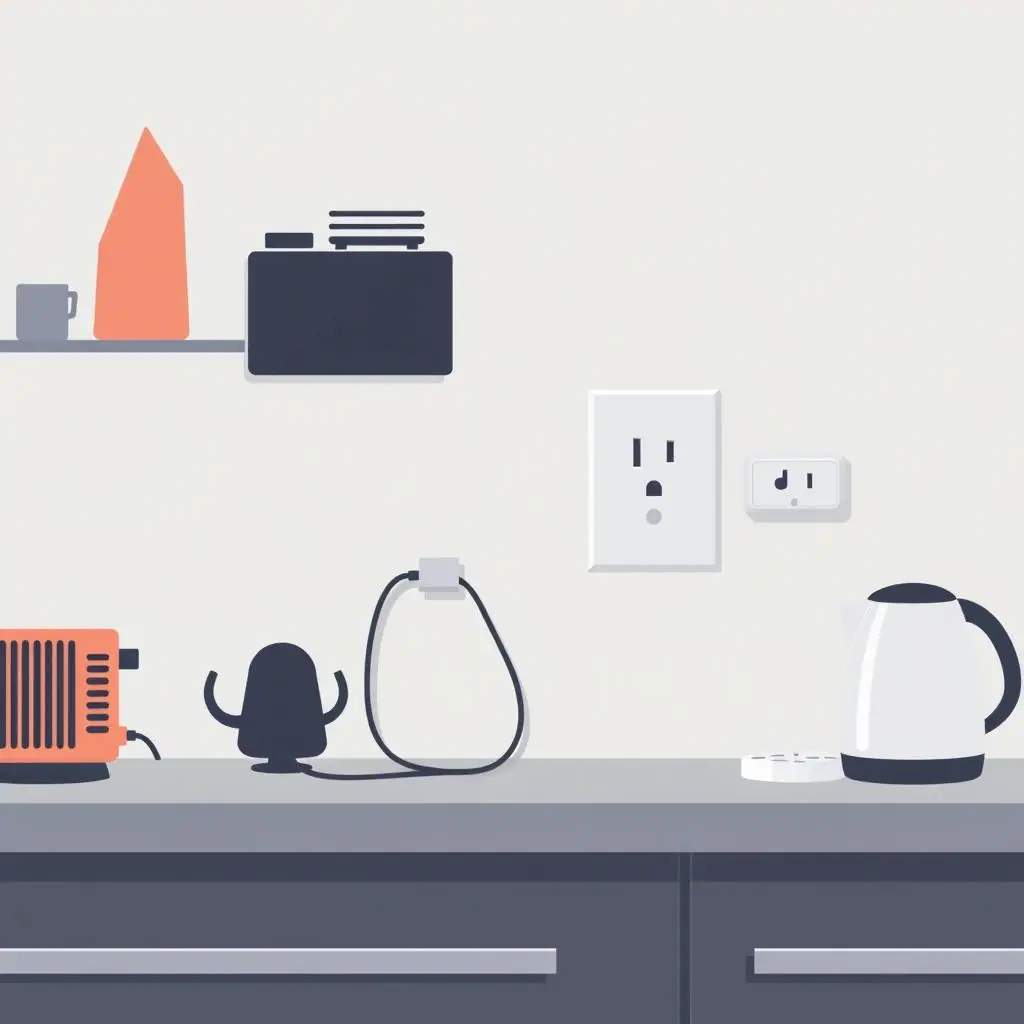
Avoid space heaters, heat lamps, portable radiators, electric blankets, irons, hair tools, hot plates, kettles, toaster ovens, and similar heat-producing devices. Many of these products are meant to be used while attended, and their manuals often include direct outlet or supervision warnings.
Large appliances and heavy motor loads
Refrigerators, freezers, washers, dryers, air conditioners, sump pumps, dehumidifiers, and large power tools are poor beginner candidates. Motors can have startup demands, and accidental shutoffs can cause problems beyond the plug itself.
Medical, safety, and animal-care equipment
Do not put medical equipment, CPAP machines, oxygen devices, aquariums, reptile heaters, security-critical equipment, routers needed for emergency contact, or smoke and carbon monoxide alarms behind a routine smart plug. Convenience is not worth a single-point shutoff for essential equipment.
Power strips and extension cords
Do not use a smart plug as a way to make a power strip smarter. A power strip can hide the total load, and an extension cord adds another connection that may not be rated for the device. If the setup needs extra reach or more outlets, solve that safely before adding automation.
How to Decide Step by Step
Use a repeatable check before any new smart plug routine. It takes a few minutes, and it prevents most beginner mistakes.
- Name the device: write down exactly what will be plugged in, not just the room.
- Read both labels: check the smart plug rating and the device rating or manual.
- Look for heat: if the device's job is to get hot, keep it off a standard smart plug.
- Look for motors or compressors: if the device has a heavy motor, avoid it unless the manufacturer specifically supports that use.
- Ask what happens if it turns off: if an unexpected shutoff could damage property, affect health, or create a safety issue, do not automate it this way.
- Test small: begin with a lamp or another low-risk device before building more routines.
Common Mistakes to Avoid
- Buying by app features only: schedules and voice control do not matter if the plug is not appropriate for the load.
- Ignoring old outlets: a loose, warm, cracked, or discolored outlet should be inspected before it becomes part of any routine.
- Letting someone swap devices: a plug set up for a lamp should not later run a heater just because it is already there.
- Stacking adapters: smart plug plus extension cord plus splitter plus appliance is a warning sign, not a clever setup.
- Assuming energy monitoring equals safety: energy data is useful, but it does not turn an unsuitable device into a safe load.
Pros and Cons
Clear beginner boundary
A simple avoid list helps readers use smart plugs where they make sense.
Easy to teach at home
Household members can understand that lamps are different from heaters and large appliances.
Fewer risky automations
Checking the manual first prevents many routines that should never be scheduled remotely.
Requires manual reading
The safest answer may depend on the exact product and its instructions.
Limits some tempting routines
Some convenient ideas, especially heaters and heavy appliances, are better handled with dedicated equipment.
Frequently Asked Questions
Can I plug a space heater into a smart plug if the wattage seems low?
Do not treat that as a safe default. Follow the heater manual and safety guidance. Many heater instructions call for direct wall-outlet use and attended operation.
Are lamps usually safe for smart plugs?
Many lamps are common beginner uses, but you should still check the lamp, bulb type, outlet, and smart plug rating before setting a schedule.
What if my smart plug has energy monitoring?
Energy monitoring can help you understand use, but it does not override manufacturer limits, outlet condition, or appliance safety instructions.
Can I undo a smart plug routine later?
Yes. Most app schedules can be disabled, and the device can be plugged back into the wall directly. If a setup felt questionable, remove it rather than trying to tune around the risk.
Final Thoughts
The safest smart plug setup is usually the simplest one. Use smart plugs for low-risk routines that you understand, keep heat and heavy appliances out of standard plug automation, and check the manual before trusting any schedule.
When in doubt, choose a boring answer: plug the device directly into the wall, skip the automation, or ask a qualified professional about the outlet or appliance. A calm smart home should reduce worry, not add a new hidden risk.