Smart plug schedule ideas for busy households work best when they solve one predictable problem at a time. The goal is not to automate every outlet. It is to make a lamp, charger, fan, or small accessory follow the rhythm your home already has.
A good schedule should feel quiet in the background. It should turn something on when people usually need it, turn something off when nobody does, and stay easy to pause when the day changes.
Why This Matters
Busy homes often have repeated little moments: someone comes in after dark, a desk lamp stays on after work, a decorative light gets forgotten, or a small fan runs longer than needed. A smart plug can help with those moments when the connected device is safe to switch and the schedule is easy to understand.
ENERGY STAR describes smart home energy management systems as tools that can use user-set rules and schedules, usage patterns, occupancy, or energy information to control connected devices. That is a useful way to think about a smart plug schedule: it is a rule that should support a real household pattern, not a complicated project. You can read more in ENERGY STAR's overview of smart home energy management criteria.
Start With Smart Plugs and Outlet Routines
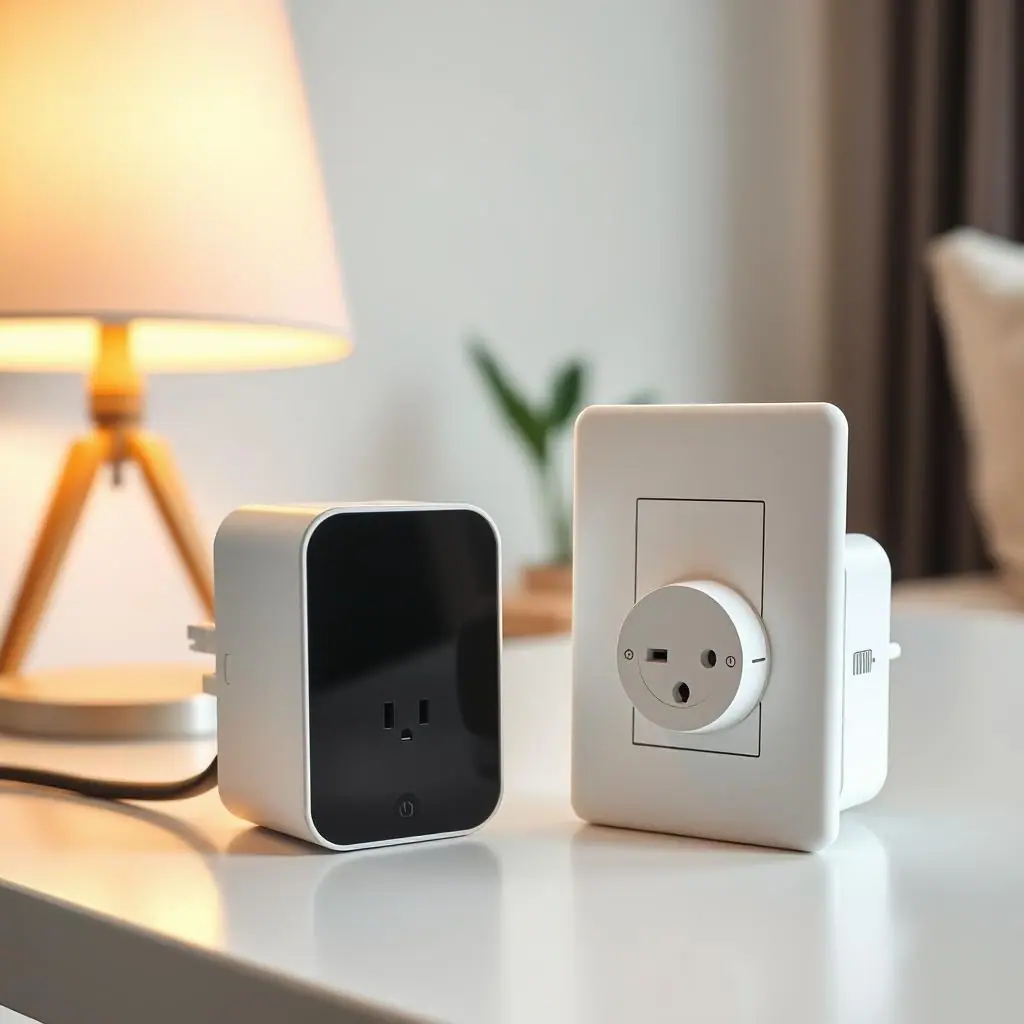
A smart plug is a simple on-off control. Some models also track energy, but the basic habit is the same: choose a device, choose a time window, and test whether the schedule makes life easier.
If you are still deciding what smart plugs are good for, WattCalm's guide to smart plug uses for beginners is a broader place to start. For schedules, narrow the list to devices that are visible, non-critical, and easy to control manually.
What makes a schedule beginner-friendly?
A beginner-friendly schedule turns a simple device on or off at a time that already matches the household. Lamps, decorative lights, and small office accessories are usually easier to understand than hidden devices or appliances with complicated power behavior.
What makes a schedule annoying?
A schedule becomes annoying when it surprises someone. If a lamp turns off while someone is reading, a fan stops while a room is still warm, or a device loses settings after power is restored, the routine needs to be changed or removed.
What to Check First for Smart Plug Schedule Ideas for Busy Households
Before setting a schedule, check three things: the device label, the smart plug rating, and the device's behavior after power is restored. A schedule is only useful when the device can safely lose power and return to the expected state later.
Electrical safety should stay ahead of convenience. ESFI's home safety guidance reminds homeowners to avoid overloaded outlets, damaged wires, and unsafe setups, and to bring in a qualified electrician for electrical work in the home. Their home electrical safety resource is a helpful reference before using plugs, cords, and outlets in new ways.
- Rating match: the smart plug must be rated for the connected device and location.
- Manual check: do not use a smart plug if the device manual warns against timers, remote switching, or power interruptions.
- Household check: everyone should know how to override the schedule from the app or physical button.
- Safety check: skip heaters, major appliances, medical devices, refrigerators, aquariums, sump pumps, and anything risky if it turns off unexpectedly.
How to Handle Smart Plug Schedule Ideas for Busy Households Step by Step
- Pick one daily friction point. Choose a moment that repeats often, like arriving home after dark or shutting down a desk area at night.
- Choose one safe device. A table lamp, accent light, or decorative plug-in light is a better first test than equipment people depend on.
- Create a narrow schedule. Start with a short time window, such as 6:30 p.m. to 10:30 p.m., instead of all-day automation.
- Name it clearly. Use names like "Entry lamp weekday evening" or "Office lamp workdays" so the routine is understandable later.
- Test for three normal days. Watch whether anyone turns it off manually, complains about it, or ignores it.
- Adjust or delete quickly. If the schedule creates annoyance, change the time, shorten the window, or remove it.
For households with changing schedules, sunset-based lamp routines can work better than fixed clock times. For work-from-home routines, a weekday-only schedule may be calmer than a seven-day rule.
Useful Schedule Ideas to Try
Start with routines that are visible and reversible. The best smart plug schedule ideas for busy households usually support lighting, reminders, and shutdown habits rather than controlling important equipment.
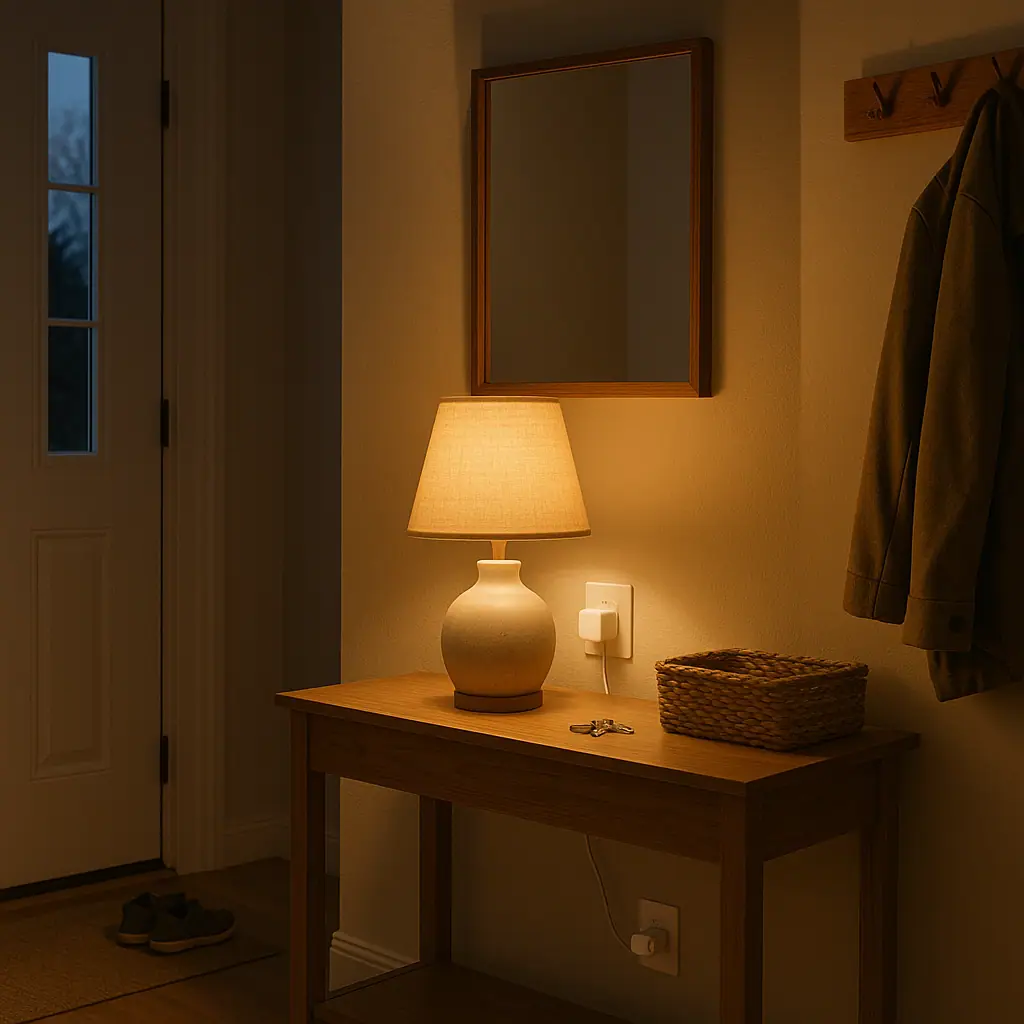
- Entry lamp before arrival: turn on a plug-in lamp shortly before the household usually comes home after dark.
- Living room evening light: run one warm lamp during the usual evening window, then turn it off at bedtime.
- Workday desk shutdown: turn off a desk lamp or non-critical accessory after the workday ends.
- Morning coffee corner light: power a small lamp near the coffee area so the room feels ready without bright overhead lights.
- Seasonal lights: schedule holiday or patio string lights for a few evening hours, using only outdoor-rated gear outdoors.
- Kids' room signal lamp: use a gentle lamp schedule as a visual cue for wind-down time, not as a strict rule.
If energy tracking is the goal, compare the schedule with actual use instead of assuming every schedule saves money. WattCalm's guide to smart plug energy monitoring explains why measuring the device matters more than guessing.
Common Smart Plugs and Outlet Routines Mistakes to Avoid
The first mistake is copying someone else's routine without checking your own household. A 10 p.m. lamp shutoff might be perfect for one home and irritating in another.
The second mistake is scheduling devices that should stay available. Routers, medical equipment, refrigerators, freezers, security devices, and pet-related life support equipment do not belong in a beginner schedule.
The third mistake is stacking too many schedules at once. When five plugs change behavior on the same day, it becomes hard to know which routine caused the problem.
Less daily remembering
Simple schedules can handle repeatable lamp and accessory routines without another app check.
Easy to undo
A good schedule can be paused, edited, or deleted without changing wiring.
Better routine visibility
Clear names and narrow time windows make household habits easier to review.
Not safe for every device
Schedules should not control high-risk, essential, heat-producing, or manual-restricted equipment.
Can annoy the household
Even safe routines fail if they turn devices off at the wrong time or surprise people.
A Simple Checklist
- Yes or no: does this schedule solve a repeated household moment?
- Yes or no: is the device safe to turn off and on by cutting power?
- Yes or no: does the smart plug rating match the device and location?
- Yes or no: can someone override the schedule without needing you?
- Yes or no: will you review the schedule after a few normal days?
When to Get Extra Help
Get extra help if an outlet is loose, warm, buzzing, discolored, or unreliable. A smart plug should never be used to work around an electrical problem.
You should also pause when a device manual is unclear, the load rating is hard to read, or the routine involves heat, motors, pumps, refrigeration, or equipment people rely on. In those cases, check the manufacturer instructions or ask a qualified professional before scheduling power.
Frequently Asked Questions
What should I check first before making a smart plug schedule?
Check whether the device can safely lose power, whether the smart plug is rated for it, and whether the routine will surprise anyone.
How often should I review smart plug schedules?
Review a new schedule after three normal days, then again when seasons, work hours, school routines, or bedtime habits change.
What should I do if I am not sure a device is safe to schedule?
Do not guess. Check the device manual, the smart plug manual, the manufacturer's support page, or a qualified professional.
Can I undo a smart plug schedule later?
Yes. Most schedules can be paused, deleted, renamed, or rebuilt around a safer device if the first routine is not useful.
Final Thoughts
Smart plug schedule ideas for busy households should make the home feel calmer, not more automated for its own sake. Start with one visible device, use a narrow time window, and keep the routine easy to explain.
If the schedule saves a little remembering without creating surprises, keep it. If it causes confusion, delete it and try a simpler routine later.