Learning how to find always-on devices around the house is mostly about noticing quiet habits. Some plug-in items stay partly awake even when they look off: media boxes, game consoles, speakers, chargers, office gear, smart displays, printers, or small appliances with clocks and standby modes.
The goal is not to panic over every little light. A calmer goal is to identify the devices that are always drawing power, decide which ones are worth changing, and leave the rest alone when convenience or safety matters more than a tiny saving.
Why Always-On Devices Matter
Always-on devices matter because they are easy to forget. A lamp is obvious when it is lit. A streaming box, powered speaker, printer, or standby appliance can sit quietly for months while using a small amount of energy every hour.
That does not mean every standby device is a problem. Some are intentionally ready for convenience, updates, clocks, safety alerts, or remote controls. The useful question is not, “Can I turn everything off?” The better question is, “Which devices stay on for no good reason in my home?”
If you already use a plug with energy reporting, WattCalm’s guide to smart plug energy monitoring explains the basic numbers before you start comparing devices. That background can keep the process from becoming a confusing chart-reading project.
Start With a Room-by-Room Walkthrough
The easiest way to find always-on devices around the house is to walk one room at a time with a simple checklist. Do not begin by buying a pile of meters. Begin by noticing what is plugged in and what appears to be awake while no one is using it.
Look for standby clues
Standby clues include tiny lights, warm power bricks, clocks, displays, remote-ready devices, chargers left in outlets, and equipment that starts instantly without a real boot-up. These clues do not prove a device uses much energy, but they tell you where to look first.
Group devices by purpose
Make three plain groups: devices that should stay on, devices that can be turned off when not in use, and devices you are unsure about. The unsure group is the only group that needs extra checking. This keeps you from disturbing equipment that should be left alone.
- Likely leave-on devices: router, modem, refrigerator, security system, medical equipment, leak alarms, and anything with a safety or access role.
- Good candidates to review: rarely used chargers, entertainment accessories, spare speakers, printers, desk gear, and decorative electronics.
- Ask-first devices: shared work equipment, rented equipment, devices with unclear manuals, and anything another household member uses daily.
How to Find Always-On Devices Around the House Step by Step
A safe search works best when it is slow and reversible. You are not trying to remake the house in one afternoon. You are trying to find the few devices where a small habit actually helps.
- Pick one room: choose a room with several plugged-in devices, such as the living room, home office, bedroom, or kitchen counter.
- Write down what is plugged in: list the device name, where it is plugged in, and whether it has a light, clock, display, or warm adapter.
- Mark what should stay on: cross off anything that supports safety, internet access, refrigeration, health, alarms, or a routine someone depends on.
- Choose one candidate: start with a low-risk item such as a spare charger, speaker, printer, game console accessory, or media device.
- Check the manual or label: confirm that unplugging or switching the item off will not cause a problem, reset, or unsafe condition.
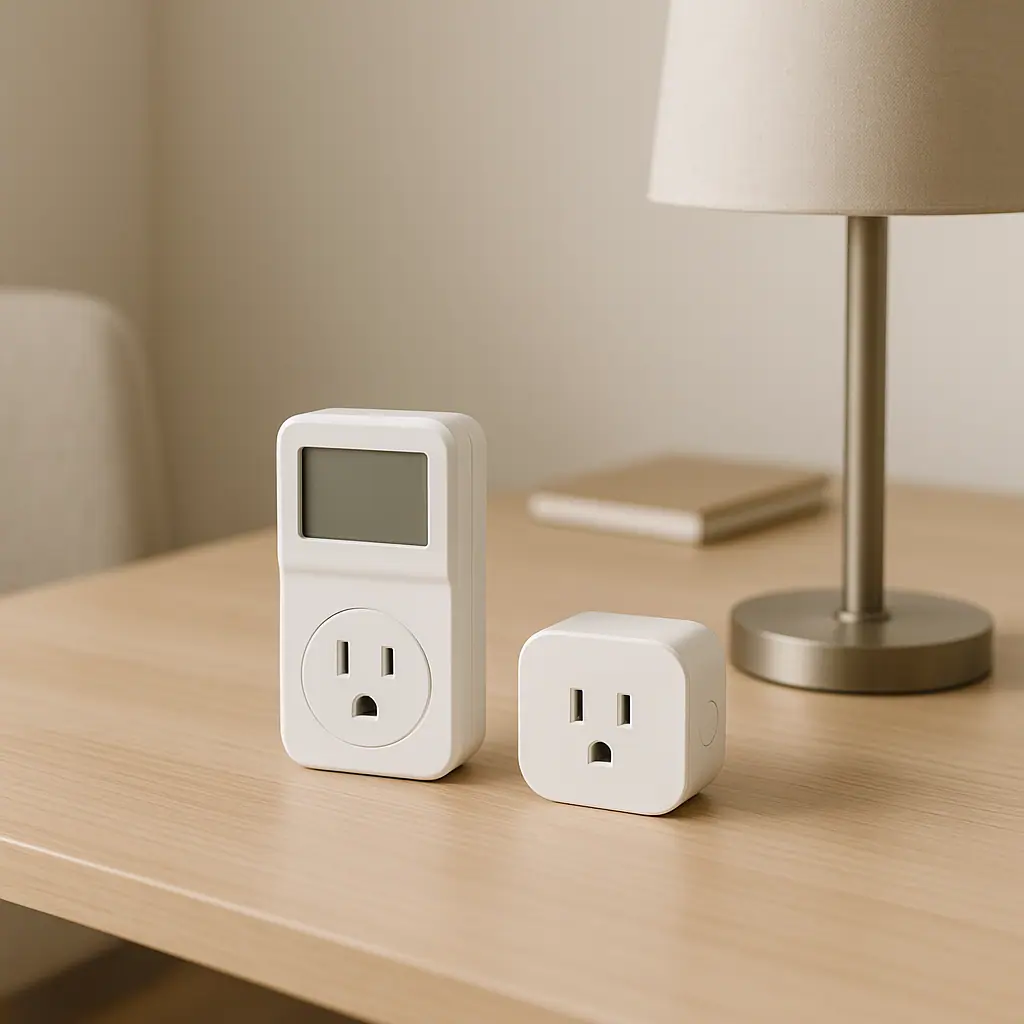
- Measure or test gently: use an outlet meter or energy-monitoring smart plug only if the device is within the meter or plug rating.
- Make one change: unplug it, switch off a power strip, or add a simple schedule only when the device is safe to control.
- Review after a week: keep the change only if it caused no annoyance and still makes practical sense.
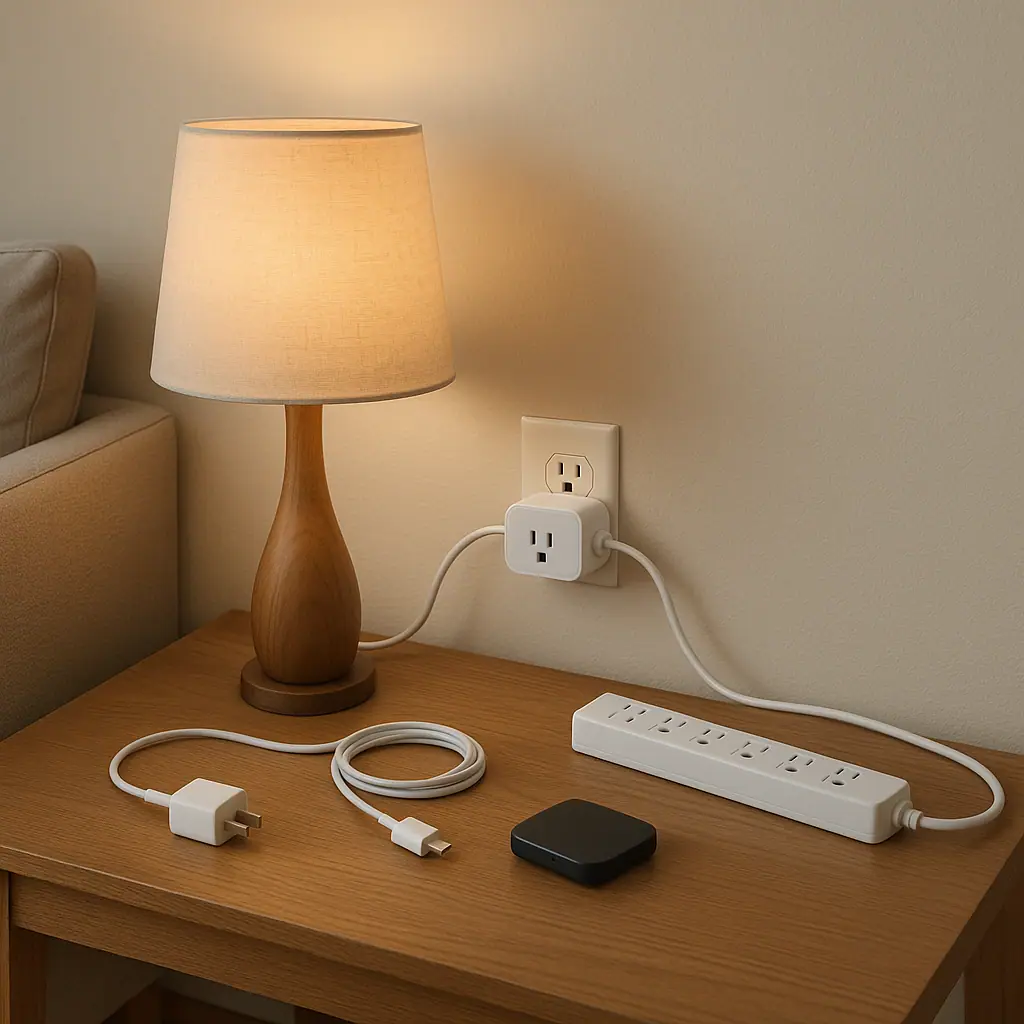
If you want the change to become a routine, keep it visible and easy. A labeled power strip for rarely used desk accessories is often more useful than a complicated automation. For schedule ideas that stay beginner-friendly, see WattCalm’s guide to smart plug schedule ideas.
Use Meters and Smart Plugs Carefully
An outlet meter can show power use at one outlet. A smart plug with energy monitoring can do something similar while also showing app-based history. Both can help, but neither turns an unsafe setup into a safe one.
ENERGY STAR describes smart home energy management systems as using connected devices to simplify, reduce, and manage energy consumption, including schedules, usage patterns, and control of plug loads. That idea is useful here: the device is only helpful when it supports a real household decision.
You can review ENERGY STAR’s overview of smart home energy management systems for the broader context. The practical takeaway is simple: monitor one question at a time, then decide whether the routine is worth keeping.
Electrical safety still comes first. The Electrical Safety Foundation International warns that extension cords are temporary solutions and should not substitute for permanent wiring. Their extension cord safety tips are a good reminder not to hide power problems behind more cords, strips, or connected gadgets.
Common Mistakes When Hunting for Always-On Devices
The first mistake is treating every standby light as waste. Some devices stay ready for good reasons, and the convenience may be worth it. A calm energy habit respects the way the household actually works.
The second mistake is using a smart plug on the wrong device. Avoid high-draw appliances, heaters, refrigeration, medical equipment, pumps, and anything the smart plug manual excludes. Energy tracking is useful only when the connected device is appropriate for the plug.
The third mistake is making too many changes at once. If you unplug five things and someone gets annoyed, you may not know which change caused the problem. Test one device, one outlet, and one week at a time.
Pros and Cons of Tracking Always-On Devices
Makes invisible habits visible
A walkthrough or meter check can reveal devices that stay ready long after anyone needs them.
Works one outlet at a time
You can learn from a single device without buying a whole-home system or changing wiring.
Supports simple routines
The result can be as modest as unplugging a spare charger or switching off a media strip at night.
Some devices should stay on
Safety, internet access, refrigeration, alarms, and shared household needs may matter more than reducing standby use.
Small numbers can distract
It is easy to spend too much attention on tiny standby loads while missing simpler habits that matter more.
A Simple Always-On Device Checklist
Use this checklist when you want a repeatable method without turning the house into a project.
- Room chosen: did you pick one room instead of the whole house?
- Devices listed: did you write down what is plugged in before changing anything?
- Safety filtered: did you remove critical, shared, or high-risk devices from the experiment?
- One candidate selected: did you choose a device that can safely lose power?
- Manual checked: did you verify ratings, warnings, and reset concerns before using a meter or smart plug?
- One-week review: did you check whether the change still feels useful after normal life tested it?
When to Get Extra Help
Get extra help when the device is hardwired, the outlet looks damaged, the load is unclear, or the routine would affect heating, cooling, refrigeration, health, safety, or security. WattCalm focuses on reversible plug-in habits, not electrical work.
You should also pause when a device belongs to a landlord, employer, internet provider, medical supplier, security company, or another household member. Ask first, read the official instructions, and avoid guessing when the consequence of being wrong is more than a mild inconvenience.
Frequently Asked Questions
What should I check first when looking for always-on devices?
Start with visible standby clues in one room: lights, clocks, warm adapters, chargers, media gear, and office equipment. Then filter out anything that should stay on for safety or daily function.
How often should I review always-on devices?
Review them after major routine changes, a new device purchase, a room rearrangement, or once every season. A full weekly audit is usually more attention than most households need.
What should I do if I am not sure whether a device can be unplugged?
Do not guess. Check the product manual, ask the person who uses it, or leave it alone until you can verify whether unplugging it causes a reset, safety issue, or missed function.
Can I undo these changes later?
Usually, yes. You can plug a device back in, remove a schedule, rename a smart plug, or stop tracking a device if the routine becomes annoying or unnecessary.
Final Thoughts
The best way to find always-on devices around the house is patient and practical: walk one room, list what is plugged in, ignore devices that should stay on, and test one low-risk candidate at a time.
You do not need a perfect energy dashboard to build a calmer routine. One useful discovery, one safe change, and one week of review is enough to make the habit worth keeping.