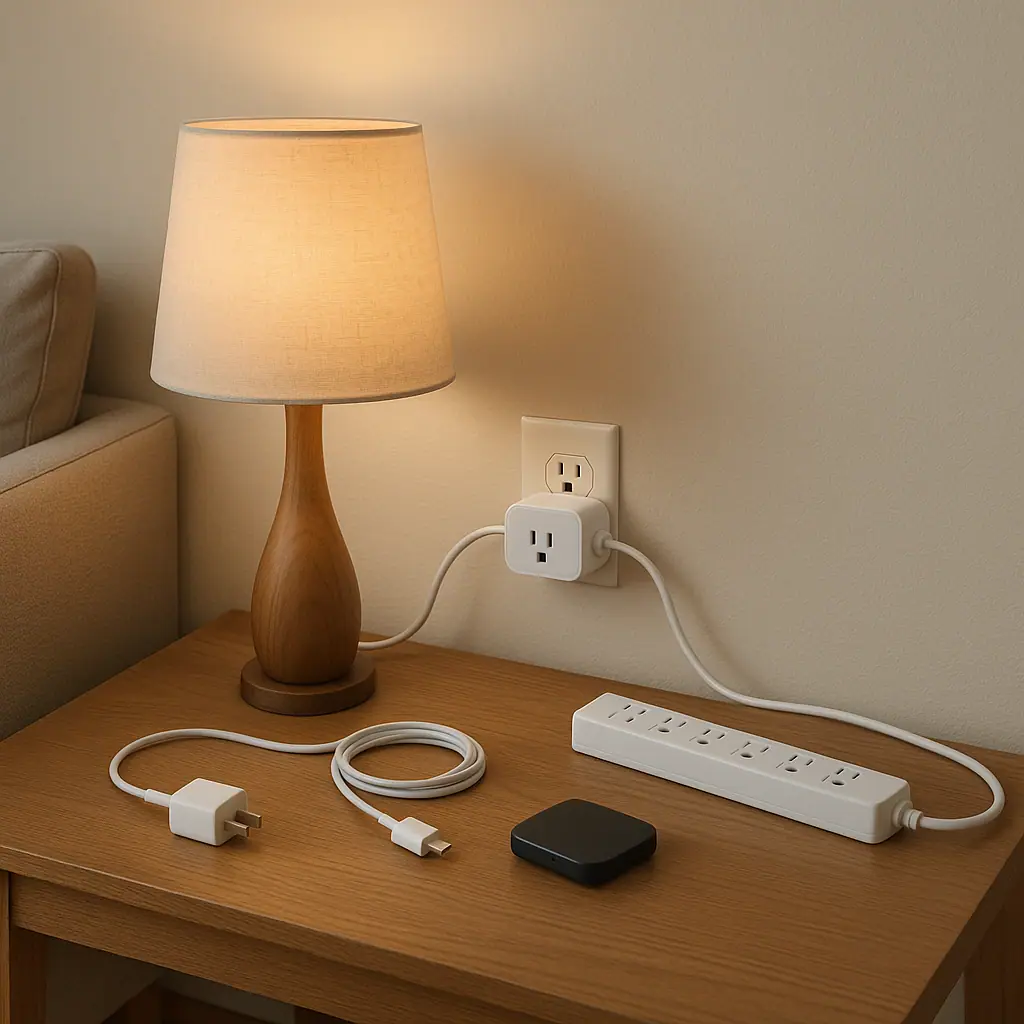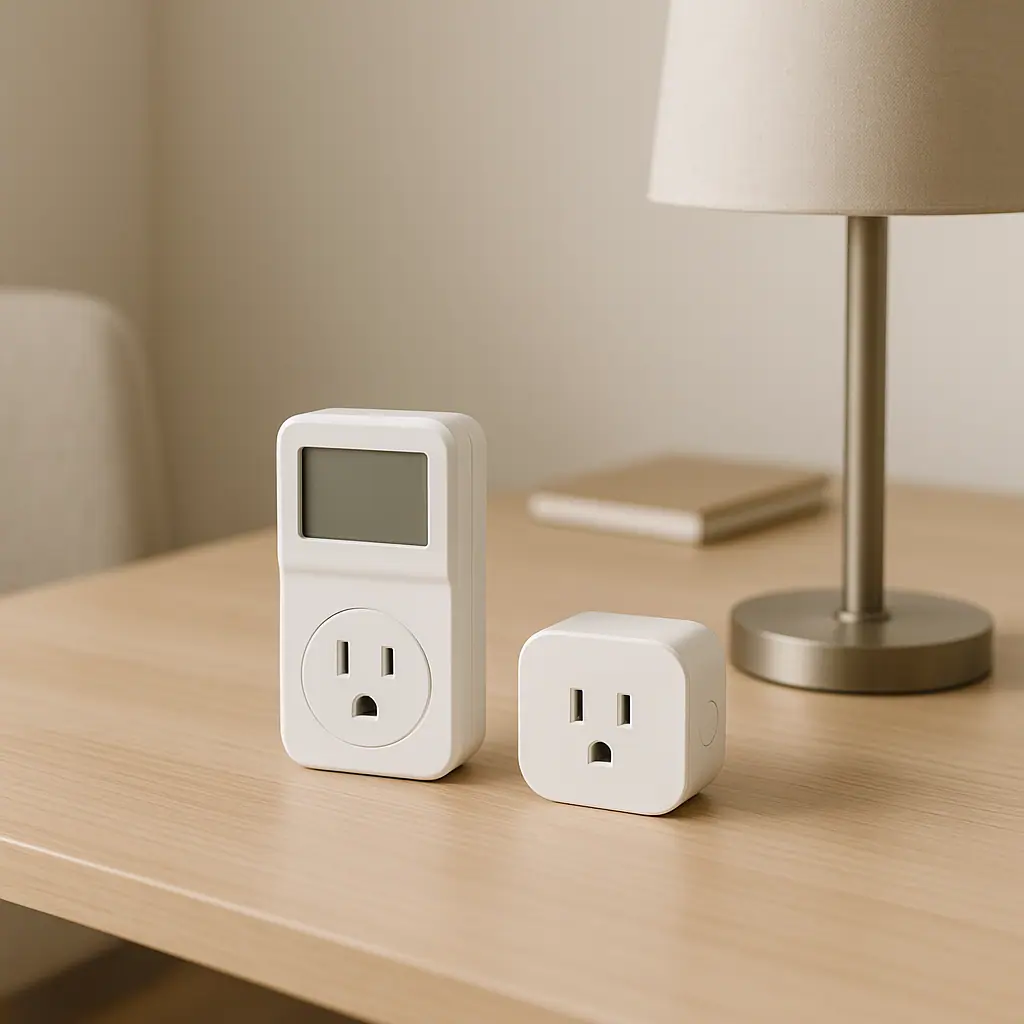
Outlet meter vs smart plug energy tracking is a simple comparison once you separate two jobs. An outlet meter is usually best for a short, direct measurement at one outlet. A smart plug with energy monitoring is usually best when you want ongoing tracking, schedules, or app history for a safe plug-in device.
The calm answer is not that one tool is always better. It depends on what you want to learn, how long you need to track it, and whether the device is appropriate for a meter or smart plug at all.
Why Outlet Meter vs Smart Plug Energy Tracking Matters
The reason outlet meter vs smart plug energy tracking matters is that plug-in energy use can be invisible. A printer, lamp, speaker, monitor, air purifier, charger, or media device may use power differently when active, idle, or fully off. Measuring can turn that vague suspicion into a practical decision.
Still, the goal is not to chase every tiny number. The goal is to answer one household question at a time: is this device worth leaving plugged in, scheduling, unplugging, replacing, or simply ignoring because the convenience is worth it?
If you are new to the numbers, WattCalm has a plain-language guide to smart plug energy monitoring. That background can help you understand watts, usage history, and why a short reading may not tell the whole story.
What an Outlet Meter Does Best
An outlet meter is a small measuring device that plugs into the wall. You plug the appliance or device into the meter, then read power use directly from the meter display. It is useful when you want a quick check without adding another app, account, Wi-Fi device, or automation rule.
Use it for short, focused checks
An outlet meter fits one-time questions. How much does this desk setup use while working? Does this older dehumidifier draw more than expected while running? Is this media console using noticeable power in standby? Those are focused questions that do not need a permanent smart-home routine.
Know its limits
An outlet meter is less convenient when the outlet is behind furniture, when you want week-long history, or when the device cycles unpredictably. It also should not be treated as a safety workaround. If an outlet, plug, cord, or adapter seems damaged, hot, loose, or unusual, stop and get qualified help.
- Best fit: short measurements, no app setup, one device at a time, and clear manual reading.
- Less ideal: hidden outlets, long-term tracking, shared household reports, or routines you want to automate.
- Safety habit: compare the connected device rating with the meter rating before testing.
What a Smart Plug Tracks Better
A smart plug with energy monitoring can show current power use and history in an app. Some models also support schedules, timers, remote control, voice assistant integration, or automatic shutoff routines. That makes smart plugs useful when tracking and action belong together.
ENERGY STAR describes smart home energy management as using connected devices to help manage energy use through control, schedules, and information about usage patterns. You can read ENERGY STAR's overview of smart home energy management systems for the broader context.
The practical point is modest: a smart plug is most helpful when it supports a real decision. For example, you might track a lamp, fan, desk monitor, or charger for a week, then decide whether a schedule or off routine makes sense.
Use it for repeatable routines
A smart plug is better when you want the same device to behave predictably every day. If a lamp should turn off after bedtime, or a desk accessory should stop drawing power after work, energy tracking and scheduling can support the same simple habit.
Avoid over-automation
Do not put every plug-in device on a smart plug just because you can. Each extra device adds another app setting, name, firmware update, and possible point of confusion. For a calmer setup, choose one or two low-risk devices where the routine is obvious.
How to Choose Between Them Step by Step
Use this simple method before buying or moving anything. It keeps the decision narrow and reduces the chance of measuring the wrong thing.
- Name the question: decide whether you want a one-time number, a week of history, or an automatic routine.
- Check the device type: avoid heaters, refrigeration, pumps, medical equipment, large appliances, and anything the meter or plug manual excludes.
- Check ratings: compare watts, amps, and voltage on the device label against the meter or smart plug rating.
- Pick the simpler tool: choose an outlet meter for a quick test and a smart plug for safe ongoing tracking.
- Test one device: do not create a whole-house project. Measure one low-risk item first.
- Review the result: decide whether the number changes your behavior. If it does not, you may not need to track that device again.
Electrical safety still matters around every cord and outlet. The Electrical Safety Foundation International explains that extension cords are temporary solutions and should not replace permanent wiring. Their extension cord safety tips are a useful reminder not to hide overloaded or inconvenient outlets behind extra gadgets.
Common Energy Tracking Mistakes to Avoid
The first mistake is measuring for too short a time and treating the result as permanent. Some devices cycle on and off. A quick number may be useful for a lamp, but less useful for a device that runs differently across the day.
The second mistake is ignoring convenience. If a smart plug saves a tiny amount of energy but annoys the household every morning, the routine may not be worth keeping. Calm energy habits should be useful, not fussy.
The third mistake is using a smart plug as a remote switch for devices that should not be switched that way. Always check the manual and avoid anything with safety, health, heating, refrigeration, pump, or motor concerns unless the manufacturer clearly says the setup is appropriate.
Pros and Cons of Each Approach
Outlet meters are direct
They give a focused reading at one outlet without app setup, Wi-Fi pairing, or long-term configuration.
Smart plugs add history
Energy-monitoring smart plugs can show patterns over time and connect the measurement to a schedule or timer.
Both can support better habits
Used carefully, either tool can help you make one clear decision about a low-risk plug-in device.
Ratings still matter
Neither tool is safe for every device, and both require you to respect product limits and manuals.
Data can become distracting
Tracking too many tiny loads can create more mental clutter than useful savings.
A Simple Checklist
Before choosing between an outlet meter and smart plug energy tracking, run through these quick checks.
- Question clear: do you know what you are trying to learn?
- Device low-risk: is it a simple plug-in item, not safety-critical or high-draw?
- Ratings checked: did you compare the device label with the meter or smart plug limits?
- Timeframe chosen: do you need a quick reading or several days of history?
- Routine useful: would a schedule, timer, or app history actually help?
- Easy to undo: can you remove the tool without disrupting the household?
When to Get Extra Help
Get extra help if the outlet is damaged, the plug feels hot, the device load is unclear, or the equipment affects heating, cooling, refrigeration, health, security, internet access, or a shared work setup. WattCalm focuses on reversible plug-in routines, not electrical repairs or wiring decisions.
You should also pause if the device belongs to a landlord, employer, utility program, internet provider, medical supplier, or another household member. A quick question can prevent a confusing reset or missed function.
Frequently Asked Questions
What should I check first for outlet meter vs smart plug energy tracking?
Start with the device label and the meter or smart plug rating. If the device type or rating is not clearly appropriate, do not test it casually.
How often should I review energy tracking?
Review it after a week for a routine device, after a new purchase, or when your household schedule changes. Daily checking is usually unnecessary for beginners.
What should I do if I am not sure which tool fits?
If the device is safe and low-risk, use an outlet meter for a short answer. If you want history or a schedule, choose a smart plug with energy monitoring. When safety is unclear, check the official manual or ask a qualified person.
Can I undo the setup later?
Usually, yes. You can remove an outlet meter, unplug a smart plug, delete a schedule, or stop tracking a device if the routine is not useful.
Final Thoughts
Outlet meter vs smart plug energy tracking is easiest when you keep the job small. Use an outlet meter when you need a direct short-term reading. Use a smart plug when a safe device needs ongoing history, a timer, or a repeatable schedule.
One low-risk device, one clear question, and one week of review is enough to learn something useful without turning energy awareness into a complicated project.