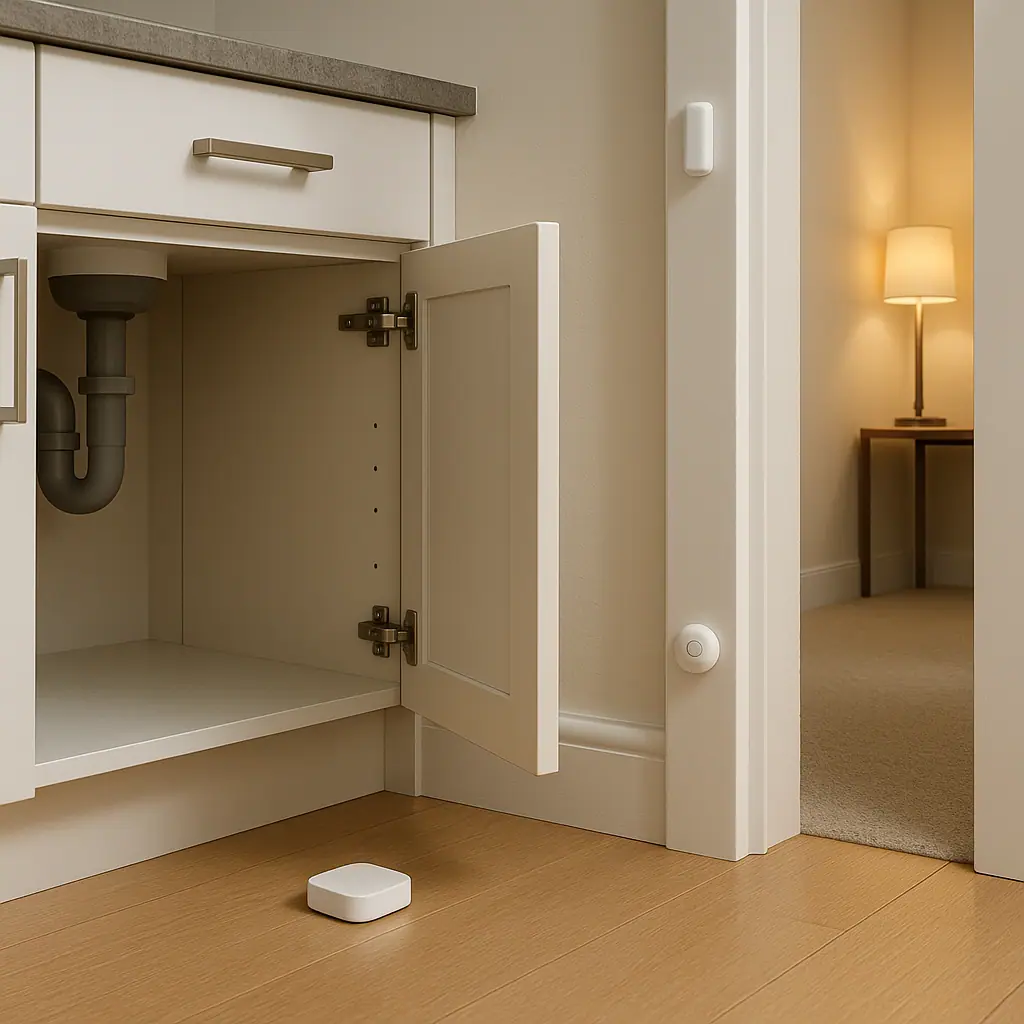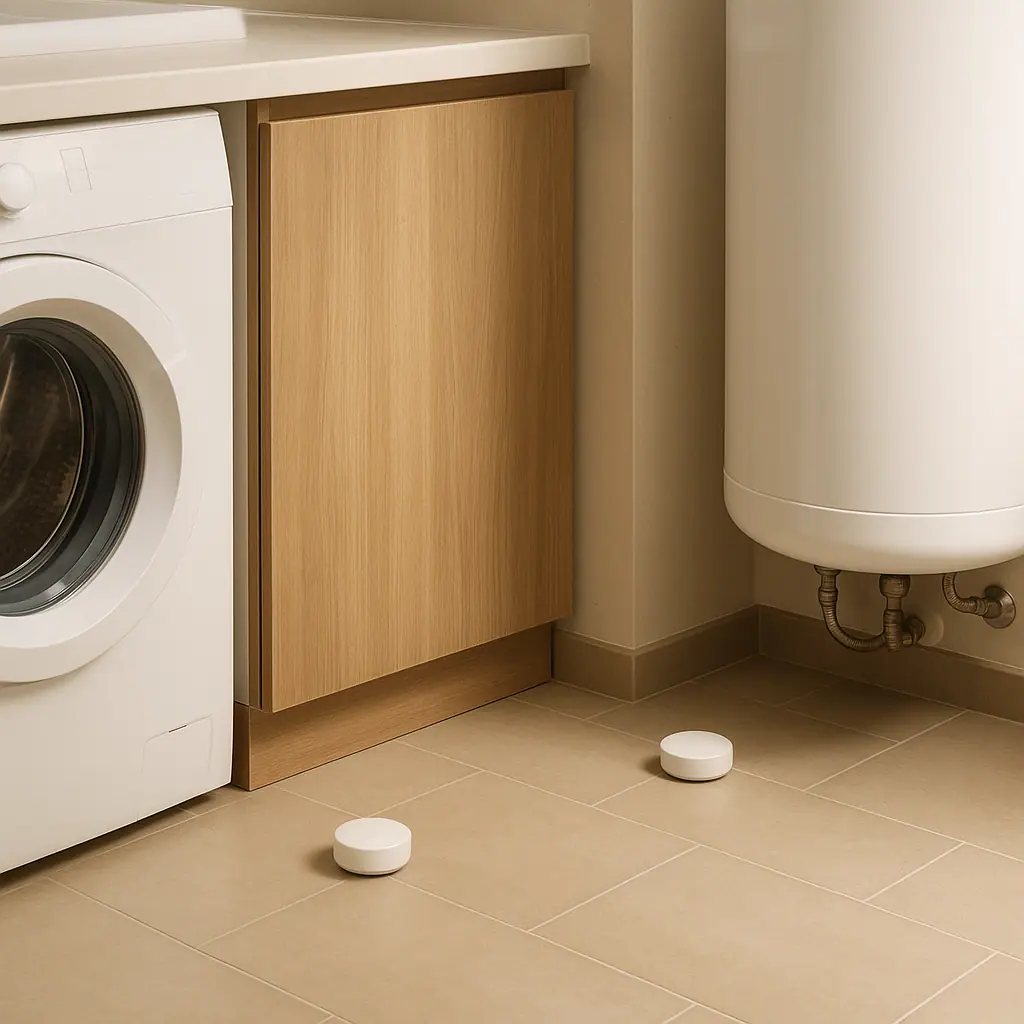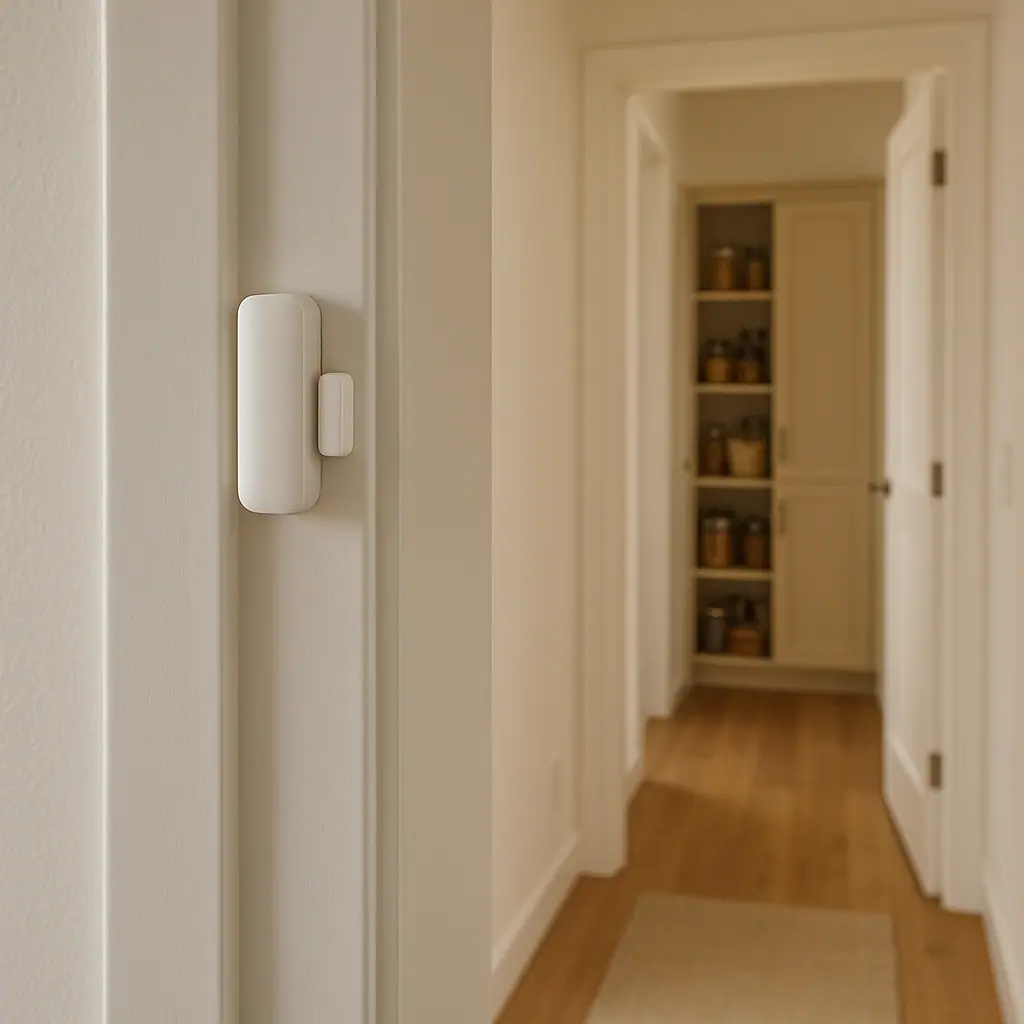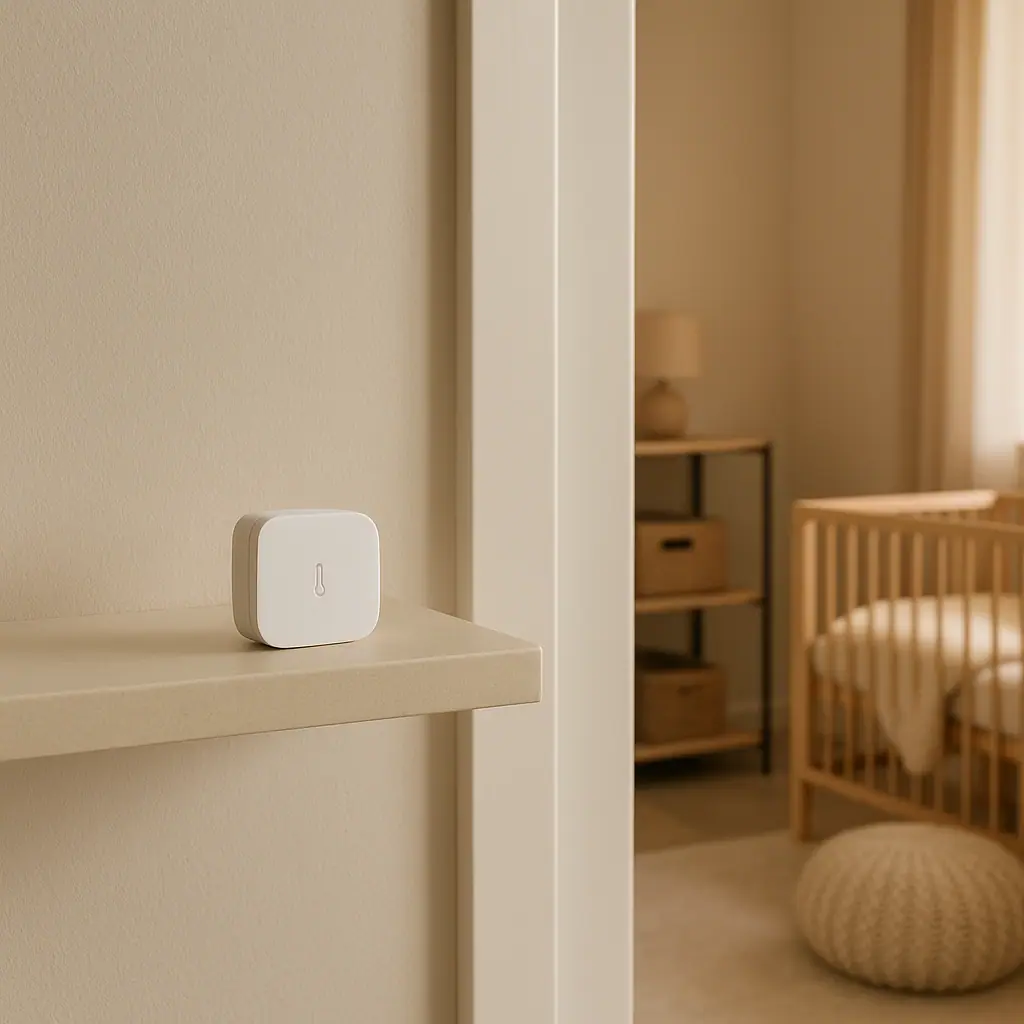
Temperature sensors at home can make quiet spaces easier to understand. A small sensor cannot repair a drafty basement, protect a garage appliance by itself, or decide whether a nursery is comfortable. What it can do is notice a temperature change and give you a simple reason to check the room before guessing.
The calm way to use one is to choose one location, one range, and one response. That keeps the setup useful instead of turning the house into a dashboard full of numbers. For many beginners, a temperature sensor is most helpful in places people do not check constantly: basements, garages, nurseries, utility rooms, storage corners, and rooms that feel different from the rest of the home.
This guide keeps the advice practical and conservative. WattCalm provides general smart-home and energy-habit information, not electrical, HVAC, medical, child-safety, or financial advice. Always follow product manuals and hire qualified professionals for wiring, HVAC, appliance, or safety-critical changes.
Why Temperature Sensors at Home Matter
Temperature sensors matter because comfort problems often begin as patterns, not emergencies. A basement may run colder than the living room. A garage may swing too hot for supplies or too cold for a freezer location. A nursery may feel comfortable at bedtime but warm up after the door closes. A sensor gives you a record and an alert, so you can respond to a real condition rather than a vague feeling.
If you are still learning the broader category, start with the plain-English guide to smart home sensors for beginners. Temperature sensors use the same basic idea: the device reports one condition, and you decide what action is reasonable.
The important part is not chasing a perfect number. It is building a small routine: check the reading, look at the room, compare it with what people are experiencing, and adjust the home setup only when the pattern is clear.
Start With Sensors for a Calmer Home
The easiest first use is a room where the temperature already causes a question. Do not begin by putting sensors everywhere. One well-placed sensor that answers a real household question is more useful than six devices that create noise.
- Basements: watch for colder corners, heat loss, or seasonal swings that affect comfort, storage, or humidity decisions.
- Garages: notice wide temperature changes before storing supplies, paints, batteries, or appliances that have manufacturer limits.
- Nurseries: use a reading as one extra check for comfort while still following pediatric safe-sleep guidance and direct observation.
- Utility rooms: track unusual warmth near equipment without touching unfamiliar wiring, vents, or appliances.
- Attic-adjacent rooms: compare readings with the rest of the home when one bedroom feels consistently different.
Choose one question first
A useful first question might be, does the basement drop sharply overnight, does the garage get too hot in the afternoon, or does the nursery warm up after the door is closed? A specific question makes the alert range easier to set.
Keep alerts rare and meaningful
Temperature changes slowly in most rooms. If the sensor notifies you every few minutes, the setup will become annoying. Start with a wider range, review the pattern for a week, then narrow the alert only if it would change what you do.
What to Check First for Temperature Sensors at Home
Before buying or placing a sensor, check the product limits and the room conditions. Many temperature sensors are designed for normal indoor use. A garage, shed, freezer-adjacent space, or damp basement may fall outside the range listed in the manual.
- Operating range: confirm the sensor can handle the hottest and coldest conditions in the room.
- Humidity limits: damp basements and garages can affect electronics even when the temperature looks fine.
- Wireless signal: concrete, appliances, metal shelves, and distance from the hub or router can weaken readings or alerts.
- Battery access: place the sensor where you can replace batteries without moving heavy storage.
- Mounting location: avoid direct sun, heating vents, exterior doors, appliances, cribs, and spots children can reach.
- Response plan: decide who checks the room if an alert appears and what action is actually safe.
ENERGY STAR notes that smart thermostats can provide equipment-use and temperature data that homeowners can track and manage: ENERGY STAR smart thermostat guidance.
That source is about thermostats, not every standalone sensor. The practical lesson is still useful: temperature data helps most when it supports a clear decision, such as checking a room, adjusting a schedule, or asking an HVAC pro about an uneven zone.
Simple Uses for Basements
Basements often feel different from the rest of the home because they sit partly or fully below ground. A temperature sensor can help you see whether the room is just slightly cooler, consistently cold, or changing with outdoor weather and HVAC cycles.
A basement sensor is especially useful when paired with observation. If the room feels cold, note the reading. If boxes feel damp, look at humidity too. If a corner is much colder than the rest of the basement, check for drafts, blocked vents, or insulation questions before buying more devices.
A recent guide on where to put leak sensors in a home covers water-risk placement. Temperature sensors are different, but the same habit applies: put the device where the reading represents the problem you care about, not where it is easiest to forget.
Good basement spots
Place a basement temperature sensor on an interior wall, shelf, or stable surface away from direct sunlight, supply vents, dehumidifier exhaust, laundry heat, and exterior doors. If the basement has zones, start with the room you use or store items in most often.
When basement alerts help
Alerts can help when a finished basement drops below a comfort range, a storage room gets unusually warm, or a utility space changes suddenly. Avoid using a consumer temperature sensor as your only protection for plumbing, HVAC, or appliance problems. It is a reminder to inspect, not a guarantee.
Simple Uses for Garages
Garages are harder because they may be unconditioned, drafty, and far from the router. Some products, appliances, batteries, paints, and stored supplies have temperature limits in their manuals. A garage temperature sensor can help you notice how extreme that space actually gets before you rely on it for sensitive storage.
Electrical safety also matters in garages because people often add chargers, tools, freezers, extension cords, or plug-in accessories. ESFI encourages protecting homes from electrical hazards and fires through safer electrical practices: ESFI home electrical safety guidance.
For a temperature sensor, that means staying conservative. Do not run cords in unsafe ways just to power a hub, do not touch unfamiliar equipment during an alert, and do not assume a garage-rated setup unless the product manual says so.
- Freezer awareness: use a sensor nearby to notice garage swings, but follow the freezer manual for acceptable room conditions.
- Storage decisions: check whether supplies, paints, batteries, or cleaners should be stored elsewhere during heat or cold.
- Workshop comfort: use readings to decide when a short project is reasonable, not to override heater or tool safety guidance.
- Signal testing: test from the final garage location for several days before trusting alerts.
Simple Uses for Nurseries
A nursery temperature sensor should support observation, not replace it. The reading can help you notice whether the room tends to warm up after bedtime, cool down before morning, or differ from the thermostat location. It should not become a medical device or a reason to ignore how the child looks and feels.
The American Academy of Pediatrics advises keeping the room where a baby sleeps at a comfortable temperature and watching for overheating signs such as sweating or a hot chest: AAP safe sleep guidance via HealthyChildren.org.
That guidance is why nursery alerts should be calm and careful. Use a sensor as an extra room-awareness tool, keep it out of reach, avoid cords near sleep spaces, and talk with a pediatrician about child-specific concerns.
Keep the nursery setup physically simple
Place the sensor away from the crib, changing table, curtains, cords, vents, heaters, direct sun, and humidifiers. A wall shelf or dresser away from a child's reach is usually easier to maintain than a spot near the sleep area.
Avoid exact-number panic
Temperature readings vary by device and placement. Instead of reacting to every small change, look for repeated patterns. If the room regularly feels uncomfortable or the reading differs from the rest of the home, adjust the room setup conservatively or ask a qualified person for help.
How to Set Up a Temperature Sensor Step by Step
Use the same process for basements, garages, nurseries, and other rooms. A repeatable process keeps the setup understandable later.
- Name the job. Write one sentence such as watch nursery comfort overnight, track garage afternoon heat, or compare basement temperature with upstairs.
- Read the manual. Check operating temperature, humidity limits, battery type, mounting instructions, and whether a hub is required.
- Pair near the router first. Add the device to the app before placing it in a basement, garage, or far room.
- Move it to the real location. Avoid vents, appliances, direct sun, exterior doors, and spots children can reach.
- Watch silently for a few days. Let the sensor collect normal readings before setting strict alerts.
- Set one practical alert. Choose a range that would make you check the room, not a range that creates constant noise.
- Name the alert plainly. Basement too cold, garage very hot, or nursery comfort check is easier to act on than Sensor 05.
- Review after one week. Adjust placement or alert limits based on normal life, not one unusual day.
Pros and Cons of Temperature Sensor Routines
Clearer room patterns
A sensor can show whether a room is consistently different from the rest of the home or only uncomfortable at certain times.
Useful for quiet spaces
Basements, garages, utility rooms, and nurseries can be monitored without walking through them constantly.
Easy first routine
Most temperature alerts are reversible, adjustable, and simple enough for beginners to understand.
Placement affects readings
A sensor near a vent, window, appliance, crib, or sunny wall may report a local condition instead of the room pattern.
Alerts can create worry
Narrow ranges and frequent notifications can make a harmless fluctuation feel urgent when it only needs observation.
Common Temperature Sensor Mistakes to Avoid
Temperature sensors are simple, but a few mistakes can make them less useful.
- Trusting the first reading immediately: watch the pattern for several days before making conclusions.
- Placing it near a heat source: vents, appliances, chargers, sunbeams, and exterior doors can distort readings.
- Using it outside product limits: garages, sheds, and damp basements may exceed normal indoor sensor ratings.
- Setting alerts too tight: small changes are normal. Alerts should point to a meaningful check.
- Forgetting batteries: add a seasonal reminder to review battery status and app connectivity.
- Replacing professional judgment: call an HVAC pro, electrician, pediatrician, or appliance technician when the issue belongs to them.
A Simple Checklist
Before calling the routine finished, run through this checklist.
- One location chosen: basement, garage, nursery, or another room has a clear reason for monitoring.
- Manual checked: temperature range, humidity limits, hub needs, and battery type are understood.
- Placement tested: the sensor sits away from vents, sun, appliances, doors, and reach hazards.
- Signal confirmed: the app updates reliably from the final location.
- Alert range is practical: the notification would make someone take a reasonable next step.
- Review date set: you will adjust the routine after one normal week.
When to Get Extra Help
Get extra help when temperature readings point to HVAC equipment, wiring, an appliance that feels hot, repeated freezer or refrigerator concerns, a nursery comfort concern you do not understand, or any condition that feels unsafe. Do not troubleshoot electrical panels, powered equipment, gas appliances, or HVAC systems from a consumer sensor alert.
Also get help if the room temperature changes suddenly and you can smell burning, see damaged cords, notice moisture near powered equipment, or cannot safely identify the source. The sensor has done its job by prompting a check. It should not push you into risky repairs.
Frequently Asked Questions
What should I check first before using temperature sensors at home?
Check the sensor manual for operating range, humidity limits, hub requirements, battery type, and mounting guidance. Then choose one room and one reason for monitoring before setting alerts.
How often should I review a temperature sensor routine?
Review after the first week, then about once per season. Also review after router changes, battery warnings, HVAC service, room layout changes, or repeated alerts.
Can a temperature sensor control my HVAC system?
Some room sensors can work with compatible thermostats, but compatibility and behavior vary by product. Check the thermostat and sensor manuals, and ask an HVAC professional before relying on a setup that affects heating or cooling equipment.
Can I undo temperature alerts later?
Usually, yes. Most app alerts can be edited, paused, or deleted. Keep a small note of the original alert range and placement so you can troubleshoot without guessing.
Final Thoughts
Temperature sensors at home are most helpful when they answer a simple question. Use one to understand a basement pattern, a garage swing, a nursery comfort check, or another room that behaves differently from the rest of the house.
Start small, place the sensor carefully, watch normal readings before reacting, and keep alerts tied to actions you can safely take. A good temperature routine should make the home calmer to manage, not more stressful to monitor.