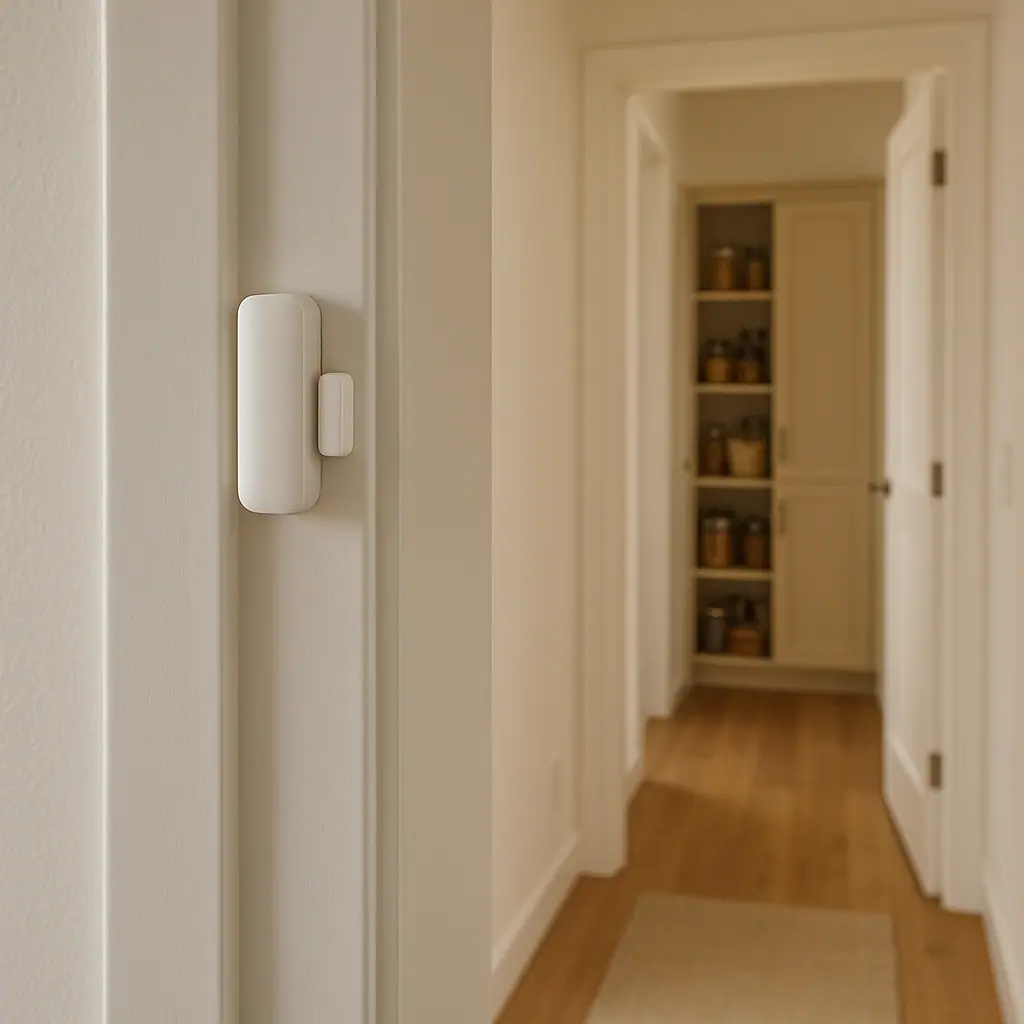
Door sensor ideas that are useful beyond security can make a smart home feel calmer without turning every doorway into an alarm system. A contact sensor is simple: one piece sits on the door, drawer, cabinet, or window, and the other piece notices when that opening changes from closed to open.
That small change can support routines you already care about. It can remind you that a freezer was left open, turn on a pantry light, reduce forgotten garage-door moments, or help a household notice when a medicine cabinet has been opened. The best setups are quiet, specific, and easy to undo.
This guide keeps the ideas practical. WattCalm provides general smart-home and energy-habit information, not electrical, HVAC, security, medical, or financial advice. Always follow product manuals, avoid wiring work unless you are qualified, and use professional help for electrical, HVAC, or safety-critical changes.
Why Door Sensors Matter Beyond Security
A door sensor is useful because many everyday problems begin with a simple open-or-closed state. The garage door is still open after dinner. The patio door is open while the heat or air conditioning is running. The pantry was opened, but the light stayed off. The freezer door did not close all the way.
If you are still learning the basics, start with the broader idea of smart home sensors for beginners. That foundation makes door sensors easier to understand because the sensor is only reporting a condition. The routine you build around that condition is the part that needs judgment.
After that, think in terms of one plain question: what would be helpful to know if this door, cabinet, or lid stayed open longer than normal?
Start With Sensors for a Calmer Home
The easiest first project is a door, cabinet, or appliance opening that already causes a small annoyance. Pick something you notice once or twice a week, not a theoretical problem that never happens.
- Garage door left open: create a reminder if the garage remains open after a set time in the evening.
- Pantry or closet light: turn on a nearby smart bulb or plug-in light when the door opens, then turn it off after the door closes.
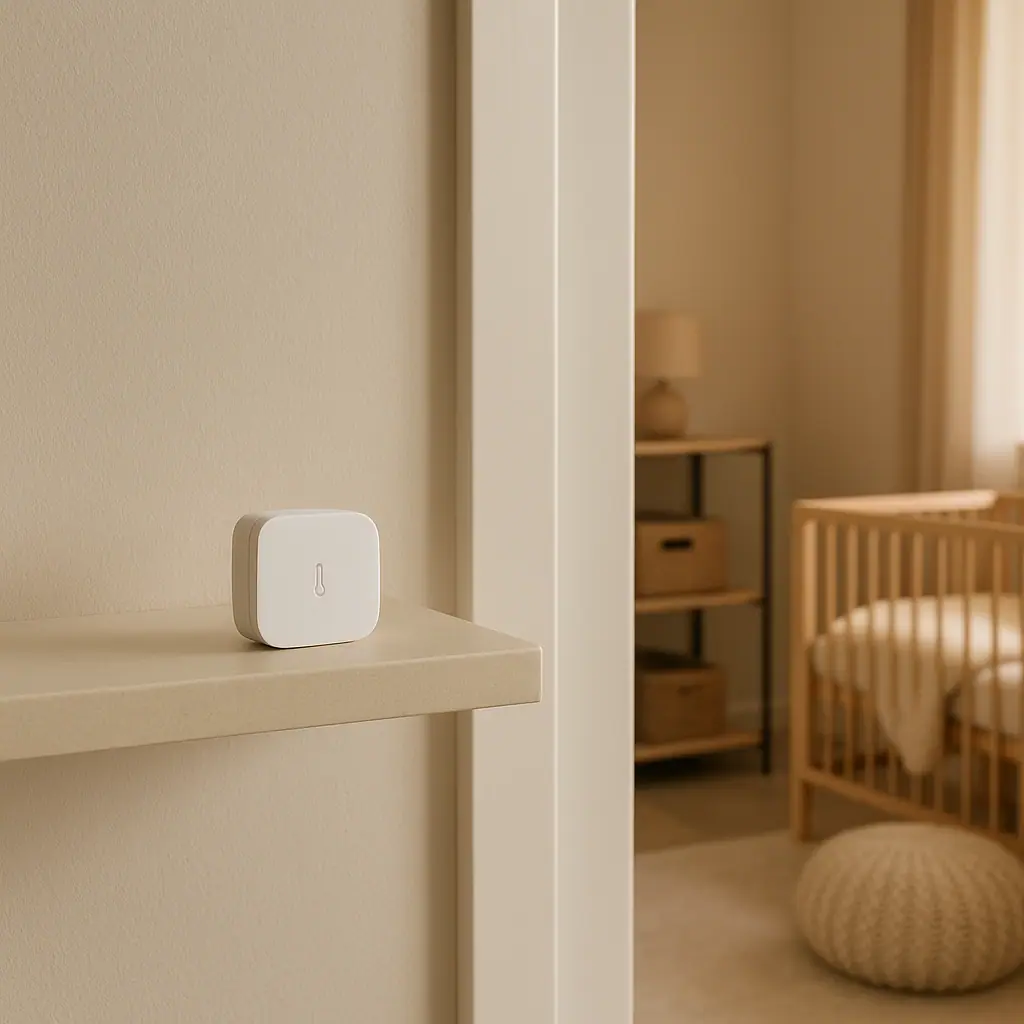
- Freezer or refrigerator check: use a sensor only if the manual and sensor temperature range make sense for the location.
- Pet or child routine: add a simple notification when a gate, cabinet, or room door opens during specific hours.
- Mail, storage, or utility access: know when a rarely checked door was opened, without treating it as a full security system.
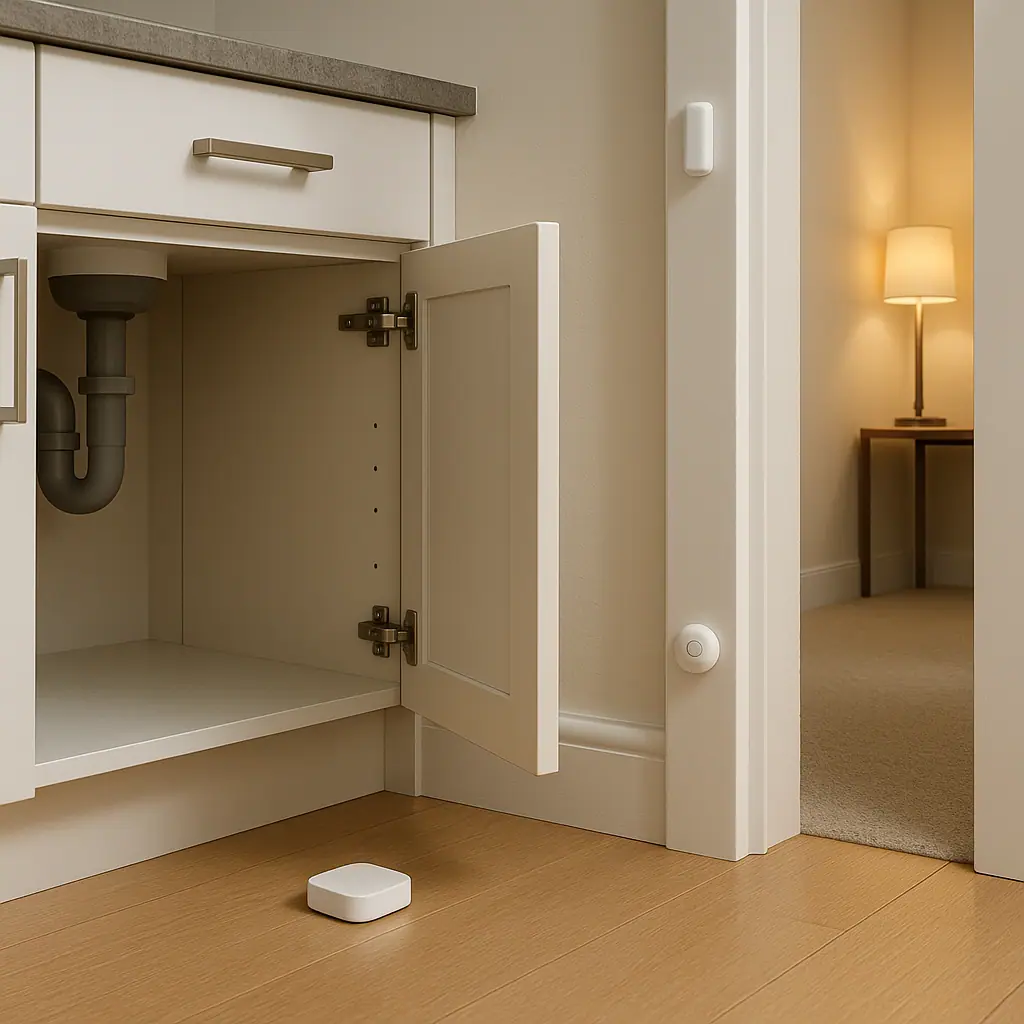
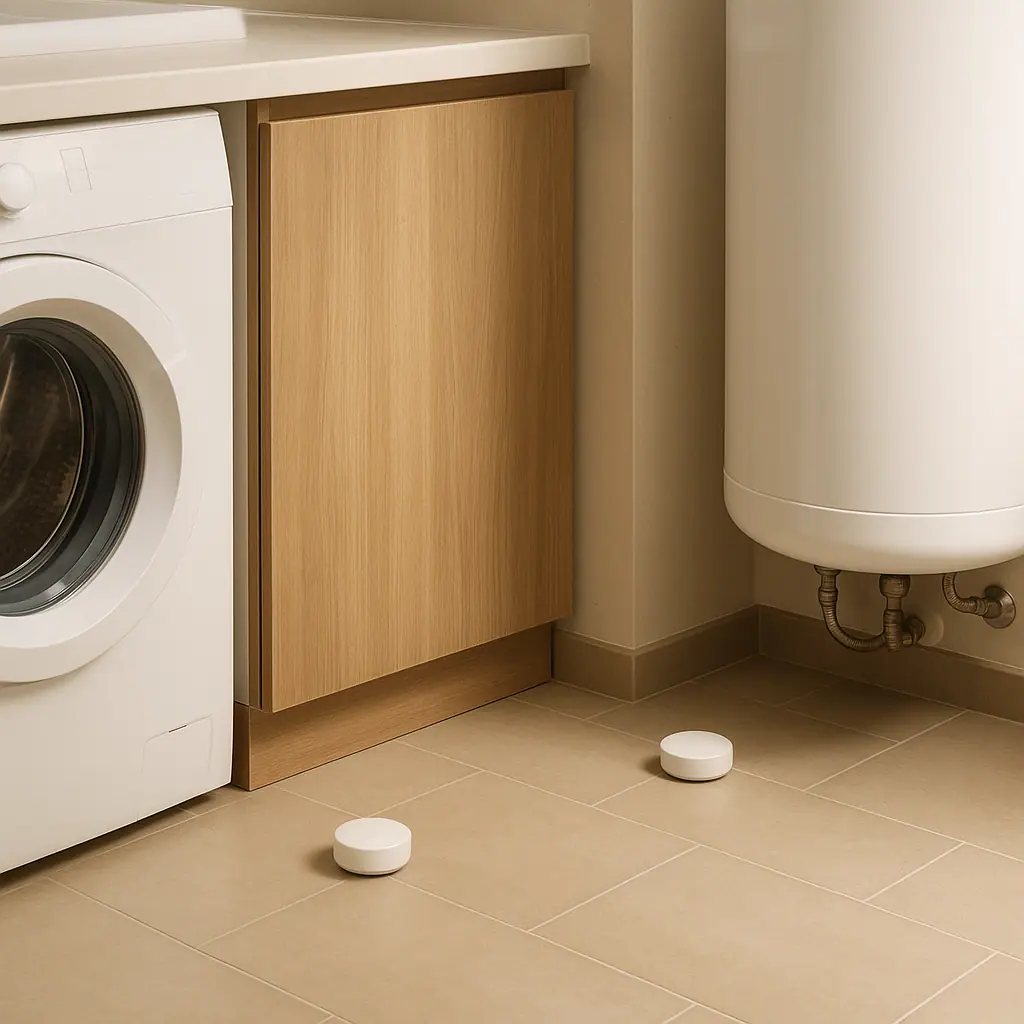
For water-prone areas, door sensors may pair well with separate moisture alerts, but they are not the same tool. A guide to where to put leak sensors in a home explains that leak sensors belong where water would appear early. Door sensors belong where an open or closed state tells you something useful.
Prefer one useful alert
One specific alert is better than five vague ones. Pantry door opened is usually less helpful than pantry door left open for ten minutes after 9 p.m. The second version has timing, location, and a reason to act.
Use sensors before buying complex gear
Door sensors are often a simple way to test whether a routine is worth keeping. If the reminder helps for two normal weeks, you can decide whether a light, speaker, hub, or more advanced automation is actually worth adding.
What to Check First for Door Sensor Ideas That Are Useful Beyond Security
Before placing a sensor, check the product manual and the exact spot where it will live. A contact sensor may look flexible, but the details still matter.
- Gap limit: the two sensor pieces usually need to sit within a specific distance when closed.
- Surface type: textured, dusty, damp, metal, or cold surfaces may affect adhesive or wireless performance.
- Temperature range: garages, sheds, refrigerators, and freezers may fall outside normal indoor sensor limits.
- Wireless signal: appliances, metal doors, and distance from the hub or router can weaken communication.
- Battery access: choose a location where you can replace the battery without moving heavy items.
- Household expectations: tell people what the routine does so an alert does not feel mysterious or intrusive.
ENERGY STAR notes that smart products can be managed remotely, programmed around schedules, and used to send alerts before a problem becomes bigger: ENERGY STAR smart home energy tips.
That does not mean every door sensor saves energy automatically. It means the useful pattern is simple: notice a condition, connect it to a reasonable action, and keep the automation modest enough that people still trust it.
How to Handle Door Sensor Ideas Step by Step
Use the same setup process for any door sensor idea. A repeatable process prevents app clutter and makes troubleshooting easier later.
- Choose one opening. Pick a door, cabinet, drawer, gate, or appliance lid that already has a clear routine problem.
- Name the job in plain language. Examples: garage door evening check, pantry light trigger, freezer left open, or medicine cabinet opened.
- Pair the sensor before mounting it. Add it to the app near the hub or router first so you know the device works.
- Test the closed position. Hold both pieces in place and confirm the app sees closed before removing adhesive backing.
- Test the open position. Open the door normally and make sure the app changes state reliably.
- Add timing before alerts. Instead of notifying instantly, consider a delay such as five, ten, or fifteen minutes when the use case allows it.
- Limit active hours. A garage reminder may only need evening hours. A pantry light routine may only need to run when the room is dark.
- Review after one week. If the alert was ignored, annoying, or confusing, simplify the routine instead of adding more conditions.
Example: a garage door reminder
A practical garage routine might say: if the garage door sensor reports open for more than 20 minutes after 8 p.m., send one notification to the person who can check it. That is more useful than a notification every time the door opens during normal use.
Example: a pantry light routine
A pantry setup might turn on a small smart light when the pantry door opens and turn it off one minute after the door closes. Keep the light low-power, follow device ratings, and avoid using a smart plug with anything the plug manual does not support.
Pros and Cons of Door Sensor Routines
Simple signal
Open or closed is easy for beginners to understand, which makes door sensor routines easier to trust.
Useful reminders
A timed alert can catch a garage, freezer, cabinet, or gate that stayed open longer than intended.
Low-commitment automation
Most routines can be disabled, renamed, or moved without changing wiring or building a complex system.
Placement can be fussy
The two sensor pieces need reliable alignment, and some surfaces make mounting less dependable.
Too many alerts become noise
If every opening sends a notification, people stop paying attention to the reminders that matter.
Common Sensors for a Calmer Home Mistakes to Avoid
Door sensor routines usually fail because the idea is too broad, the mounting spot is unreliable, or the alert is too eager.
- Using instant alerts for normal behavior: doors open and close all day. Add timing and active hours before notifying.
- Mounting before testing: always test open and closed states by hand before committing adhesive.
- Ignoring battery access: a sensor hidden behind storage may become a maintenance problem.
- Assuming outdoor or cold-area support: check the product temperature and humidity limits before using a sensor in a garage, shed, refrigerator, or freezer.
- Making safety-critical assumptions: a consumer door sensor is a reminder tool, not a substitute for supervision, locks, professional systems, or repairs.
- Leaving names vague: sensor 3 open is not a calm alert. Back door open for 10 minutes is clearer.
A Simple Door Sensor Checklist
Use this quick checklist before calling a routine finished.
- Clear purpose: the sensor solves one real household friction point.
- Manual checked: the mounting gap, temperature range, battery type, and surface guidance fit the location.
- Signal tested: the app reports open and closed from the final location.
- Alert delayed: notifications wait long enough to avoid normal use noise.
- Active hours set: the routine runs only when it is useful.
- Plain name used: the alert includes the room and object people recognize.
- Review scheduled: the setup gets a one-week check before expanding.
When to Get Extra Help
Get extra help when a door sensor idea touches wiring, powered equipment, HVAC behavior, medical needs, child safety, access control, or anything that would create risk if it failed. A sensor can support awareness, but it should not become the only layer for a serious safety decision.
You should also pause if the routine depends on an appliance manual you cannot find, a surface that will not hold adhesive, or a garage, gate, or outdoor door with unreliable signal. In those cases, the calmer move is to verify the product instructions or ask a qualified person before expanding the setup.
Frequently Asked Questions
What should I check first before using a door sensor?
Check the manual for mounting gap, surface guidance, battery access, temperature limits, and whether the sensor works from the final location. Pairing it on a table is not enough.
How often should I review door sensor routines?
Review after the first week, then about once per season or whenever you change routers, move furniture, replace batteries, or notice repeated nuisance alerts.
What should I do if I am not sure about a setup?
Stop and check the product instructions first. If the idea involves wiring, appliances, HVAC equipment, garage hardware, or safety-sensitive access, ask a qualified professional or trusted support source.
Can I undo a door sensor routine later?
Usually yes. Most app routines can be disabled, renamed, or deleted. Remove adhesive carefully according to the product instructions so you do not damage paint, trim, or appliance surfaces.
Final Thoughts
Door sensor ideas that are useful beyond security work best when they are specific, quiet, and tied to a real daily routine. Start with one opening that already causes a small problem. Test the sensor in place, delay the alert, and review it after one normal week.
A good door sensor routine should make the home easier to understand, not louder. When the alert has a clear purpose and a calm next step, the sensor becomes a helpful reminder instead of another gadget to manage.