A smart sensor starter kit should not feel like a box of gadgets looking for problems. The best first sensors solve ordinary household worries: a washer hose that might leak, a door you want to know about, a hallway light that should turn on gently, or a room that gets too hot or humid.
The calm way to buy is to start with the alert you would actually act on. If a sensor would only create another notification to ignore, it does not belong in the first round. If it helps you notice water, temperature, movement, or an open door at the right moment, it may earn a place.
Why a Smart Sensor Starter Kit Should Be Small
The phrase smart sensor starter kit can make beginners think they need a complete security-style package. For most households, that is backwards. A smaller kit is easier to place, easier to name, easier to silence when needed, and easier to explain to anyone else who lives in the home.
Start by naming the problem in plain language. Not “I want sensors everywhere,” but “I want to know if water appears under the sink,” or “I want the hall light to come on without touching a switch.” That keeps the purchase connected to a real routine instead of a product bundle.
If you have not used sensors before, read WattCalm’s plain-English guide to smart home sensors for beginners before comparing kits. It explains the basic sensor types without turning the decision into a technical project.
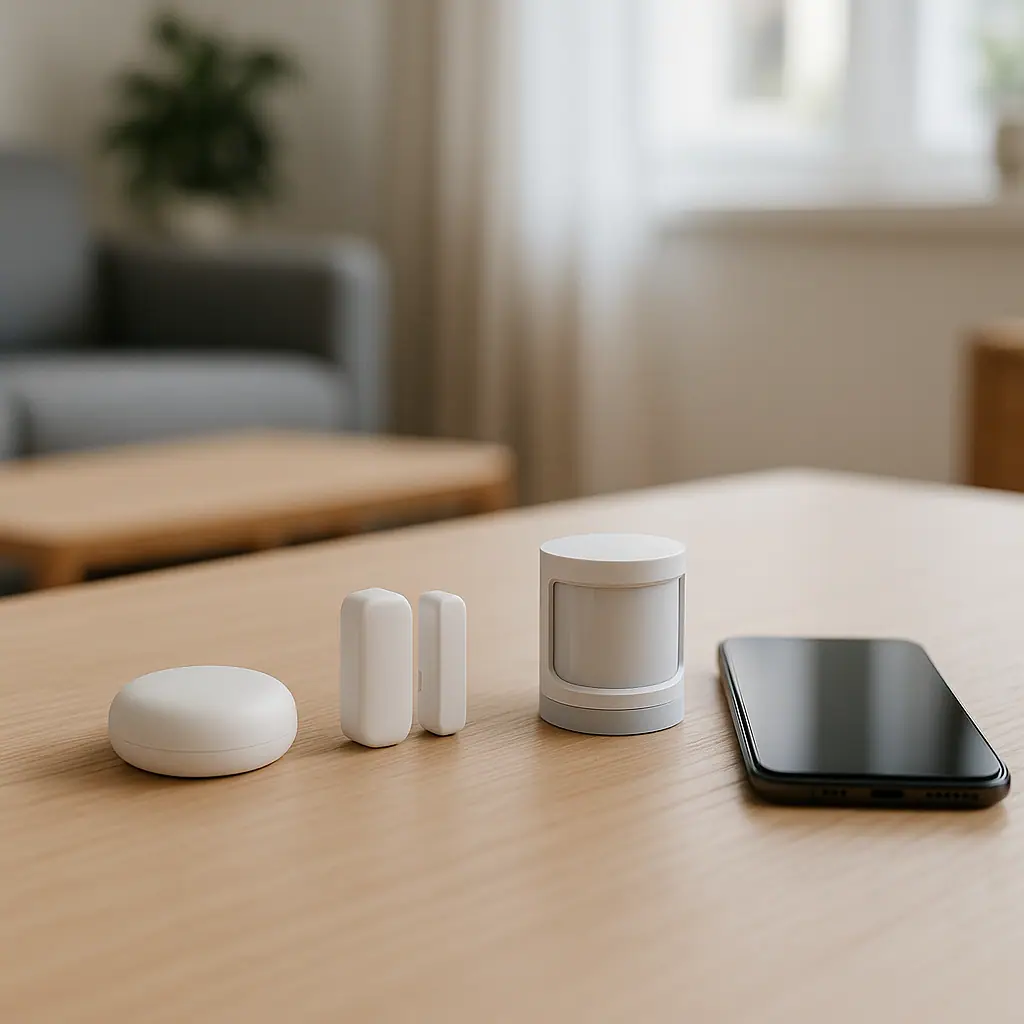
Once the basic types make sense, the first kit can be practical: one leak sensor, one or two contact sensors, and possibly one motion or temperature sensor. That is enough to learn how alerts behave in your home without committing to a complicated system.
What to Buy First for a Calmer Home
The best first purchase depends on the most useful alert. In many homes, a leak sensor is the easiest win because it sits quietly until there is a problem. Contact sensors are also beginner-friendly because they answer a simple question: is this door, cabinet, or window open or closed?
1. Start with one leak sensor
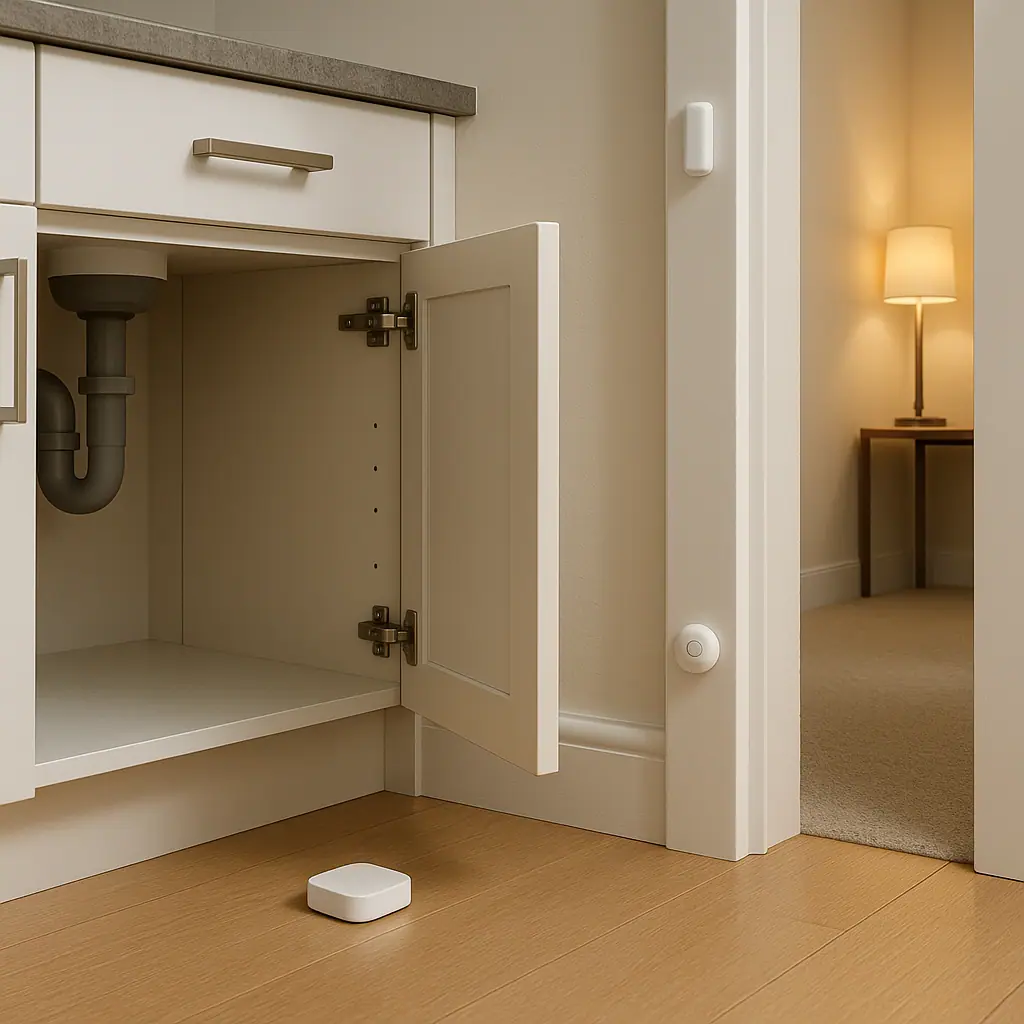
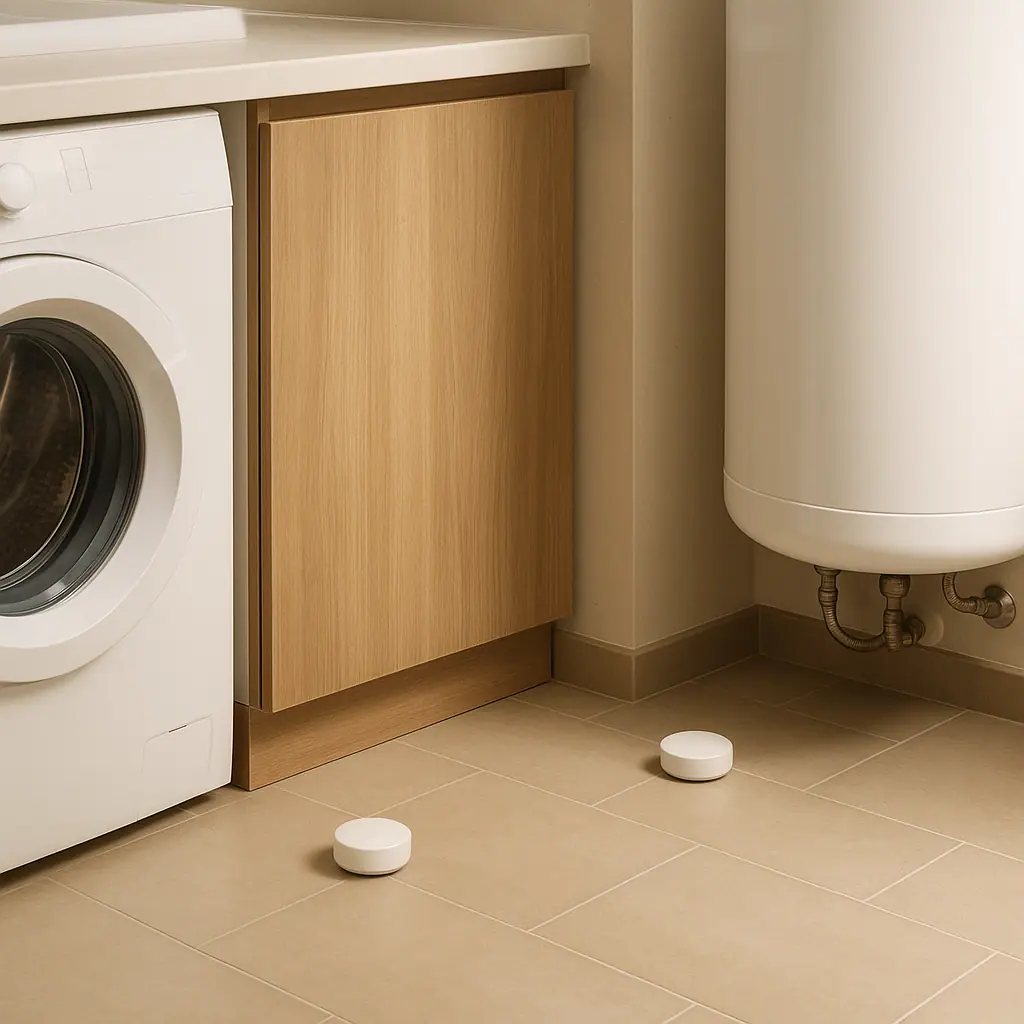
A leak sensor belongs anywhere water damage would be stressful: under a sink, near a water heater, behind a washing machine, beside a dishwasher, or close to a basement floor drain. It does not save the home by itself, but it can shorten the time between “something happened” and “someone noticed.”
Place the sensor where water would actually reach it. A sensor tucked beautifully on a shelf may look tidy and still miss the first puddle. For placement ideas, the WattCalm guide on where to put leak sensors in a home gives room-by-room starting points.
2. Add contact sensors where they answer a real question
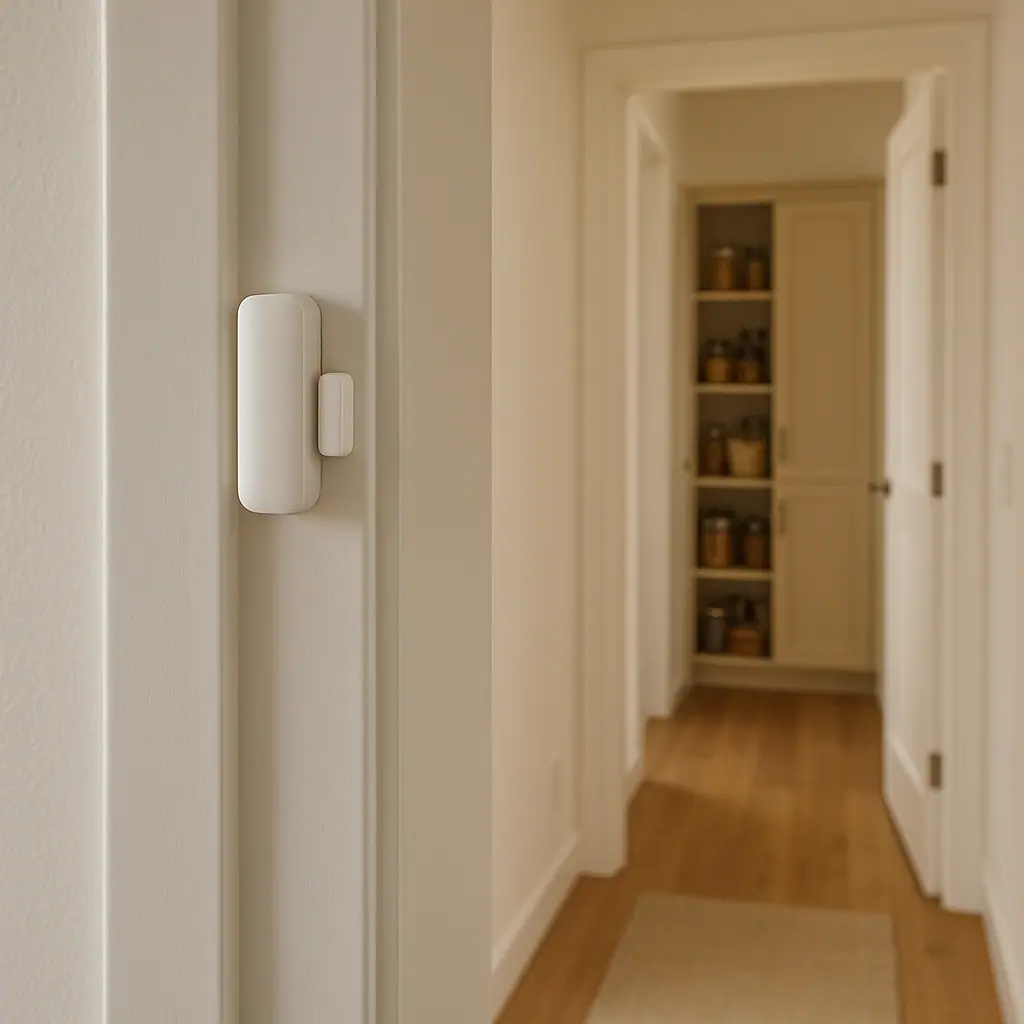
Contact sensors are useful when an open-or-closed answer changes what you do. A pantry door can trigger a gentle light. A garage entry door can remind you it was left open. A medicine cabinet, utility closet, or back door can create a simple awareness routine without cameras or complicated monitoring.
Before buying a multi-pack, count the places where you truly want an alert or automation. Many beginners buy four contact sensors and only have one good use for them. A smaller two-pack is often enough to learn whether the routine is helpful.
3. Use motion sensors only where the action is obvious
Motion sensors can be wonderful in a hallway, laundry area, closet, basement stairwell, or entry path. They can also become annoying if they send constant phone alerts or turn on lights when someone is resting nearby. The question is not whether motion sensing is clever. The question is whether the sensor has a clear job.
For a first kit, use motion to trigger a local routine, such as a light turning on for a short period, rather than a stream of phone notifications. That keeps the sensor helpful in the background.
Compatibility Checks Before You Buy
Before choosing a smart sensor starter kit, check the ecosystem. Some sensors need a hub, some connect directly to Wi-Fi, and some work through standards such as Matter, Zigbee, Z-Wave, Thread, Bluetooth, or a brand-specific bridge. None of those words should push you into overbuying. They simply tell you what the sensor needs in order to communicate.
- Phone support: Confirm the app works with the phones used in your household.
- Hub requirement: Check whether the sensor needs a separate hub before it will work.
- Battery type: Look for a battery you can replace without special tools or confusing ordering.
- Notification controls: Make sure alerts can be renamed, muted, scheduled, or adjusted.
- Placement limits: Read the manufacturer’s guidance for distance, temperature, humidity, and indoor use.
Electrical safety matters most when a sensor routine controls a plug, lamp, heater, fan, or appliance. If a sensor is only sending an alert, the risk is usually lower. If it triggers power to something, stay conservative and follow product manuals. The Electrical Safety Foundation International keeps practical household guidance on extension cord and plug safety, which is a useful reminder not to treat smart routines as permission to overload cords or outlets.
For energy-related routines, be careful with claims. A sensor may make a habit easier to notice, but it does not automatically guarantee lower bills. ENERGY STAR’s smart thermostat material explains how connected controls can support scheduling and energy-saving features when they fit the home and are used correctly.
You can review that context on ENERGY STAR’s page for smart thermostats. Even if your first kit is mostly sensors, the same principle applies: the device helps most when the routine is realistic and maintained.
A Simple Buying Order
If you are starting from zero, avoid the biggest bundle. Buy for learning speed. A good first round should teach you how alerts, batteries, app names, and placement feel in your actual home.
- Buy one leak sensor first if water damage is your biggest worry.
- Add one contact sensor for a door, cabinet, or window where open-or-closed status is genuinely useful.
- Add one motion sensor only when it controls a clear routine, such as a light in a pass-through area.
- Wait before expanding until you know which alerts you kept, muted, or ignored.
This order keeps the smart sensor starter kit grounded. It also helps you avoid buying sensors just because a bundle seems like better value. Value disappears quickly when unused devices sit in a drawer.
Pros and Cons of Starting With a Small Kit
Easier to place well
A small kit lets you think carefully about each sensor instead of spreading devices around the home without a plan.
Fewer noisy alerts
With only a few routines, it is easier to tune notifications so they help instead of becoming background clutter.
Lower beginner risk
You can learn the app, naming style, battery routine, and household preferences before investing in a larger setup.
May not cover every room
A small kit will leave some areas untouched, so it works best when you choose the highest-value locations first.
Requires a review week
You need a little patience to see whether alerts are useful in normal life before deciding what to buy next.
Common Starter Kit Mistakes to Avoid
The most common mistake is buying a kit around imagined future automations instead of current household habits. Beginners often say, “I will find uses later.” That usually creates clutter. A calmer approach is to buy for a specific problem and let the next problem earn the next sensor.
Another mistake is using phone alerts for everything. A water alert should probably be prominent. A pantry door alert may not need to ping every phone. A motion sensor may be better as a local lighting trigger than a notification. Match the alert level to the consequence.
Finally, do not skip names. A sensor called “Device 7” will be confusing when an alert arrives. Use names like Laundry Leak Sensor, Garage Entry Door, Hall Motion, or Nursery Temperature. Clear names make the system easier to trust.
Frequently Asked Questions
How many sensors should be in a first smart sensor starter kit?
For most beginners, two or three sensors are enough. Start with one leak sensor, one contact sensor, and one motion or temperature sensor only if you have a clear use for it.
Do I need a hub for smart sensors?
Sometimes. Some sensors connect by Wi-Fi, while others need a hub or bridge. Check the product page and manual before buying so the first kit works with what you already have.
What should I review after the first week?
Review which alerts were useful, which were ignored, whether batteries and placement seem reasonable, and whether anyone in the household found the routine annoying.
Can I move sensors later?
Usually, yes. Many battery sensors can be moved, renamed, or reassigned. Check mounting instructions first, especially if adhesive pads, damp locations, or rental surfaces are involved.
Final Thoughts
A smart sensor starter kit works best when it feels modest. Choose the alert you would actually act on, buy the smallest set that solves it, and give yourself a week to learn what the home really needs.
The right first kit is not the one with the most pieces. It is the one that makes one problem easier to notice without making the house feel busier.