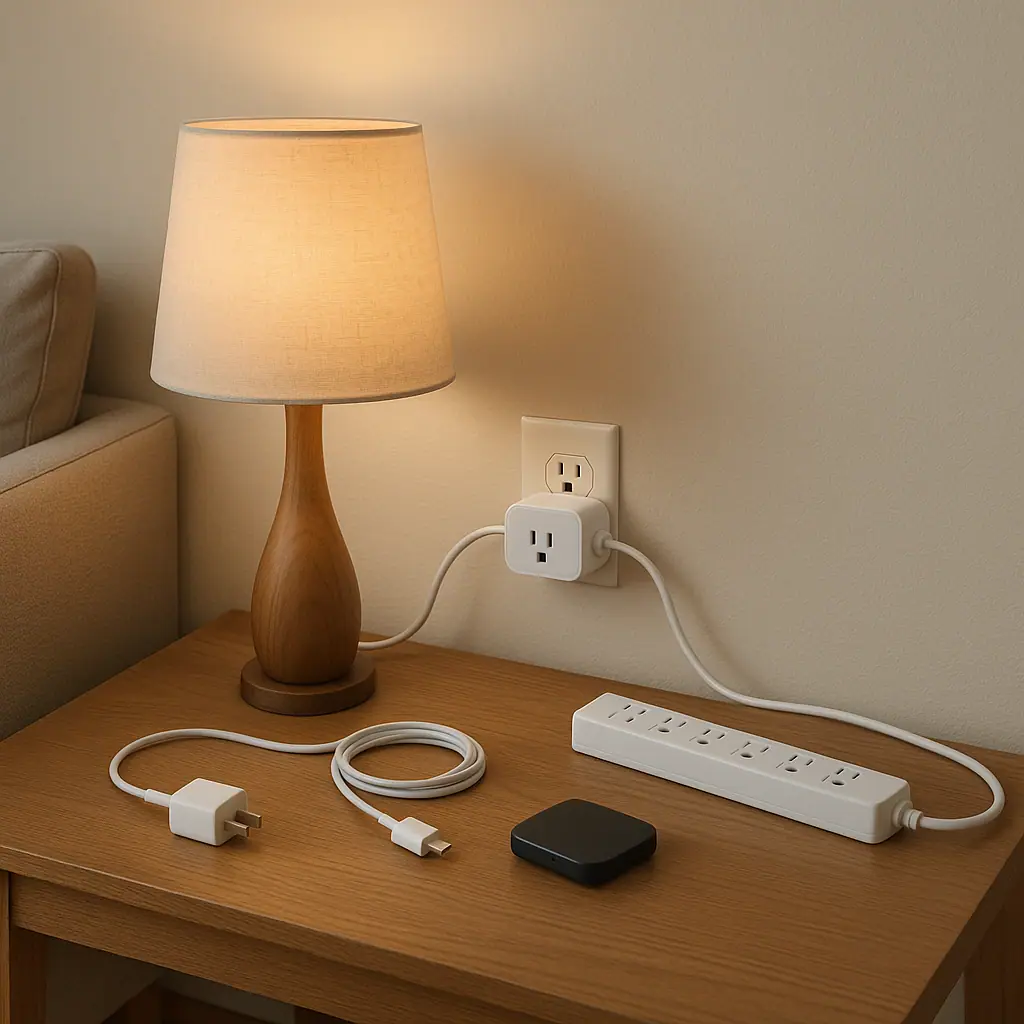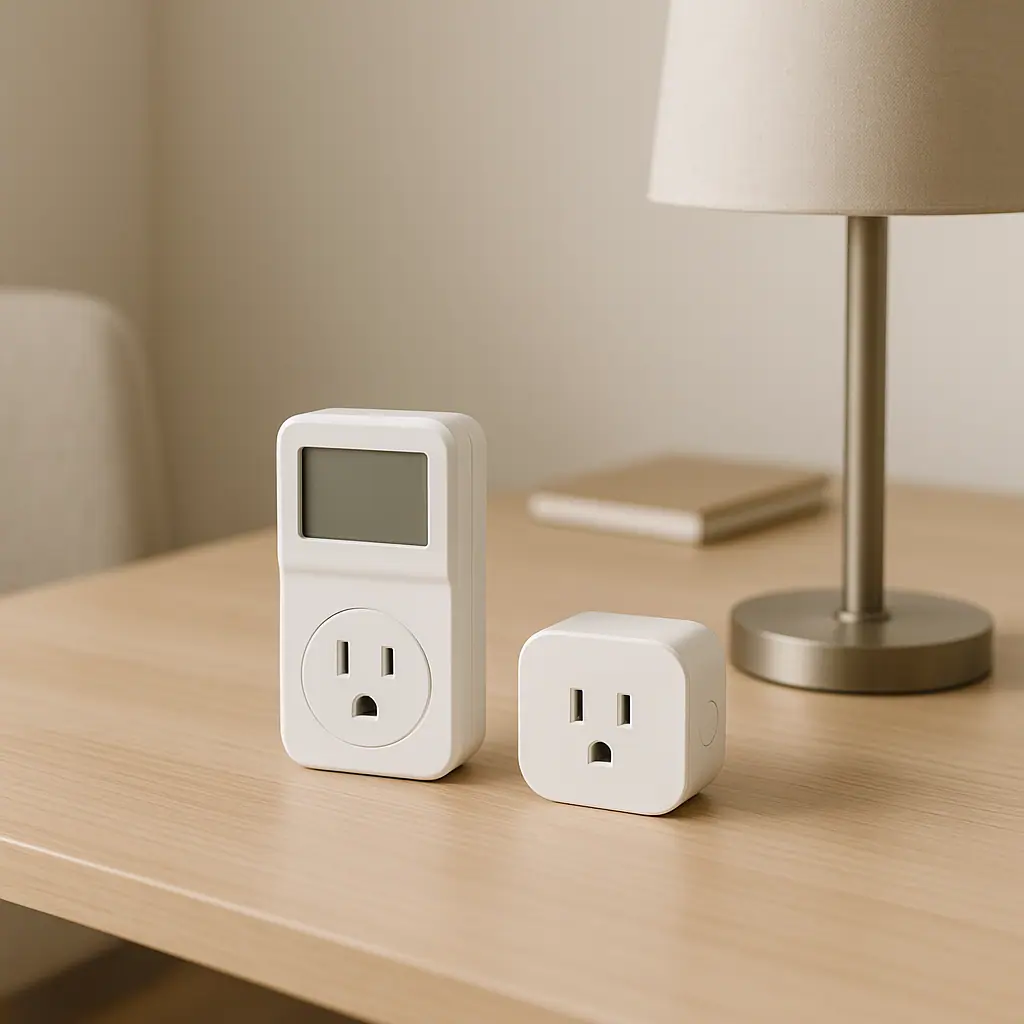
Smart power strips are easy to misunderstand because they look like ordinary strips with extra intelligence. Some can monitor energy use, some can switch outlets on a schedule, and some can turn accessory outlets off when a main device powers down. That sounds helpful, but it does not mean every outlet in the house should become automated.
A smart power strip helps most when it solves a specific low-risk routine: a desk that stays awake after work, an entertainment area with several small electronics, or a charger station that does not need power all night. It helps least when people use it as a workaround for unsafe wiring, overloaded outlets, or high-load appliances that should never be casually controlled.
Why Smart Power Strips Matter
The main appeal of a smart power strip is grouping small devices into one easier decision. Instead of checking five plugs behind a TV stand, you can make one planned choice: the TV stays available, but the game console, speakers, and streaming box can shut down when no one is using them. In a home office, the monitor, speakers, and printer can stop drawing standby power after the workday.
ENERGY STAR's Smart Home Energy Management Systems criteria identifies smart plugs, smart power strips, and home energy monitors as plug load monitor/control devices when they report power or energy consumption. That does not make every model identical, but it does show why these products belong in the broader conversation about everyday plug-load awareness.
After that official context, the practical question becomes smaller: does this strip make one daily area easier to shut down safely? If the answer is yes, it may help. If the answer is only "more automation sounds nice," it may add confusion instead.
Start With the Right Kind of Devices
A smart power strip is best for low-risk electronics that are easy to restart and do not create safety problems if power changes. Think of it as a tidy routine for accessory devices, not a universal controller for anything with a cord.
Good candidates for a smart power strip
The best candidates are small electronics that often sit idle but do not protect food, health, heat, water, or safety. These examples are usually more appropriate, assuming the strip rating and product manuals allow the setup:
- Home office accessories: monitors, speakers, printer, desk lamp, laptop dock, or charger shelf.
- Entertainment accessories: soundbar, streaming box, game console, DVD player, or low-power media devices.
- Craft or hobby stations: task lighting, small chargers, and simple electronics that are not heat-producing or motor-heavy.
- Guest-room convenience: a lamp and a few chargers that can be turned off when the room is unused.
Devices to keep off casual smart control
Do not use a smart power strip for space heaters, portable air conditioners, refrigerators, freezers, sump pumps, medical equipment, aquariums, high-load motors, or anything where unexpected shutoff could damage property, affect health, or create a hazard. If the manual says not to use a power strip, smart plug, extension cord, timer, or remote control, treat that as the end of the decision.
The Electrical Safety Foundation International warns readers not to use an extension cord or power strip with heaters or fans because cords can overheat and create fire risk. Its extension cord and power strip safety guidance is a useful reminder that convenience should never outrank load limits, proper use, and product instructions.
What to Check First on a Smart Power Strip
Before you plug devices in, slow down and check the ordinary details. Most smart-power-strip mistakes happen before the app is even opened. The strip is either the wrong type, the wrong rating, the wrong location, or the wrong match for the devices connected to it.
Read the label and the manual
Look for the maximum load rating, outlet layout, surge protection details if advertised, indoor/outdoor limits, spacing for bulky adapters, and any manufacturer exclusions. A strip that is safe for a computer desk may still be a poor match for a kitchen counter or workshop bench.
Know the control style
Some smart power strips give each outlet its own control. Others use a master outlet that senses when a main device turns off and then shuts down accessory outlets. A few are mainly surge protectors with app features. These differences matter because the right use case depends on how the strip actually behaves.
- Choose one zone: desk, TV area, charger shelf, or guest room.
- List every connected device: include small boxes and chargers, not just obvious lamps or screens.
- Remove high-risk devices: anything heat-producing, refrigeration-related, medical, pump-based, or motor-heavy stays off the strip.
- Check ratings: compare the strip's limits with the devices and the manufacturer instructions.
- Set one routine: schedule off after work, shut accessories down overnight, or use manual app control.
- Review after a week: keep the routine only if it reduces waste without annoying the household.
Groups small electronics
A desk or TV area becomes easier to shut down because several accessory devices follow one understandable routine.
Can reduce standby waste
Low-risk devices that sit idle overnight or all weekend can be turned off without crawling behind furniture.
Easy to reverse
If the setup causes frustration, you can unplug the strip, delete the schedule, or return devices to ordinary outlets.
Not for high-load equipment
Many appliances and heat-producing devices are inappropriate for power strips or smart control even if the plug fits.
Can add app clutter
Too many outlets, names, and schedules can make a simple room harder to understand instead of calmer.
When a Smart Power Strip Helps
A smart power strip helps when the routine is visible, boring, and repeatable. The best examples are areas where several low-risk devices share the same schedule. A work desk often has accessories that can turn off after 6 p.m. A TV area may have devices that do not need to stay awake when everyone is asleep. A charger shelf may need one evening window, not power all day.
Use it for one question
Ask one clear question before adding the strip. Do I want to shut this zone down overnight? Do I want to see whether these accessories use standby power? Do I want one button for the desk? If you cannot name the question, wait. The best smart-home routine starts with a real annoyance, not a shopping impulse.
Keep manual control available
Even a good schedule needs an easy override. Someone may work late, watch a movie, charge a device, or need the printer at an unusual time. Give outlets plain names, keep the physical button reachable, and avoid hiding the strip where no one can reset it.
When a Smart Power Strip Does Not Help
A smart power strip does not help when the problem is safety, capacity, or uncertainty. If a breaker trips, lights dim, plugs feel warm, or a device has a heavy motor or heating element, the answer is not smarter automation. The answer is to stop guessing and verify the electrical issue through the right channel.
It also may not help for devices that need constant power to update, record, protect food, maintain a network, or preserve settings. Some routers, security hubs, medical devices, refrigerators, and essential systems belong on stable power, not experimental schedules.
A Simple Checklist
Use this checklist before turning a smart power strip into a daily routine. It keeps the setup practical and prevents the common mistake of treating every outlet as a candidate for automation.
- Right devices: only low-risk electronics that can safely lose power are connected.
- Right rating: the strip, outlet, and connected devices stay within stated limits.
- Right location: the strip is indoor-only if labeled that way, ventilated, reachable, and not under rugs or furniture pressure.
- Right names: outlets are named for humans, such as desk lamp or TV speakers, not mystery model numbers.
- Right schedule: the automation matches a real household pattern and has a manual override.
- Right review: after one week, remove any rule that creates confusion or unexpected shutoffs.
When to Get Extra Help
Get extra help if the situation involves damaged cords, loose outlets, warm plugs, repeated breaker trips, burning smells, buzzing sounds, discoloration, outdoor use, high-load equipment, or uncertainty about ratings. A smart power strip should not be used to stretch an outlet beyond what it can safely support.
For renters, also check the lease and building rules before changing permanent setups. For homeowners, ask a qualified electrician when the problem seems electrical rather than routine-based. WattCalm can help with simple habits, but wiring and load concerns deserve professional judgment.
Frequently Asked Questions
What should I check first before using a smart power strip?
Check the strip rating, device manuals, and the type of devices you plan to connect. Remove anything heat-producing, medical, refrigeration-related, pump-based, or safety-critical.
How often should I review the setup?
Review it after the first week, then whenever devices, schedules, rooms, or household routines change. If it causes unexpected shutoffs, simplify it.
What should I do if I am not sure a device belongs on the strip?
Do not guess. Read the manual, check the rating, and leave the device on a normal outlet if the use is unclear. Ask a qualified professional for electrical concerns.
Can I undo a smart power strip routine later?
Yes. Delete the schedule, rename outlets, unplug the strip, or move devices back to ordinary outlets. Reversibility is one of the reasons to start with a small setup.
Final Thoughts
A smart power strip is most useful when it makes one low-risk area easier to shut down. It is not a shortcut around electrical limits, product manuals, or warning signs. Use it for a desk, entertainment setup, or charger station before trying anything broader.
Choose one zone, remove unsuitable devices, set one simple routine, and review it after a week. If the setup makes the home calmer, keep it. If it creates confusion, undo it and simplify.