Renter-friendly smart home upgrades that do not need wiring are easiest to live with when they solve one small problem and leave the apartment exactly as easy to move out of later. The best first upgrades are not dramatic. They are reversible, low-risk, and simple enough that you can explain them in one sentence.
That means plug-in controls, smart bulbs, battery sensors, app routines, and no-drill placement choices usually deserve attention before anything tied to wiring, permanent mounting, or a landlord approval question. A calm setup should make everyday life easier without turning the rental into a project.
Why Renter-Friendly Smart Home Upgrades Matter
Renters have a different smart-home job than homeowners. You may want better lighting, safer reminders, or easier routines, but you also need to protect the lease, avoid wall damage, and keep the setup portable. A device that looks convenient online may be a poor fit if it needs hardwiring, permanent hardware, or a complicated reset when you move.
The safest mindset is to treat smart-home gear as a removable layer on top of the apartment, not a renovation. You are adding routines around lamps, small electronics, schedules, and reminders. You are not redesigning the electrical system.
Start With No-Tool Automations
No-tool automations are small routines that use devices you can plug in, screw in by hand, place on a shelf, or attach with renter-safe methods. They are useful because they let you test the habit before you expand the setup.
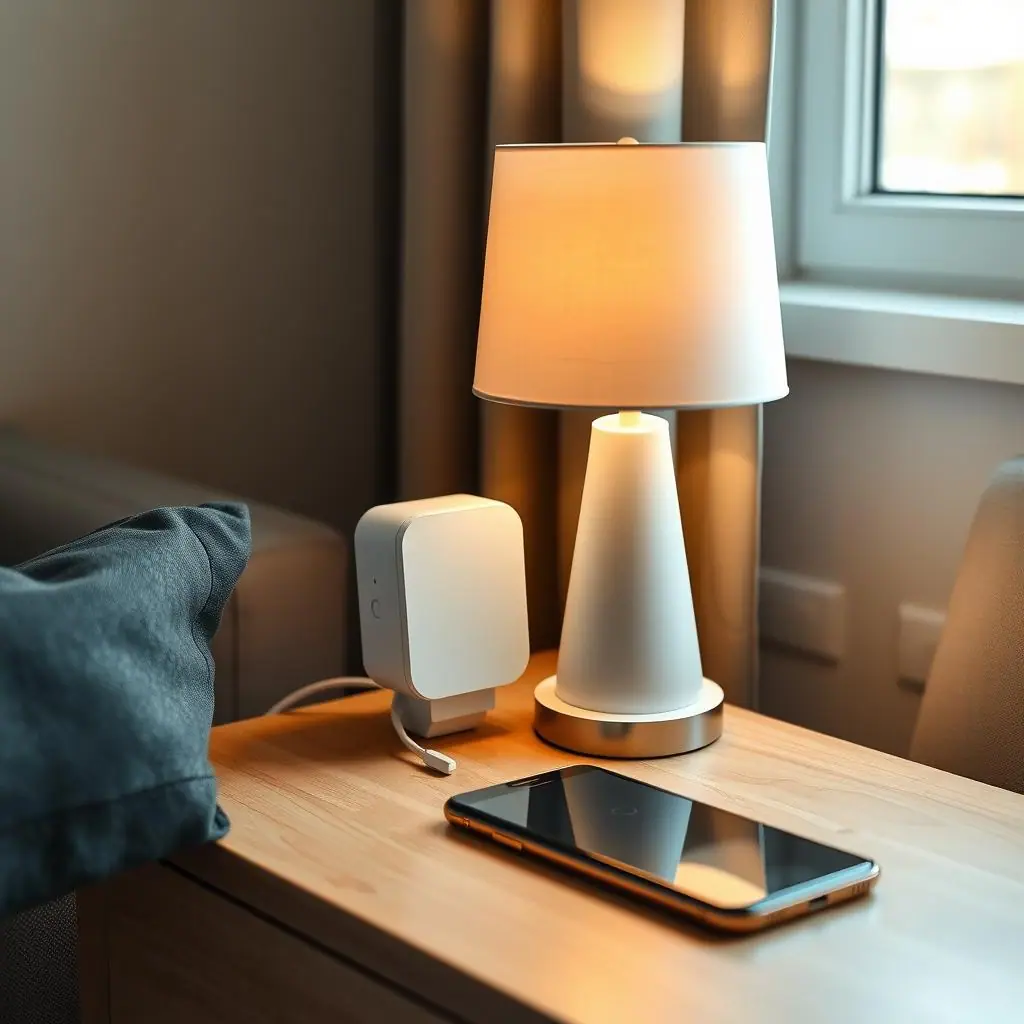
A good first routine might be a floor lamp that turns on before you arrive home, a smart bulb that dims in the evening, or a leak sensor placed under a sink. None of those require wiring. Each one solves a visible problem and can be removed when you move.
Good first upgrades for renters
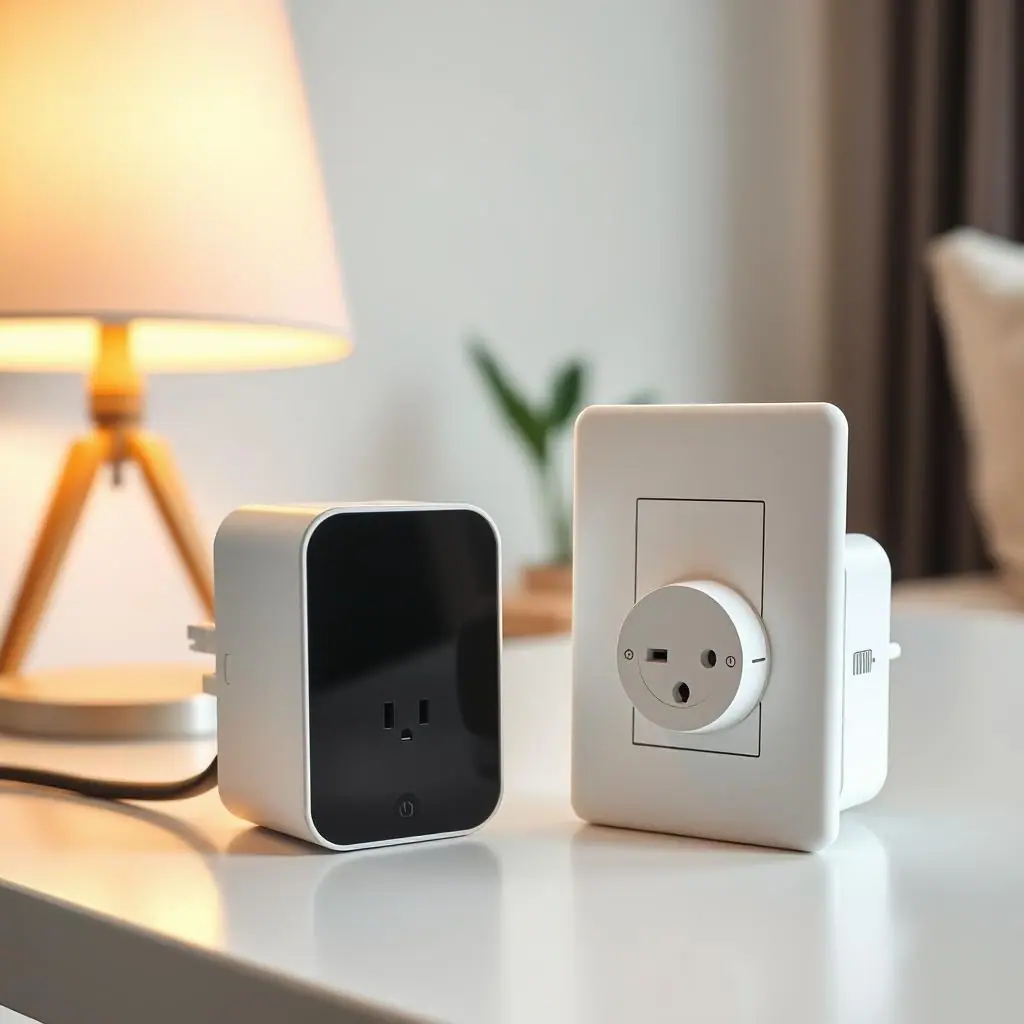
- Smart plugs for lamps: best for simple on/off routines with low-risk lighting loads.
- Smart bulbs: useful when you want dimming, color temperature, or schedules without replacing a switch.
- Battery leak sensors: helpful under sinks, near a water heater closet, or beside a washer connection if placement is allowed.
- Door or contact sensors: useful for reminders, such as a closet door left open or a cabinet that should stay closed.
- Smart power strips: worth considering for entertainment or desk areas where standby power is the main issue.
What to Check First for Renter-Friendly Smart Home Upgrades That Do Not Need Wiring
Before buying anything, check the boring details. They are what make the setup safe and easy to keep. Look at the outlet location, device rating, cord path, Wi-Fi coverage, app requirements, and whether the routine still works if you move furniture.
Electrical Safety Foundation International guidance for home learning emphasizes practical basics such as avoiding overloaded outlets, inspecting cords, using extension cords only temporarily, and keeping cords out from under rugs, carpets, doors, or windows: ESFI electrical safety basics for the home. For renters, that is a useful reminder that a clean-looking setup is not enough. The cord path and load still matter.
After the safety check, think about energy and convenience. The U.S. Department of Energy's Energy Saver explains that smart power strips can reduce wasted standby power by cutting power to devices when they are not actively in use: Energy Saver on smart power strips. That makes them a better fit for desk or media areas than for devices that need constant power, network access, or safe shutdown time.
Check compatibility before comfort features
It is tempting to choose the device with the most automations. Start with compatibility instead. Confirm the app works with your phone, your Wi-Fi band, your voice assistant if you use one, and the type of device you plan to control. A simple product that works reliably is better than a feature-heavy product you have to troubleshoot every weekend.
How to Handle Renter-Friendly Smart Home Upgrades Step by Step
Use this order when choosing upgrades. It keeps the project small and helps you avoid buying devices before the routine is clear.
- Name the problem: choose one annoyance, such as a dark entry, forgotten lamp, cluttered desk outlet, or under-sink leak worry.
- Choose the lowest-risk device: prefer plug-in, battery, or bulb-based upgrades before anything permanent.
- Check the manual and rating: match the device to the load and avoid heaters, large appliances, medical devices, or anything safety-critical unless the manufacturer clearly allows it.
- Plan the cord path: keep cords visible, undamaged, and away from rugs, doors, windows, and walking paths.
- Create one routine: set one schedule, scene, or reminder instead of building a chain of automations.
- Test for a week: notice whether the routine helps or creates more alerts, app checks, or confusion.
- Label the setup: use clear device names like Entry Lamp, Desk Strip, or Sink Leak Sensor.
- Keep the original parts: save packaging, instructions, bulbs, and mounting accessories so moving out is simple.
Easy to reverse
Plug-in and battery upgrades can usually be removed without changing wiring or asking for a repair after move-out.
Good for testing habits
A small routine lets you learn what actually helps before buying more devices for every room.
Lower setup stress
No-tool devices keep the project approachable for beginners who want a calmer home, not a technical weekend.
Not every device is appropriate
Some appliances, heaters, motors, or safety-critical devices should not be controlled casually through plug-in gear.
Wireless reliability varies
Thick walls, weak Wi-Fi, crowded outlets, or app limits can make a simple idea less reliable in a real rental.
Common Renter-Friendly Smart Home Mistakes to Avoid
The first mistake is treating every outlet as a good smart-plug location. If the plug blocks another outlet, bends a cord sharply, creates a trip path, or controls a device with unclear power needs, it is not a calm upgrade.
The second mistake is using smart gear to hide a bigger problem. A schedule cannot fix a damaged cord, overloaded outlet, loose plug, or appliance that should be unplugged or serviced. Smart devices should support safe routines, not compensate for unsafe ones.
The third mistake is installing too many apps at once. If a roommate, partner, guest, or future version of you cannot tell what controls the lamp, the setup is already too complicated. Keep one daily control app when possible and keep manufacturer apps for setup, updates, and support.
A Simple Renter Smart-Home Checklist
Run through this checklist before you click buy or create the first automation.
- Lease-safe: the upgrade does not require wiring, drilling, permanent adhesive, or a change the landlord would need to approve.
- Load-safe: the device rating matches the lamp, strip, sensor, or small electronic you plan to use.
- Cord-safe: cords stay visible, undamaged, and out of walking paths, rugs, doors, and windows.
- App-simple: you know which app controls daily use and which app is only for setup.
- Move-out ready: original parts, instructions, and accessories are stored in one place.
- Routine clear: the automation has a plain purpose, such as evening lamp, desk shutdown, or leak alert.
- One-week tested: you have lived with the setup before adding more devices.
When to Get Extra Help
Get help before touching anything that involves wiring, panels, switches, built-in fixtures, HVAC controls, locks, cameras, or lease-sensitive changes. A renter-friendly smart home should not require you to open a wall plate, modify a circuit, or guess about building rules.
Also ask for help if a device repeatedly disconnects, feels warm, trips a breaker, smells unusual, or makes you unsure. Stop using the setup until you can check the product manual, manufacturer support, landlord guidance, or a qualified professional when needed.
Frequently Asked Questions
What should I check first with renter-friendly smart home upgrades?
Start with the lease and the device type. If the upgrade needs wiring, drilling, permanent mounting, or controls a high-load appliance, slow down and verify before buying.
How often should I review my rental smart-home setup?
Review it after adding a new device, moving furniture, changing Wi-Fi, or noticing a routine that no longer helps. A quick monthly glance is enough for most simple setups.
What should I do if I am not sure a device is safe for a smart plug?
Do not guess. Check the smart plug manual, the appliance manual, and the device rating. Avoid heaters, large appliances, medical devices, and safety-critical devices unless official instructions clearly allow that use.
Can I undo these smart-home changes when I move?
Many renter-friendly changes are easy to undo because they are plug-in, battery-powered, or app-based. Keep original parts, labels, and instructions so the move-out reset is calm.
Final Thoughts
Renter-friendly smart home upgrades that do not need wiring work best when they stay small, reversible, and honest about limits. A lamp schedule, smart bulb routine, leak sensor, or desk power strip can be genuinely useful when it solves a real daily problem.
Start with one routine, check the device rating, keep cords safe, and test the setup for a week. If it makes the rental calmer without adding confusion, then it has earned its place.