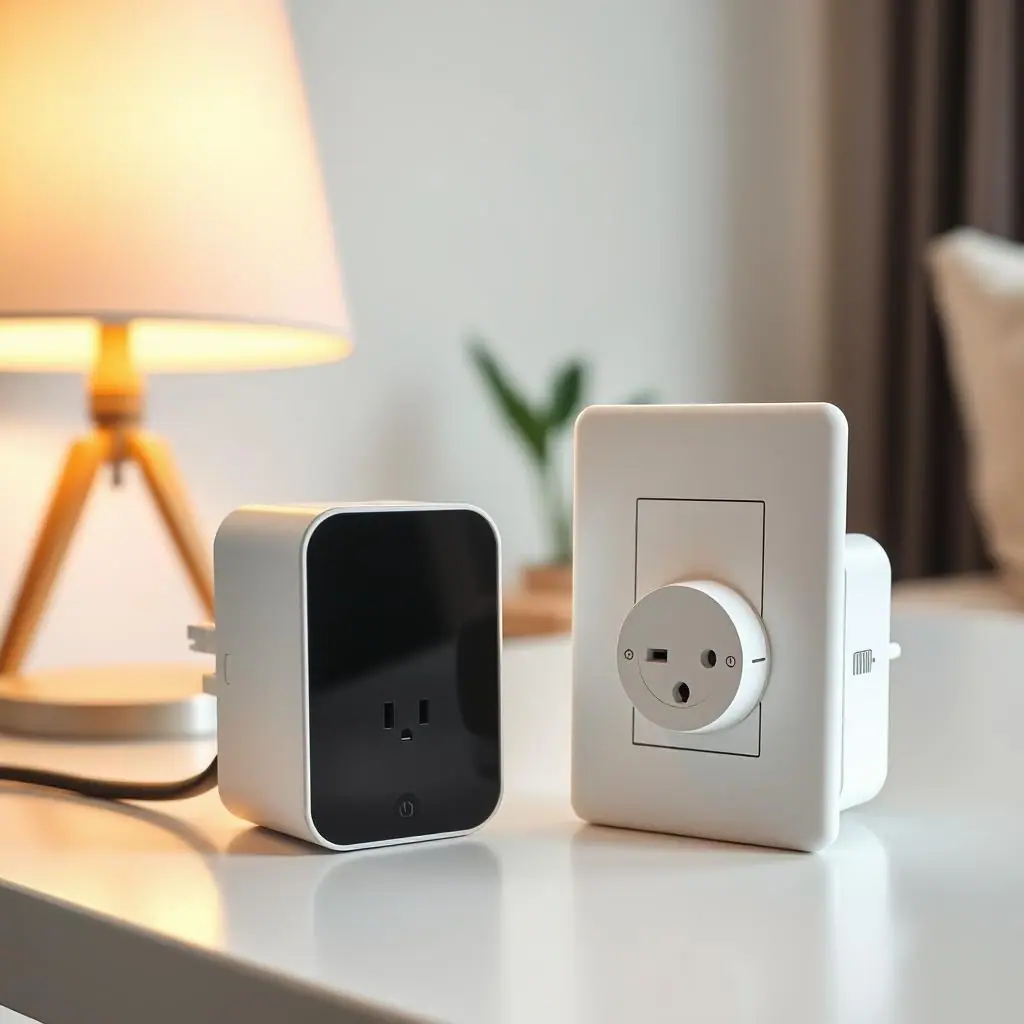
A first smart home setup checklist for beginners should make the home easier to live in, not harder to understand. The best first setup is usually small: one lamp, one smart plug, one clear schedule, or one sensor that solves a real daily annoyance.
This guide walks through a calm beginner plan before you buy too much gear or fill your phone with apps. You will choose one routine, check basic safety limits, name devices clearly, and leave yourself an easy way to undo anything that does not help.
Why a Smart Home Setup Checklist Matters
A checklist matters because smart-home mistakes often happen before the first device is connected. Beginners may buy devices from three brands, put them in three different apps, choose confusing names, and then wonder why a simple voice command does not work.
The better approach is to decide what job the setup should do. Do you want a lamp to turn on before you enter a room? Do you want a desk to shut down after work? Do you want a reminder when a door opens? A clear job keeps the setup practical and prevents a small routine from becoming a weekend project.
Start With One Beginner Smart Home Setup
Your first setup should be boring in the best possible way. Choose a device that is easy to reach, easy to restart, and not critical to health, food, heat, cooling, water, security, or work access. A living-room lamp is a better first project than a refrigerator, heater, router, or sump pump.
ENERGY STAR explains that smart products can be managed from a phone, programmed around schedules, and used to adjust energy use based on routines or occupancy. Its smart home tips for saving energy are a useful official reference for keeping automation tied to practical household behavior instead of novelty.
After you choose the first routine, pause before adding more. One working automation teaches you more than six half-finished ones. You learn how the app behaves, how the household reacts, and whether the device is actually useful at normal times of day.
What to Check First for a Smart Home Setup Checklist
Before you install anything, check the ordinary details. Most smart-home frustration comes from skipped basics: weak Wi-Fi, unclear names, incompatible platforms, hidden outlets, or devices that should not be controlled remotely.
Check the device and the manual
Read the device manual and the smart plug, bulb, sensor, or hub instructions. Look for load ratings, indoor or outdoor limits, Wi-Fi requirements, app requirements, and warnings about appliances, extension cords, or power strips. If a manual excludes a use, do not treat an app feature as permission.
Check the place where it will live
Put the first device somewhere visible and easy to reach. If a plug is hidden behind heavy furniture, nobody will want to reset it. If a bulb is on a switched fixture, someone may turn the wall switch off and break the routine. If a sensor is too far from the hub or router, notifications may become unreliable.
Check the platform before buying more
Decide whether you want the device to work with Apple Home, Google Home, Amazon Alexa, SmartThings, Matter, or only its own app. You do not need a perfect long-term plan on day one, but you do need to avoid buying a second device that cannot talk to the first one in the way you expect.
How to Handle a First Smart Home Setup Checklist Step by Step
Use this order for your first smart-home setup. It keeps the routine simple and gives you a stopping point after each decision.
- Name the daily problem: write one sentence such as the hallway is dark at 6 p.m. or the desk accessories stay on after work.
- Choose one safe device: start with a lamp, low-risk plug-in accessory, smart bulb, door sensor, or simple motion sensor.
- Check ratings and instructions: confirm the product is allowed for the device, location, and power load you plan to use.
- Install the app carefully: use the official app, create a strong account password, and save recovery details somewhere you can find later.
- Use a human name: choose names like reading lamp, entry lamp, or desk fan instead of model numbers or room duplicates.
- Set one routine: create one schedule, one voice command, one notification, or one manual shortcut. Do not stack several automations at once.
- Test while you are nearby: watch the routine run at least twice before trusting it in the background.
- Review after one week: keep the routine if it helps, simplify it if it annoys people, and delete it if nobody uses it.
Keeps the first setup manageable
One routine gives you room to learn the app, naming, schedules, and household preferences without creating clutter.
Makes safety checks visible
The checklist forces you to read ratings, manuals, location limits, and device exclusions before convenience takes over.
Easy to undo
A small beginner setup can be deleted, renamed, moved, or unplugged if it does not make daily life calmer.
Feels slower at first
Checking manuals and platform details takes longer than opening an app and tapping through setup screens.
Does not solve every room
A careful first setup may leave other devices untouched until you know what actually works for the household.
Common Beginner Smart Home Setup Mistakes to Avoid
The first mistake is buying too many devices before you have one useful routine. A smart home becomes confusing when every room has half-finished experiments. Start with one device, then expand only after it has survived normal use.
The second mistake is using unclear names. If you have bedroom lamp, bedroom light, lamp two, and Julia lamp, voice commands and app screens become harder than a normal switch. Names should describe the real object and location.
The third mistake is ignoring ordinary electrical limits. ESFI notes that extension cords should not be used as permanent wiring, should not be overloaded, and should be rated for the products plugged into them. Its extension cord safety tips are a useful reminder that smart-home convenience still depends on safe basic power practices.
A Simple Smart Home Setup Checklist
Use this checklist before you call the first routine finished. Each item should have a clear yes or no answer.
- One problem chosen: the setup solves a real daily annoyance, not a vague idea.
- One device chosen: the first routine uses a low-risk device that can safely lose power or change state.
- Manual checked: ratings, exclusions, indoor/outdoor limits, and setup instructions have been reviewed.
- Platform checked: the device works with the app, assistant, hub, or ecosystem you plan to use.
- Name is human: the device name is short, unique, and easy to say or recognize.
- Routine is simple: there is only one schedule, shortcut, or notification at first.
- Manual control remains: people can still turn the device on or off without hunting through a phone.
- Review date set: you will check the routine after one normal week.
When to Get Extra Help
Get extra help when the question is about wiring, load, heat, moisture, outdoor exposure, medical needs, food safety, security, or equipment that must stay powered. Those are not beginner app questions. They deserve product support, a qualified electrician, an HVAC professional, a landlord, or another appropriate expert.
Also ask for help if a device is hard to reset or if the setup affects other people in the household. A smart home should not surprise someone with a dark hallway, a disabled charger, or a missing switch. The calmer choice is often to keep the first routine visible and reversible.
Frequently Asked Questions
What should I check first in a beginner smart home setup?
Check the device manual, the power or location limits, and the exact routine you want. If you cannot name the routine clearly, wait before buying more gear.
How often should I review my first setup?
Review it after one normal week. After that, check it whenever the room, schedule, device, Wi-Fi, or household routine changes.
What should I do if I am not sure a device is safe to automate?
Do not guess. Read the product manual, check the rating, contact product support, or ask a qualified professional for electrical or HVAC concerns.
Can I undo a smart-home routine later?
Yes. Delete the automation, rename the device, remove it from the app, or return it to normal manual use. A good first setup should be reversible.
Final Thoughts
A first smart home setup checklist for beginners is not about making every device smart. It is about proving that one small routine can make daily life easier without creating risk, clutter, or confusion.
Start with one low-risk device, read the manual, use a clear name, test one routine, and review it after a week. If the setup helps, build from there slowly. If it does not, undo it and keep the home simple.