Energy monitoring for renters can be useful without becoming a wiring project. You do not need to open a panel, install a hardwired monitor, or ask a landlord to change anything before you learn something practical about your home. For most renters, the best first step is smaller: understand plug-in devices, labels, schedules, and monthly patterns.
The goal is not to turn your apartment into a dashboard. The goal is to notice which everyday devices run longer than you expect, which ones are safe to measure with plug-in tools, and where a simple routine can reduce waste without making the home harder to live in.
Why Energy Monitoring for Renters Matters
Renters often have less control over insulation, windows, HVAC equipment, appliances, and wiring. That can make energy advice feel frustrating. A homeowner can plan larger upgrades, while a renter may need reversible habits that do not risk a lease, deposit, or safety issue.
That does not make energy monitoring useless. It simply changes the scope. You can still learn how long a desk setup runs, whether a lamp schedule is worth keeping, how much standby behavior exists around a TV area, and whether one always-on device deserves attention.
ENERGY STAR maintains an energy-efficient products overview that explains the role of certified products when people are shopping or comparing equipment. For renters, that kind of source is most useful as context. It helps you understand labels and replacement choices, but it does not mean you need to buy something new before checking the devices you already use.
After that official context, bring the idea back to your own home. A renter-friendly routine should answer one plain question at a time: what is running, when is it running, and can you change that safely?
Start With What You Can Track Without Wiring
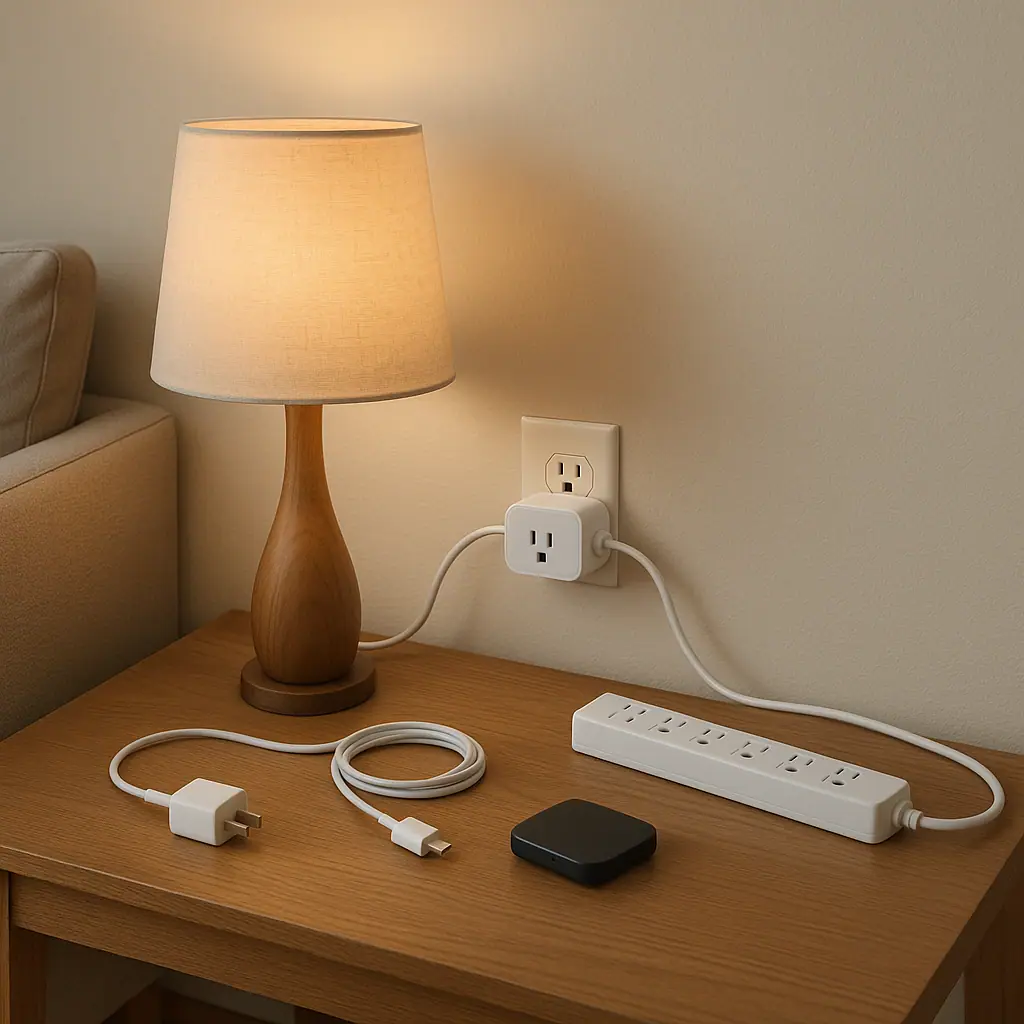
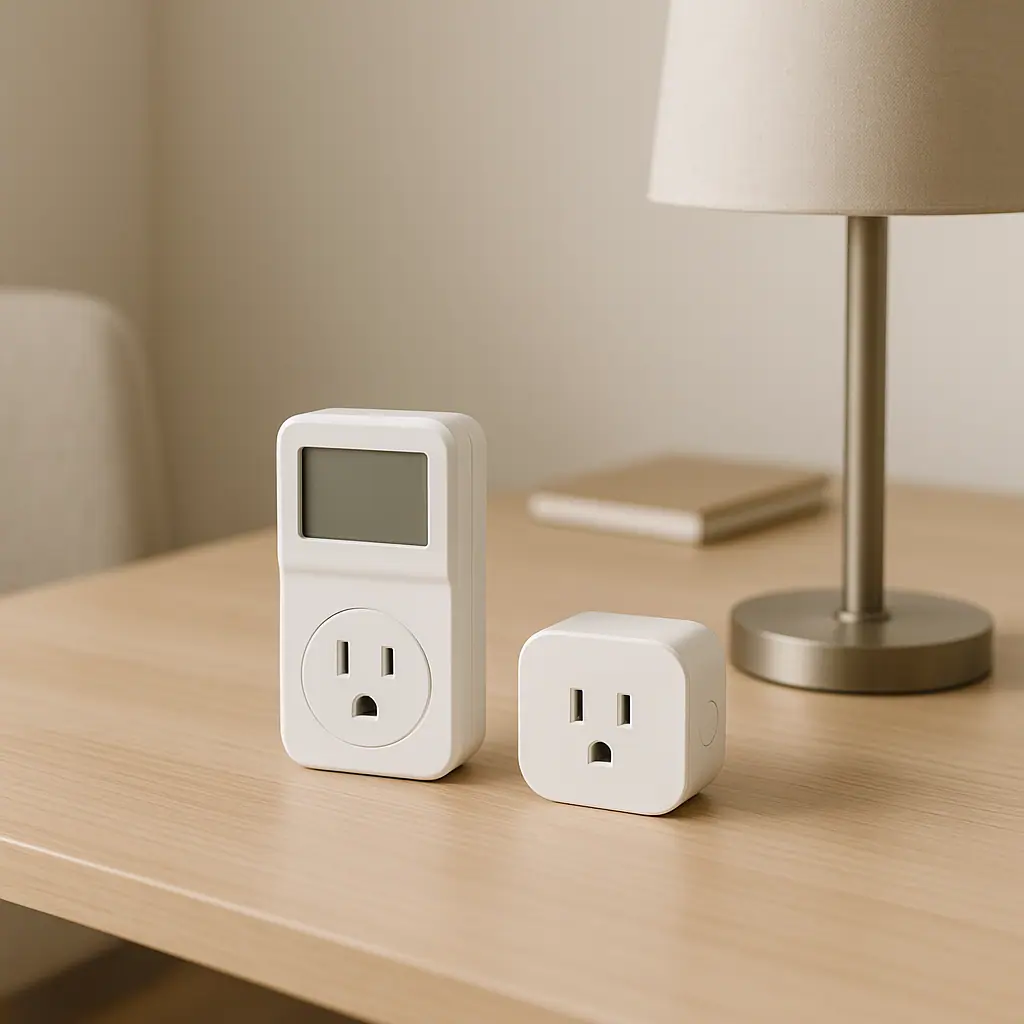
The cleanest renter-friendly energy monitoring starts with things that already plug into a normal outlet and are low-risk to observe. A plug-in outlet meter or a smart plug with energy monitoring can show estimated use for one device at a time. Your utility bill can show monthly patterns. Product labels and manuals can help you understand rated power and safe operating limits.
Good candidates for plug-in monitoring
Start with devices that are easy to unplug, low-risk, and not safety-critical. These are usually the items where a renter can learn something without creating a hazard or violating a lease.
- Lamps and task lighting: especially lights that stay on during routines such as reading, work, or evening wind-down.
- Desk electronics: monitors, speakers, laptop chargers, docking stations, and printers used in a work-from-home area.
- Entertainment areas: TVs, streaming boxes, soundbars, game consoles, and chargers that may sit idle for long stretches.
- Small hobby stations: sewing lights, craft lamps, battery chargers, or tool chargers when the manual allows normal plug-in use.
Things renters should not casually monitor or control
Some devices may plug into the wall but still do not belong on a casual smart plug or outlet meter. Avoid using plug-in controllers with high-load, heat-producing, medical, refrigeration, pump, motor-driven, or safety-critical equipment unless the manufacturer clearly allows that exact setup.
The Electrical Safety Foundation International lists warning signs of overloaded electrical systems, including frequent breaker trips, dimming lights when devices turn on, buzzing sounds, discolored outlets, and appliances that seem underpowered. Its home electrical safety guidance is a useful reminder that monitoring should never become a workaround for a suspected electrical problem.
If any of those warning signs appear in a rental, do not try to solve it with automation. Document what you notice and contact the property manager, landlord, or a qualified professional through the proper channel.
What to Check First in a Rental
Before buying an energy monitor, walk through the apartment and notice where energy habits are already visible. The best starting point is usually not the most technical device. It is the device you forget, the station that stays on, or the routine that no one has looked at closely.
Use a one-week baseline
Pick one area and observe it for a normal week. A single evening can mislead you because homes have patterns: workdays, weekends, laundry days, guests, weather, and sleep routines. A week gives you enough texture without making the project feel like homework.
- Choose one zone: desk, TV area, bedroom lamp, coffee corner, hobby table, or charger shelf.
- List the plug-in devices: include chargers and small boxes, not just obvious lamps or screens.
- Notice run time: write down what stays on when no one is using it.
- Check manuals and labels: confirm whether the device is appropriate for plug-in monitoring or scheduling.
- Measure one item: use an outlet meter or energy-tracking smart plug only where the rating and device type make sense.
- Make one change: schedule, switch off, group low-risk electronics, or decide that convenience is worth keeping.
No lease-changing work
Plug-in monitoring and bill review stay within normal renter behavior and do not require opening walls, panels, or fixtures.
Clearer daily habits
Tracking one device at a time shows which routines actually run long instead of relying on broad apartment energy guesses.
Easy to undo
A renter can remove a smart plug, stop a schedule, or move an outlet meter without permanent changes.
Limited view of the whole home
Plug-in tools show one device or outlet area, not every appliance, HVAC cycle, or hardwired load in the rental.
Requires safety judgment
Not every plug-in device is appropriate for smart control, so manuals and ratings matter more than convenience.
How to Handle Energy Monitoring Step by Step
Energy monitoring for renters works best when it stays narrow. If you try to track every outlet on the first weekend, you will probably end up with too many numbers and no useful decision. A calmer method turns one small observation into one small action.
Step 1: Pick a low-risk question
Use a question that has a practical answer. For example: does my desk setup draw power after work? Does the TV area use standby power overnight? Is the bedroom lamp schedule worth automating? These questions are better than asking, broadly, why the whole bill is high.
Step 2: Measure or estimate
If the device is suitable for plug-in monitoring, measure normal use and idle use. If it is not suitable, use labels, manuals, utility data, or simple time estimates instead. You are not failing if you choose not to measure something unsafe or inappropriate.
Step 3: Turn the result into a routine
A number only helps if it changes a habit. You might set a lamp schedule, switch off a power strip after work, unplug a charger station once batteries are full, or decide the energy use is small enough that convenience matters more.
ENERGY STAR's Save Energy at Home guide includes simple low-cost measures such as turning off electronics when they are not in use and using power strips to switch off multiple electronics together. That advice fits renters well when the devices are low-risk and the routine is easy to repeat.
Common Renter Energy Monitoring Mistakes to Avoid
The first mistake is treating a smart plug as permission to control anything with a cord. A smart plug may be useful for a lamp or monitor, but that does not make it appropriate for a heater, refrigerator, air conditioner, pump, or device with safety consequences.
The second mistake is chasing tiny readings before fixing obvious routines. If a TV area stays awake all night, or a desk station runs through the weekend, solve that clear habit before worrying about every small charger.
The third mistake is comparing months without context. Weather, guests, work-from-home days, billing periods, laundry, and landlord-controlled systems can all change the bill. Renters should look for patterns, not one dramatic conclusion from one bill.
A Simple Checklist
Use this checklist before you add a device, schedule, or monitoring habit in a rental. It keeps the decision renter-friendly and avoids turning a simple energy question into an electrical project.
- Lease safe: the action does not require wiring, fixture changes, panel access, drilling, or property modification.
- Device appropriate: the plug-in tool is rated for the device and the manual does not warn against this use.
- Low-risk load: the device is not heat-producing, medical, refrigeration, pump-based, motor-heavy, or safety-critical.
- One question: you know what you are trying to learn before you measure.
- One week: you observe normal use long enough to avoid a misleading snapshot.
- One change: the result leads to a simple action, not a pile of dashboards.
When to Get Extra Help
Get extra help when the issue involves wiring, breakers, flickering lights, heat at an outlet, damaged cords, repeated tripping, buzzing, discoloration, burning smells, hardwired appliances, HVAC equipment, or anything you cannot verify from a manual. In a rental, that usually means contacting the property manager or landlord and using a qualified electrician when needed.
Also ask before changing anything that belongs to the property. A renter-friendly routine is removable, reversible, and clearly within normal use. If the improvement needs tools, wiring, a fixture change, or permanent installation, it is outside the simple WattCalm lane.
Frequently Asked Questions
What should renters check first for energy monitoring?
Start with one low-risk plug-in area, such as a desk, lamp, or entertainment setup. Notice run time for a week before buying more gear.
How often should I review my rental energy routine?
A monthly bill review and an occasional one-week device check are enough for most renters. Review again when seasons, work schedules, or devices change.
What should I do if I am not sure a device is safe to monitor?
Do not guess. Read the manual, check the plug-in monitor rating, and avoid high-load or safety-critical devices. Ask the property manager or a qualified professional when the issue seems electrical.
Can I undo renter-friendly energy monitoring later?
Yes. Plug-in meters, smart plugs, power strips, and schedules can usually be removed or adjusted. That reversibility is exactly why they fit renters better than wiring changes.
Final Thoughts
Energy monitoring for renters is most useful when it respects limits. Track what you can safely observe, avoid wiring changes, and treat every number as a prompt for one practical decision.
Choose one plug-in area this week, watch how it behaves, and make the smallest useful change. A calm energy habit should make the home easier to understand, not harder to live in.