Smart thermostat settings to discuss with an HVAC pro are usually the settings that reach beyond a normal daily schedule. Wake time, bedtime, and a modest comfort range are homeowner-friendly choices. Equipment type, auxiliary heat, staging, lockouts, and installer menus deserve more care.
The goal is not to hand every decision to someone else. It is to walk into the conversation with clear notes, simple questions, and a healthy respect for the system the thermostat controls. A smart thermostat is a small wall device, but it can influence expensive heating and cooling equipment.
This guide gives you a calm checklist for that conversation. WattCalm provides general smart-home and energy-habit information, not electrical, HVAC, or financial advice. Always follow product manuals and hire qualified professionals for wiring, configuration, or system changes.
Why Smart Thermostat Settings to Discuss With an HVAC Pro Matter
Most beginners think about thermostat settings as comfort settings. That is partly true, but some settings also tell the thermostat how to behave with a specific HVAC system. If those settings are wrong, the home may feel uneven, backup heat may run more than expected, or the system may respond in ways the household does not understand.
ENERGY STAR notes that smart thermostat compatibility depends on the HVAC system, and that variable-speed, multi-stage, or zoned systems often need professional installation or setup support: ENERGY STAR smart thermostat guidance.
That does not mean every smart thermostat question is scary. It means you should separate everyday schedule choices from equipment-sensitive choices. You can safely prepare the conversation by collecting facts, writing down symptoms, and asking the pro to explain the settings in plain language.
Start With the System You Actually Have
Before changing advanced settings, identify the system as accurately as you can. A thermostat app may ask whether the home has conventional heat, a heat pump, dual fuel, auxiliary heat, multiple stages, a humidifier, or separate zones. Those labels matter because they tell the thermostat how to call for heating and cooling.
Write down the visible clues
You do not need to diagnose the system yourself. Start with simple observations: thermostat model, outdoor unit label if visible, furnace or air handler brand, whether the home has one thermostat or several, and whether the thermostat ever shows auxiliary heat or emergency heat.
Keep the old setup notes
If a pro installed the current thermostat, keep the invoice, setup notes, or photos. If you changed the thermostat yourself, keep the wiring photo and the compatibility result from the manufacturer. These small records make the HVAC conversation faster and less dependent on memory.
What to Check First for Smart Thermostat Settings to Discuss With an HVAC Pro
Bring a short list rather than a long app screenshot dump. The best questions are specific enough for a professional to answer, but plain enough for you to understand afterward.
- System type: ask the pro to confirm whether the thermostat is configured for conventional heat, heat pump, dual fuel, or another setup.
- Stages: ask whether the thermostat should control one stage or multiple stages of heating and cooling.
- Auxiliary heat: if you have a heat pump, ask when backup heat should be allowed and whether any lockout setting applies to your equipment and climate.
- Temperature limits: ask whether minimum and maximum setpoints should be limited for comfort, safety, pets, or equipment behavior.
- Fan operation: ask whether fan-on, circulation, or auto mode is best for your system and household comfort.
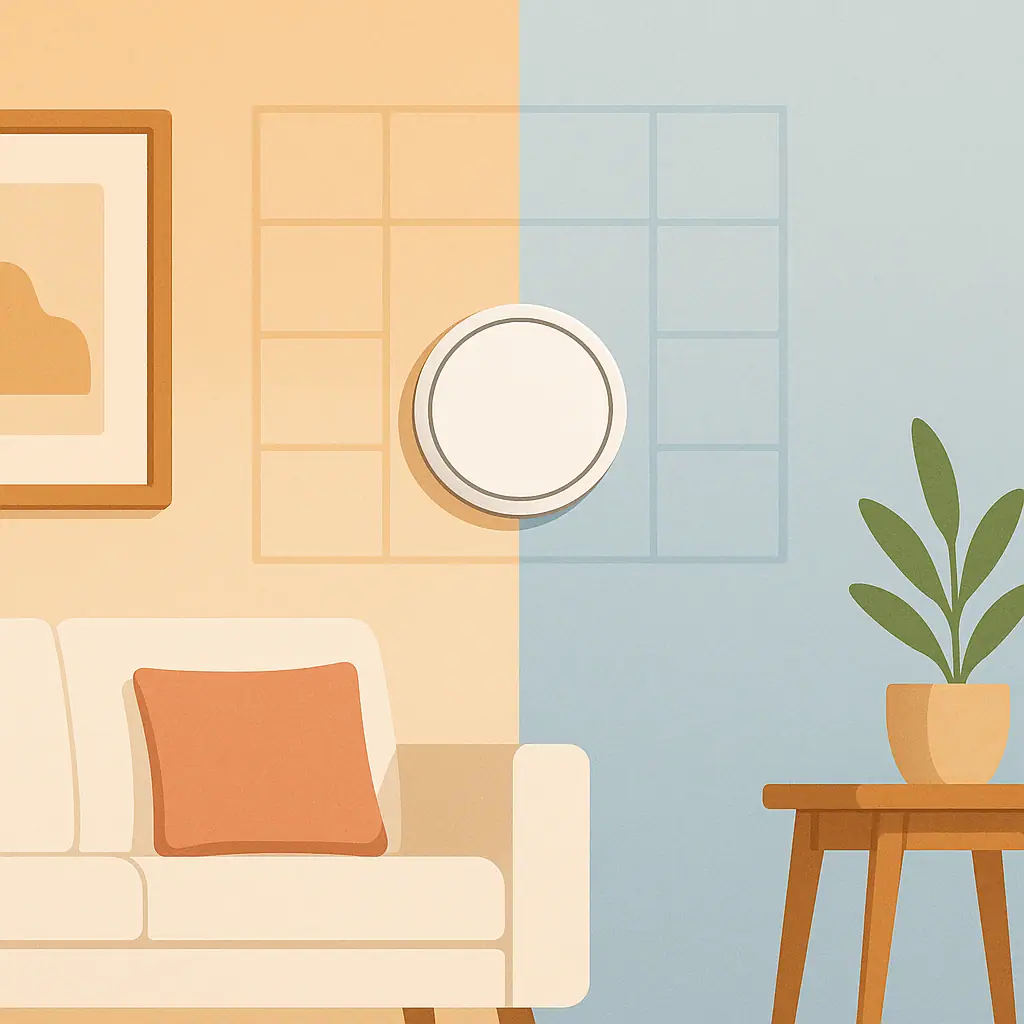
- Sensor priority: if room sensors are installed, ask which rooms should influence comfort and when they should be ignored.
Manufacturer guidance can also matter. Honeywell Home's thermostat support warns that improper wiring or configuration can cause unintended HVAC operation and recommends calling an HVAC professional when system type is unclear: Honeywell Home thermostat manual support.
How to Prepare the HVAC Conversation Step by Step
A good appointment starts before the pro arrives. You want enough information to avoid vague questions, but not so much that you start changing advanced settings without help.
- List the exact thermostat model. Use the model number from the device, app, box, or manual, not just the brand name.
- Record the current schedule. Write down wake, away, evening, and sleep settings, plus any eco or learning mode that is enabled.
- Note comfort problems. Mention rooms that run too warm or too cold, frequent cycling, surprise auxiliary heat, or settings that the household keeps overriding.
- Ask for the installer menu review. Have the pro confirm equipment type, stages, heat pump settings, fan settings, and any safety delays or compressor protection features.
- Request plain-language notes. Ask what settings should be left alone, what you can adjust yourself, and what symptoms should trigger another call.
- Review after one normal week. Watch comfort and runtime behavior before making another round of changes.
Ask what is reversible
Some settings are easy to undo. Others may be buried in setup menus or interact with equipment wiring. Ask the pro to identify the safe homeowner adjustments and the settings that should stay documented.
Ask what warning signs to watch
Useful warning signs may include short cycling, the system not reaching setpoint, unexpected emergency heat, frequent breaker trips, unusual noises, or comfort swings after a setting change. A short warning list keeps you from guessing later.
Pros and Cons of Reviewing Thermostat Settings With a Pro
Better equipment match
A professional can confirm whether the thermostat settings match the system type, staging, sensors, and heat source.
Fewer hidden assumptions
Questions about auxiliary heat, fan operation, and lockouts become clearer when they are tied to your actual equipment.
More confidence afterward
You can leave with a simple list of settings you may adjust and settings that should stay documented.
It may require a service visit
Some questions cannot be answered well without seeing the equipment, wiring, thermostat menu, and home layout.
Not every setting needs expert attention
Basic schedule changes, display preferences, and naming choices are usually simple enough to handle yourself.
Common Mistakes to Avoid
The risky part is not owning a smart thermostat. The risky part is treating every app setting as if it were a harmless preference.
- Changing installer settings to test them: if you do not know what a setting controls, do not experiment.
- Copying someone else's heat pump settings: climate, equipment, backup heat, and ductwork can change the right answer.
- Ignoring auxiliary heat alerts: repeated backup heat use may deserve a settings review or equipment check.
- Using extreme setbacks without context: aggressive temperature changes can create comfort problems and may not fit every system.
- Letting sensors fight each other: room sensors should support the real routine, not chase every temporary hot or cold spot.
- Forgetting to document the final setup: a photo or short note can save confusion during the next season change.
A Simple Checklist Before the Appointment
Use this short list before calling, emailing, or meeting with the HVAC pro.
- Thermostat model recorded: include brand, model, and app name if available.
- System clues gathered: note heat pump, furnace, boiler, zones, sensors, or auxiliary heat indicators if you know them.
- Current comfort issue written down: describe the problem in normal words, such as upstairs too warm at night or backup heat appears often.
- Questions prioritized: pick the top three settings you want explained first.
- Final notes requested: ask which settings are safe for you to adjust later and which should stay unchanged.
When to Get Extra Help
Get help before touching wiring, replacing equipment, changing line-voltage controls, or changing settings you cannot explain. Also get help when the thermostat controls multiple zones, a heat pump with auxiliary heat, a dual-fuel system, or equipment that behaves differently after setup.
It is also reasonable to ask for help if household comfort suddenly changes, the thermostat loses power, the system cycles rapidly, or the app reports errors that do not match the manual. Smart-home convenience should make the home calmer, not turn HVAC settings into a guessing project.
Frequently Asked Questions
What smart thermostat setting should I ask an HVAC pro about first?
Start with system type and staging. If the thermostat is not configured for the right equipment, other settings may not behave the way you expect.
How often should I review thermostat settings with a professional?
Review them after a new thermostat installation, major equipment service, HVAC replacement, or repeated comfort problem. Normal schedule tweaks do not usually need a professional visit.
What should I do if I am not sure what a setting means?
Leave it unchanged, read the exact thermostat manual, and ask a qualified HVAC professional if the setting affects equipment behavior.
Can I undo smart thermostat settings later?
Many comfort and schedule settings can be changed later, but installer settings should be documented before they are changed. Ask the pro what the original values were and why the new values were chosen.
Final Thoughts
The best smart thermostat settings to discuss with an HVAC pro are the ones that connect the wall control to the real equipment: system type, stages, auxiliary heat, lockouts, fan behavior, and sensor priority. Bring notes, ask plain questions, and keep the answers somewhere you can find them next season.
You do not need to become an HVAC technician to use a smart thermostat well. You just need to know which settings are everyday comfort choices and which ones deserve expert confirmation.