Common smart thermostat setup mistakes to avoid usually start with good intentions. Someone wants better comfort, a calmer schedule, or a lower energy bill, so they rush through the app, accept every default, and hope the thermostat will figure out the rest.
A smart thermostat can be helpful, but it is still controlling real heating and cooling equipment. The safest beginner approach is simple: verify compatibility, make one change at a time, and keep a record of what you changed so you can undo it later.
This guide walks through the setup mistakes that cause the most confusion, especially for readers who want practical smart-home routines without turning the house into a technical project. WattCalm provides general smart-home and energy-habit information, not electrical, HVAC, or financial advice. Always follow product manuals and hire a qualified professional for wiring or system changes.
Why Smart Thermostat Setup Mistakes Matter
Smart thermostat setup mistakes matter because small choices can affect comfort, equipment behavior, and household trust in the new device. If the thermostat learns the wrong routine, runs at surprising times, or loses Wi-Fi right after installation, the whole setup starts to feel annoying instead of helpful.
ENERGY STAR explains that most smart thermostats use low-voltage thermostat wires and may need reliable power for Wi-Fi, screens, and connected features. It also notes that line-voltage wiring can indicate incompatibility, and that an electrician or HVAC professional is a sensible next step when compatibility is unclear: ENERGY STAR smart thermostat guidance.
That source check is important, but the everyday lesson is calmer: do not guess about wiring, power, or system type. A few minutes of verification before setup can prevent days of confusion afterward.
Start With Thermostats and Temperature Habits
Before changing anything, write down what you want the thermostat to do. A useful goal might be: keep mornings comfortable, avoid cooling an empty house, or make bedtime easier. A vague goal like "make everything smarter" usually leads to too many settings changed at once.
Map one normal weekday
Think through wake time, work hours, school schedules, pets, remote work, dinner, and sleep. The thermostat routine should match the home you actually live in, not a perfect sample schedule from an app.
Keep the first routine boring
A boring setup is easier to trust. Start with a simple schedule, a modest temperature range, and clear names for any rooms or sensors. Once the household understands the pattern, you can decide whether automation, geofencing, or learning features are worth turning on.
What to Check First for Common Smart Thermostat Setup Mistakes to Avoid
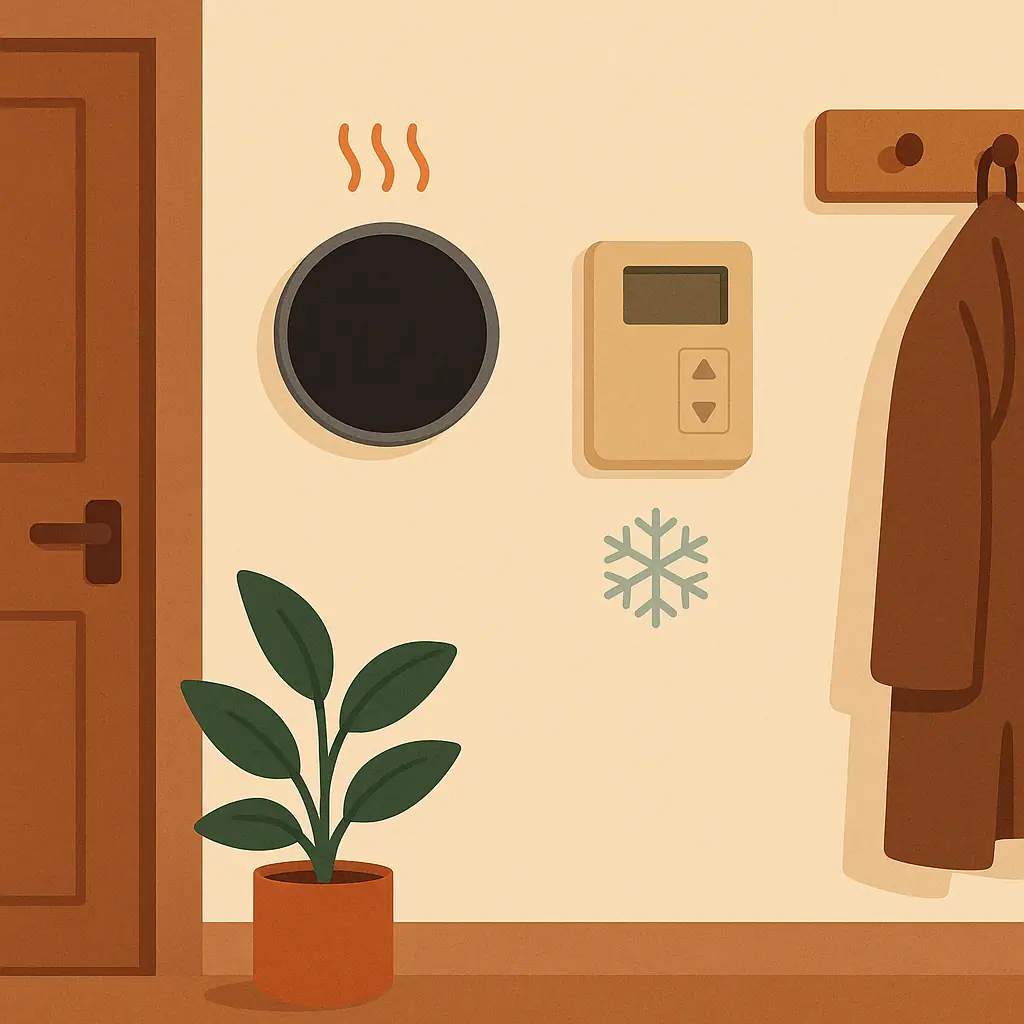
The first check is compatibility. Confirm your HVAC system type, wiring labels, whether a common wire is present or required, and whether the thermostat supports your equipment. Take a photo before removing anything, and label wires if the manufacturer instructions tell you to.
The U.S. Department of Energy explains that thermostat setbacks can save energy when used correctly, including turning a thermostat back 7 to 10 degrees for 8 hours a day in many homes: Department of Energy programmable thermostat guidance.
That does not mean every home should copy one exact number without thought. Heat pumps, local climate, comfort needs, medical needs, pets, and household schedules can change what is reasonable. Treat official guidance as a starting point, then adapt carefully.
- System type: know whether you have conventional heating and cooling, a heat pump, auxiliary heat, radiant heat, or another setup.
- Wiring: compare the old thermostat terminals with the new thermostat's compatibility checker and manual.
- Power: do not assume every thermostat can run reliably without a common wire or approved adapter.
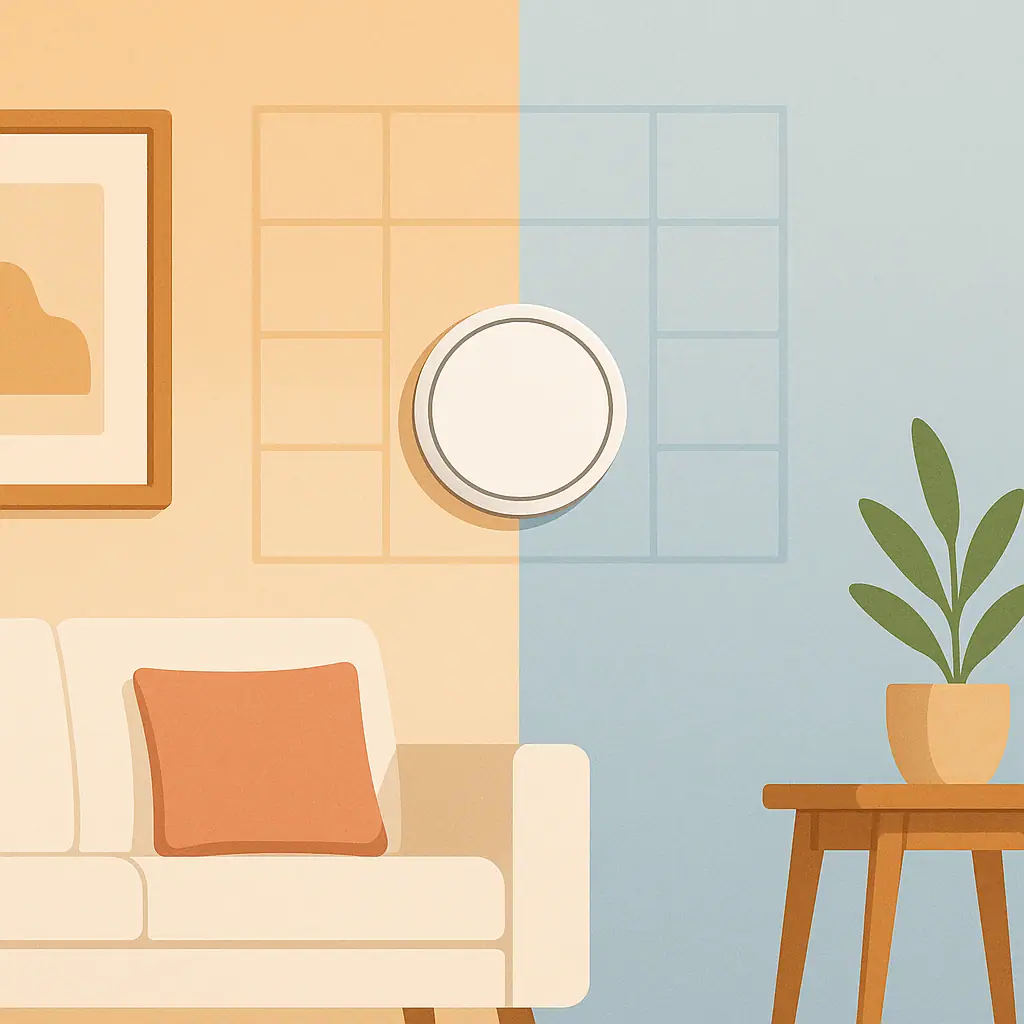
- Placement: a thermostat near sun, drafts, lamps, doors, or kitchen heat may read the home poorly.
- Wi-Fi: weak signal can make remote control and updates unreliable, even if the thermostat itself still controls temperature.
How to Handle Smart Thermostat Setup Step by Step
Use the setup like a careful checklist, not a speed run. The goal is to leave yourself a clear path back if something feels wrong.
- Read the exact manual first. Use the model number on the box or device, because thermostat families often have similar names but different requirements.
- Photograph the old wiring. Capture the terminal labels clearly before disconnecting wires. If anything is confusing, stop before moving wires.
- Confirm compatibility in writing. Use the manufacturer's checker or support page and keep the result until the thermostat is working normally.
- Set one simple schedule. Choose wake, away, evening, and sleep periods only if they reflect real household patterns.
- Delay advanced features. Leave geofencing, learning schedules, eco modes, and occupancy rules off until the basic schedule feels stable.
- Review after a normal week. Watch comfort, runtime surprises, and household complaints before making the next change.
Use plain names
If the app asks for room names, use words people say out loud: hallway thermostat, bedroom sensor, living room, office. Avoid model numbers or clever names that become confusing later.
Change one setting at a time
If you adjust schedule, eco mode, and sensor priority all at once, you will not know which change helped or hurt. One setting at a time makes troubleshooting much easier.
Pros and Cons of a Careful Setup
Fewer surprises
A simple first schedule makes the thermostat easier to understand and less likely to feel random.
Better troubleshooting
When you change one setting at a time, it is easier to find the setting that caused a comfort or runtime problem.
Safer compatibility decisions
Checking wiring, voltage, and system type before setup reduces the chance of guessing about HVAC controls.
It takes a little longer
Reading the manual, taking photos, and checking compatibility can feel slower than tapping through the app.
Some answers still need a pro
Unusual wiring, line-voltage systems, heat pumps, and auxiliary heat settings may require qualified help.
Common Thermostat Setup Mistakes to Avoid
The most common mistakes are not dramatic. They are ordinary shortcuts that make the thermostat harder to trust later.
- Skipping the wiring photo: a clear before photo can save a support call if wires get mixed up.
- Ignoring system type: heat pump and auxiliary heat settings should not be guessed.
- Turning on every smart feature immediately: learning mode, geofencing, eco settings, and sensors can overlap in confusing ways.
- Choosing extreme temperatures: aggressive setbacks may feel uncomfortable or create complaints, even when the idea sounds efficient.
- Forgetting household exceptions: pets, shift work, medical comfort needs, guests, and remote work can make a generic schedule feel wrong.
- Placing sensors poorly: sun, vents, windows, lamps, and electronics can create readings that do not represent the room.
A Simple Setup Checklist
Before you call the setup done, run through this short checklist.
- Do I know my HVAC system type? If not, pause and verify before changing advanced equipment settings.
- Did I save a wiring photo? Keep it somewhere easy to find, at least until the thermostat has worked normally for a while.
- Is the first schedule simple? A few clear periods are better than a complicated routine nobody understands.
- Are advanced features limited? Turn on one optional feature at a time and review the result.
- Can I undo the last change? If you cannot explain what changed, the setup is moving too fast.
When to Get Extra Help
Get extra help if you see thick line-voltage wires, unfamiliar terminals, stranded or damaged wires, a system with multiple stages, heat pump questions, auxiliary heat settings, or anything that does not match the thermostat manual. Smart-home convenience is not worth guessing about HVAC controls.
It is also worth asking for help if the thermostat repeatedly loses power, the HVAC system short cycles, heat or cooling does not respond as expected, or the app asks questions you cannot answer confidently. A qualified HVAC professional can separate thermostat setup from equipment problems.
Frequently Asked Questions
What should I check first before setting up a smart thermostat?
Check compatibility for your exact HVAC system, wiring, and thermostat model. If the wiring or system type is unclear, stop and ask a qualified professional before continuing.
How often should I review my thermostat schedule?
Review it after the first normal week, then again when seasons or household routines change. A schedule that works in spring may need adjustment in summer or winter.
Should I turn on learning mode right away?
Not usually. Beginners often do better with a simple manual schedule first. Once the home feels stable, you can test learning or automation features one at a time.
Can I undo smart thermostat settings later?
Usually yes, but exact steps vary by brand and app version. Keep notes on major changes, and use the manufacturer's help page when you need current instructions.
Final Thoughts
The best way to avoid common smart thermostat setup mistakes is to slow the first setup down just enough to make it reversible. Verify compatibility, save the wiring photo, start with a simple schedule, and add smart features only after the basics feel calm.
A smart thermostat should make daily comfort easier to understand, not harder. If a setting creates confusion, step back to the last setup that worked and rebuild from there.